
On this page
Open the Character Wheel and pick Jason or Lucia. Rockstar showed the wheel in the Extended Look but not the button, so guides that say "hold Down on the d-pad" are guessing from GTA V. If nothing happens, a story mission has probably locked you to one character.
This guide covers the controls: the button that opens the Character Wheel, what changes on Xbox, and what to do when a switch will not go through. For when the story lets you swap, and how switching plays out in missions, read how character switching works in GTA 6.
Step by step
These are the steps we expect on launch day. Only the wheel itself has been shown.
- Open the Character Wheel. It appears in the Extended Look. The button does not. GTA V opened its wheel by holding Down on the d-pad, and Beebom’s guide assumes GTA 6 copies that with R1 to move the highlight. Treat that as a guess, not a report.
- Pick the other character. Jason or Lucia.
- Watch the swap. If the two are in the same scene, the camera cuts straight to the other one. If they are apart, it climbs over the map and flies to them.
- If nothing happens, you are probably in a mission that locks you to one character. Finish that stretch and try again.
Switch controls on PS5 and Xbox
| Action | PS5 | Xbox | GTA V, for reference |
|---|---|---|---|
| Open the Character Wheel | Not shown | Not shown | Hold Down on the d-pad |
| Pick Jason or Lucia | Not shown | Not shown | Pick a portrait on the wheel |
Beebom wrote that if GTA 6 keeps GTA V’s scheme, you would hold Down on the d-pad and press R1 on PS5 or RT on Xbox. Nothing in the footage confirms it, and R1’s usual Xbox partner is RB, not RT. We will fill in this table on November 19, and our GTA 6 controls page tracks every other input reported so far.
What the swap looks like
Everything here comes from the 26:48 Extended Look, as read by outlets that went through it frame by frame.
- The wheel. Postmode notes the player pulling up the Character Wheel to switch to Lucia. It shows a portrait of each lead with a heart icon between them.
- Instant swaps when they are together. There is no satellite zoom-out, just a quick cut to Lucia’s view (Postmode).
- Map-crossing swaps when they are apart. KeenGamer describes Lucia BASE jumping off a skyscraper, then the camera rising over Vice City, crossing the map and dropping in on Jason with Cal Hampton.
When the switch will not work
- A story mission has locked you to one character. Some missions keep you on Jason or on Lucia for their whole length, and some switch you automatically at set moments, so a swap can happen without a button press. The character switching explainer has the examples Rockstar gave.
- You are wanted. Nobody has shown a switch with stars on the HUD, so this may or may not block the wheel. Splitting the pair up is one of the reported ways to shed evidence; see how to lose your wanted level.
What we expect
- Xbox follows PS5. If a PS5 shoulder button is involved, the Xbox equivalent will sit in the same place (R1 on PS5 is RB on Xbox). That is our assumption until we have the game.
- No remapping menu yet. Rockstar has not shown a control settings screen, so whether you can move the switch to another button is not known.
Still unknown
- The switch button on either console.
- Whether you can switch while wanted, and whether the pursuit follows the character you leave behind.
- How long a solo run can last before the story brings the pair back together.
Time spent together feeds the couple’s bond, covered in the relationship explainer and how to go on a date in GTA 6.
Frequently asked questions
What button switches characters in GTA 6?
Not known yet. The Extended Look showed the Character Wheel on screen but not the input that opens it. Beebom's "hold Down on the d-pad" advice is explicitly a guess based on GTA V's layout. We will confirm the PS5 and Xbox buttons on November 19.
What is the character switch button on Xbox?
Not shown. The Extended Look and every preview session ran on PS5, and no Xbox prompt has appeared. Rockstar usually keeps buttons in the same place on both pads, so a PS5 shoulder button would become the matching Xbox one (R1 is RB), but that is our assumption until launch.
Why can't I switch characters in GTA 6?
Most likely a story lock. Rob Nelson of Rockstar North told Famitsu that some missions keep you on one character and some switch you automatically. Finish that stretch of the mission and the wheel should work again.
Is there a loading screen when you switch?
Not when the two are together: Postmode describes a quick cut to the other character's view with no zoom-out. When they are apart, KeenGamer describes the camera rising over Vice City and crossing the map to the other character, much like GTA V.
Can you switch characters while wanted in GTA 6?
Not shown yet. No official footage shows a switch with stars on the HUD, so whether the chase follows the character you leave behind is unknown. Previews do report that splitting the pair up clears the 'seen together' evidence icon.
What changed on this page
- Refocused this guide on the switch controls: a PS5 and Xbox button table, what to try on launch day and what to do when the wheel will not switch. The story rules and Rob Nelson's comments now live on our character switching explainer.
- Corrected the controls (no switch button has been shown or reported, and the d-pad layout other sites quote is a GTA V-based guess), added how a switch looks when Jason and Lucia are apart and Rob Nelson's example of an automatic switch, and split the page into what was shown, reported and expected. Tagged GTABase's switch-any-time line as rumor. Credited the Dazed switching details to the magazine's own description rather than to Rob Nelson, and replaced a 'still unknown' item the page already answers.
More gameplay guides
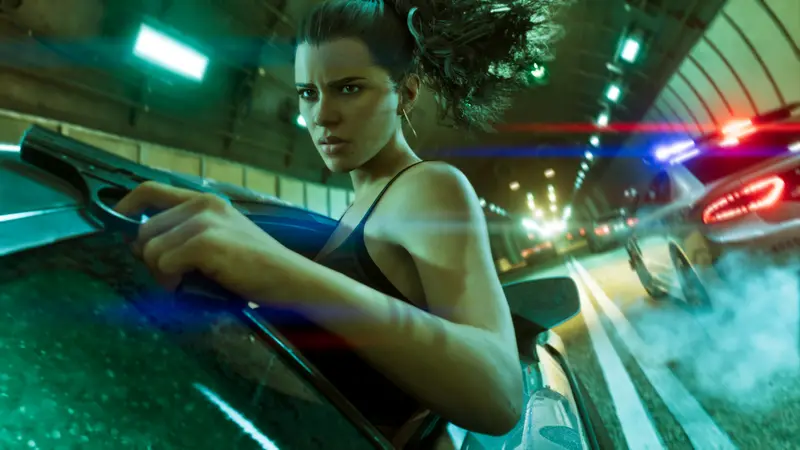
How to Lose Your Wanted Level in GTA 6: Clear Every Evidence Icon
Break line of sight, then clear what the police know: swap the car, change clothes, hide the gun, split up, destroy CCTV. GTA 6 has six stars, like GTA IV.
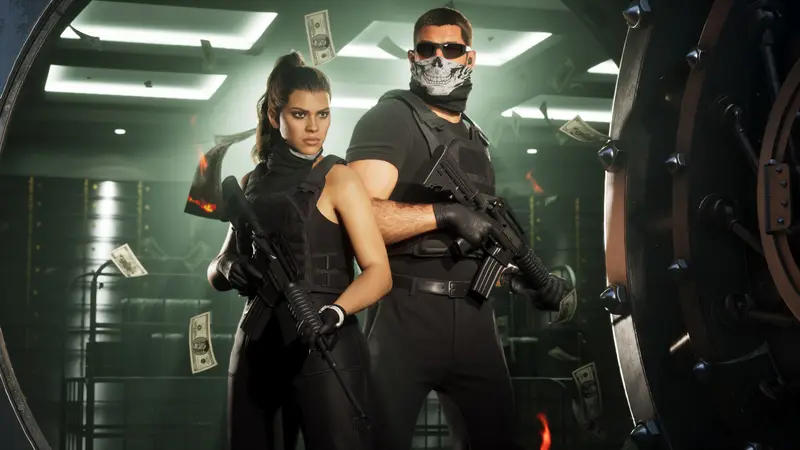
How to Make Money in GTA 6: Robberies, Fences, Stolen Cars and Keeping Your Cash
Previews point to robberies, fences and stolen cars as GTA 6's early money. Bank cash at an ATM often: cash on hand is lost if you die or get busted.
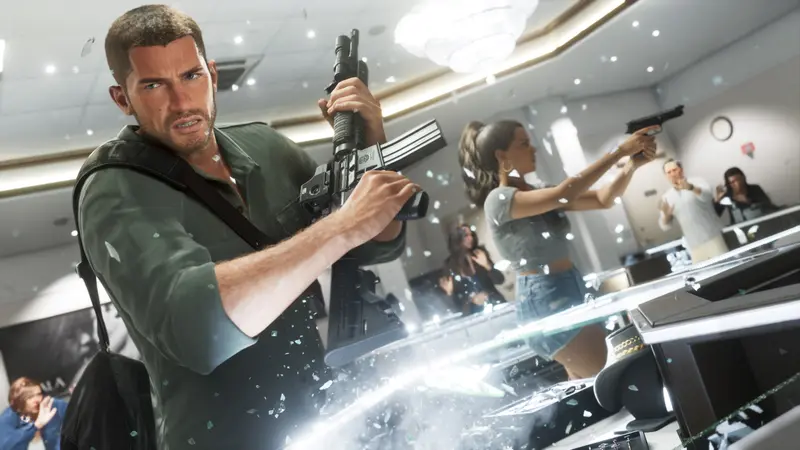
How to Rob a Store in GTA 6: Cameras, the Safe and a Clean Getaway
Scout the cameras, mask up, take control, then choose: blow the safe fast and damage the loot, or find the code for more. GTA 6 robberies so far.
How to Steal Cars in GTA 6: WAINK, Slim Jim, Key Cloner and Trackers
Scan a car with WAINK, slim-jim older models, use a key cloner on luxury ones and watch for trackers. GTA 6 car theft as shown and reported so far.