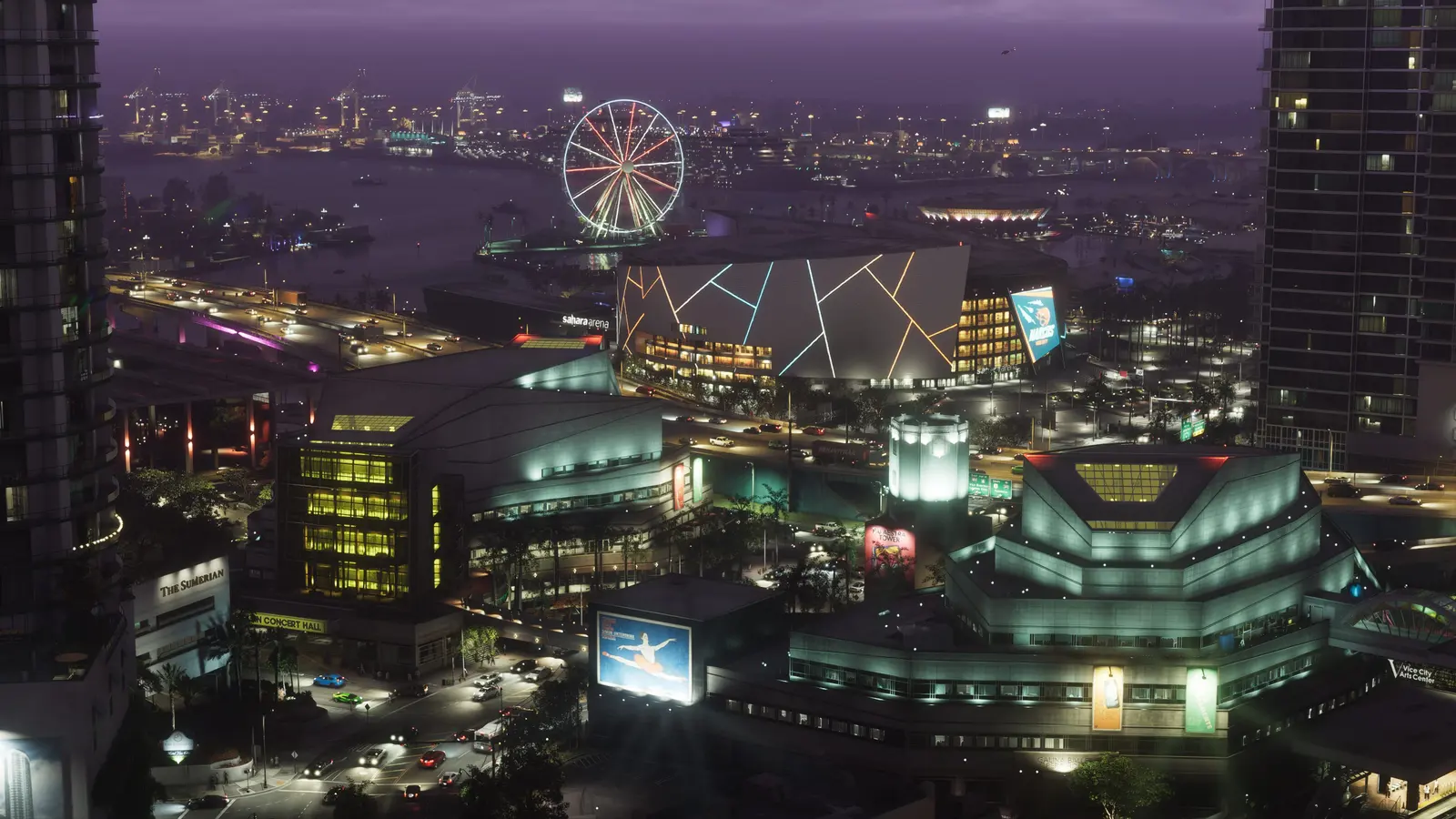
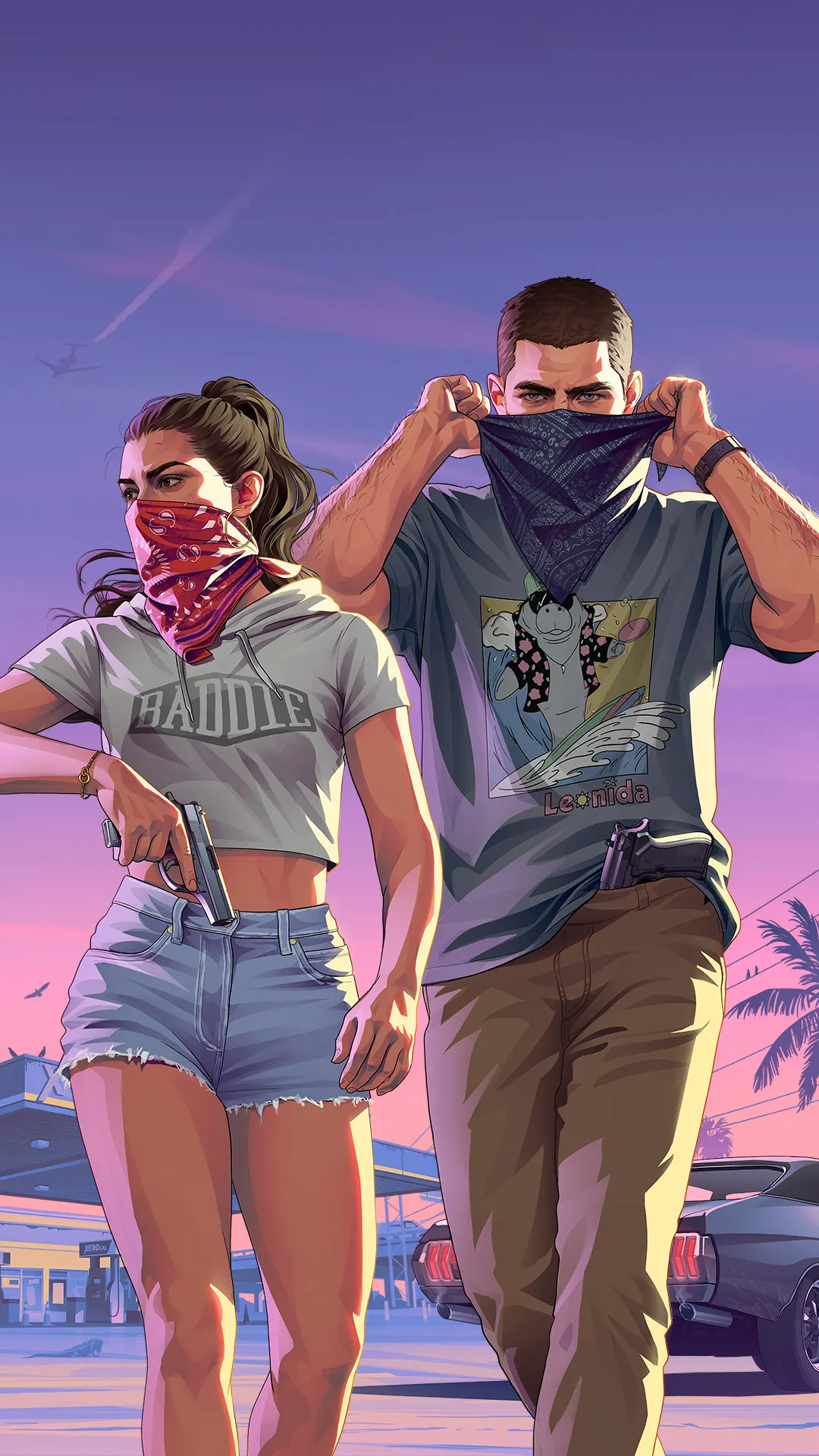
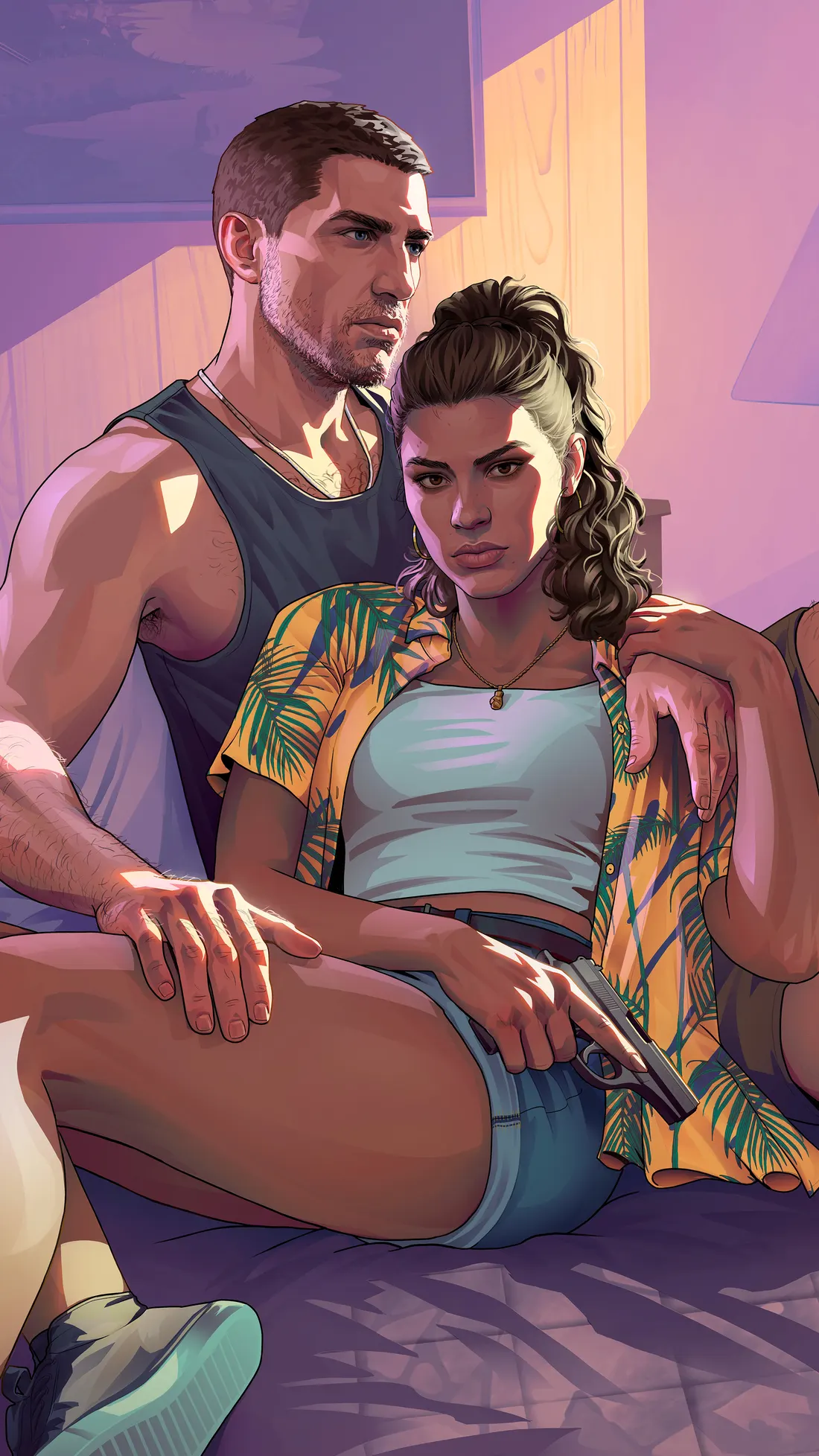
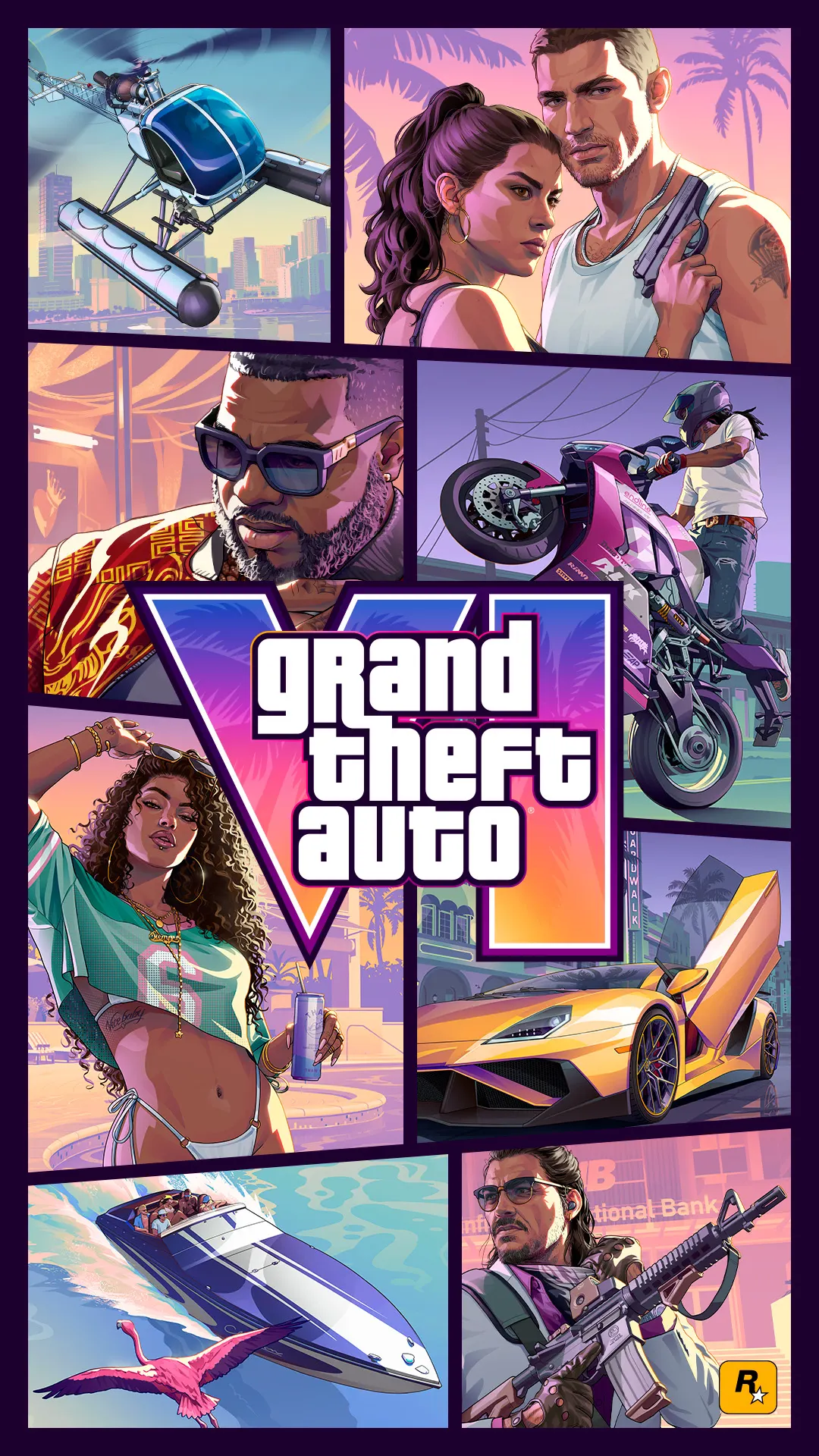
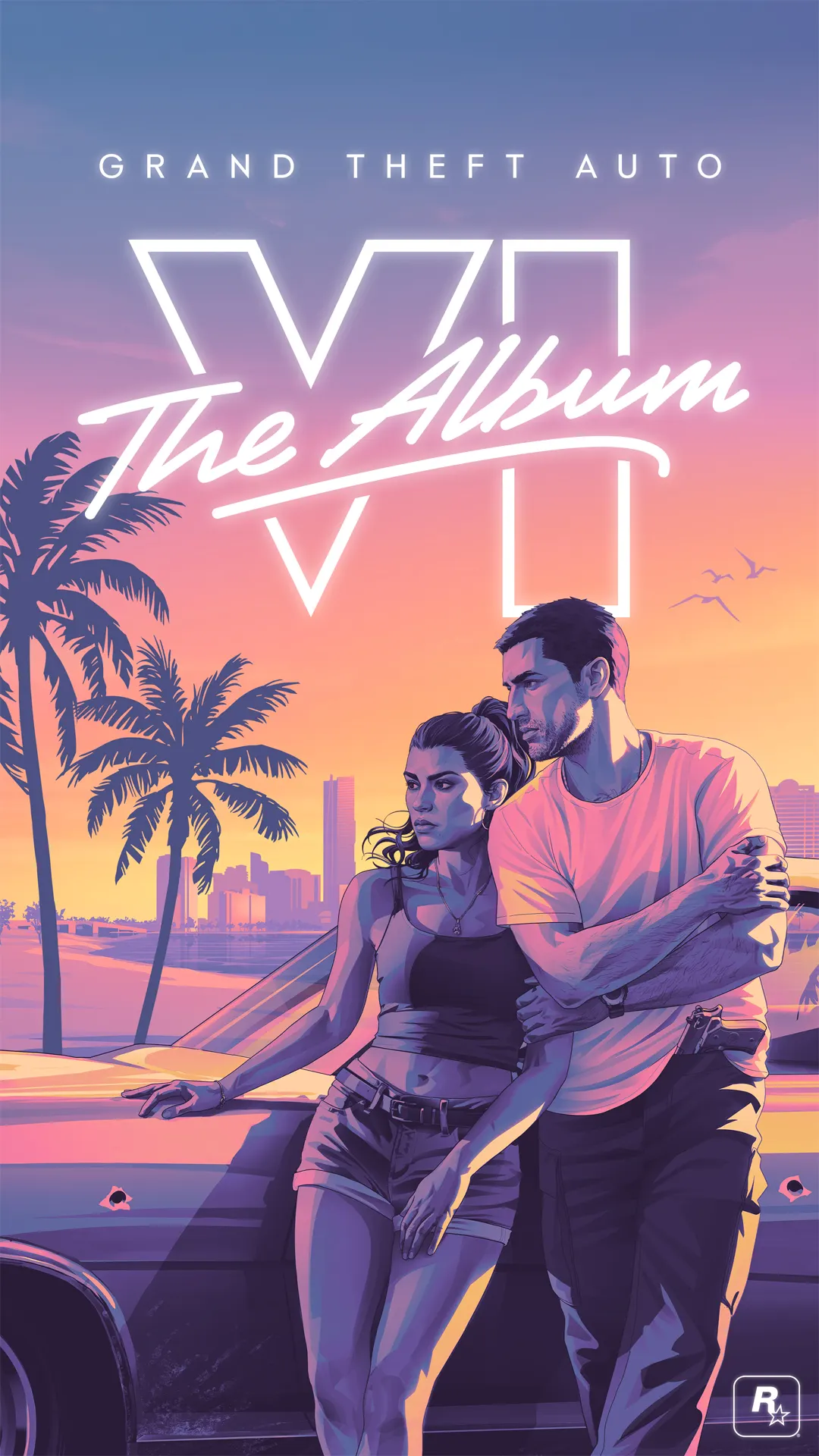
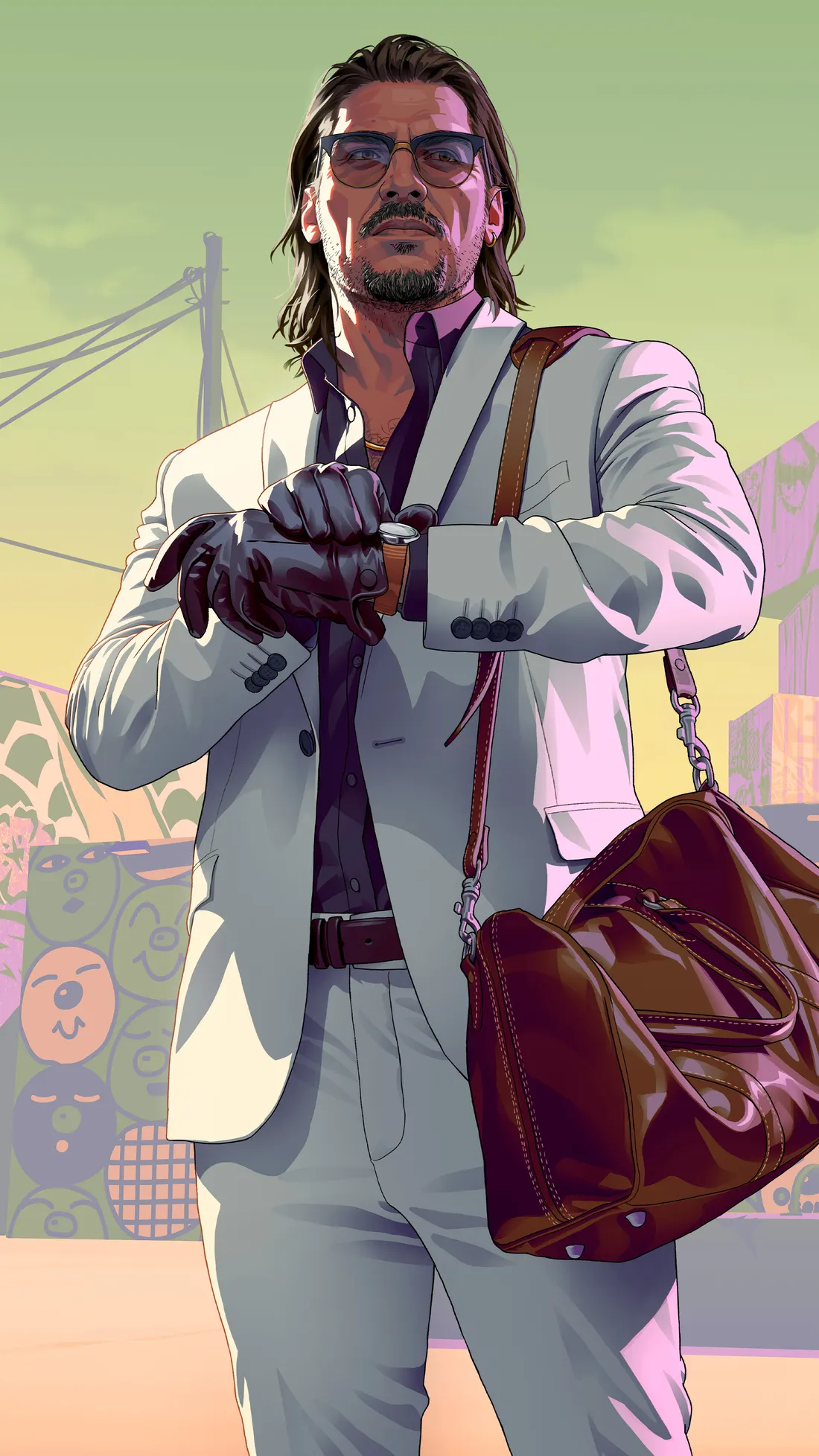
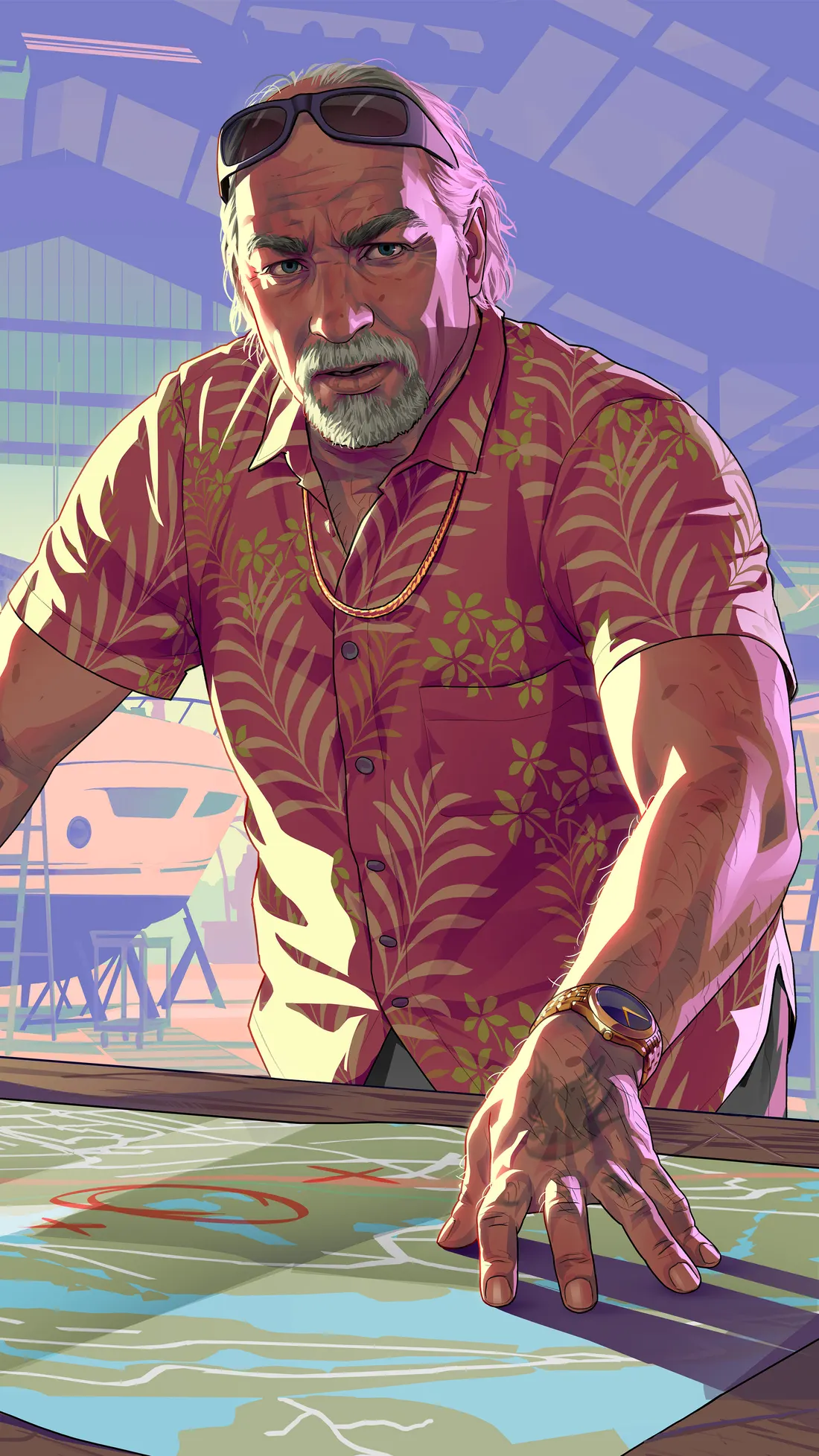
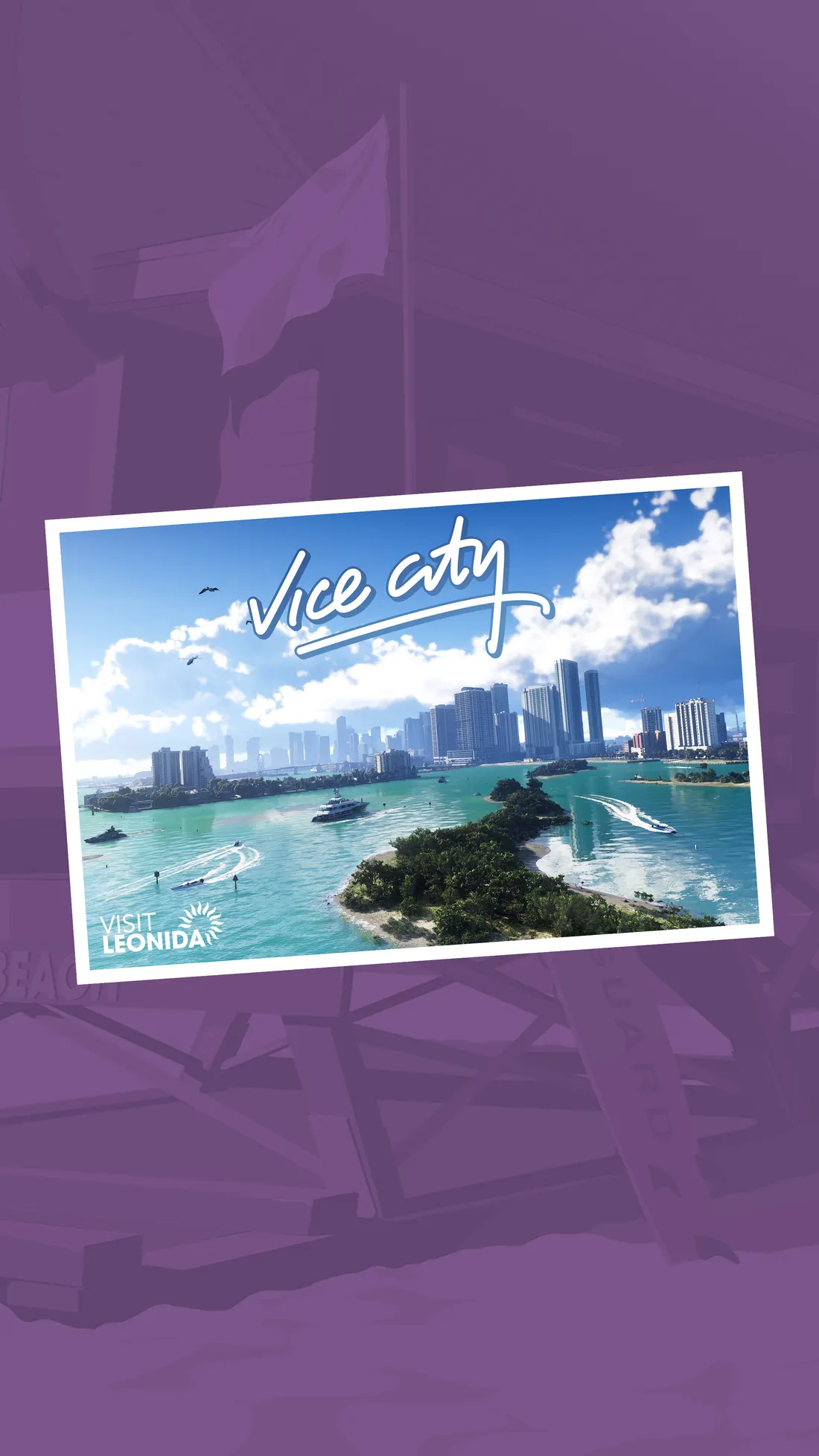
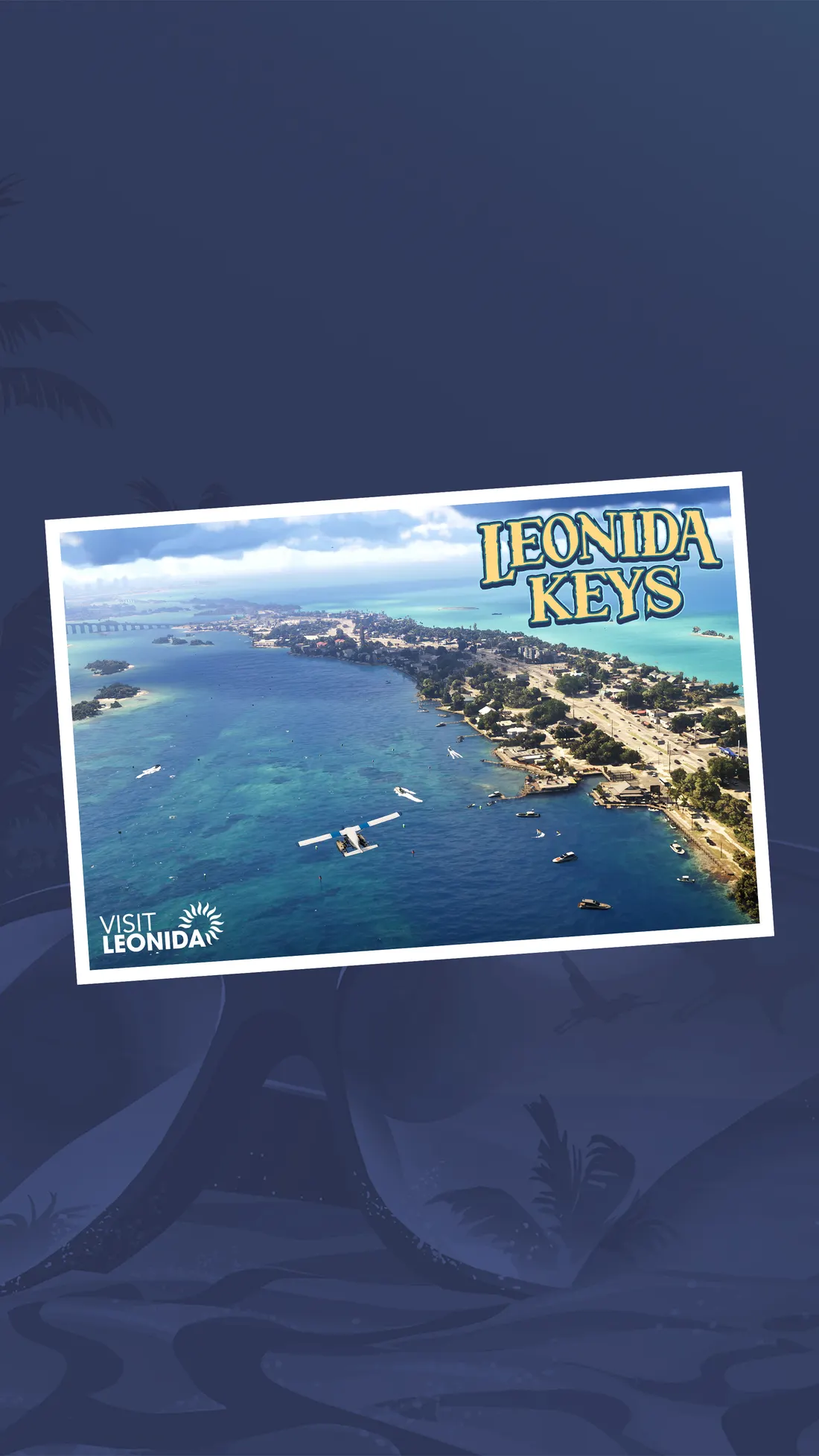
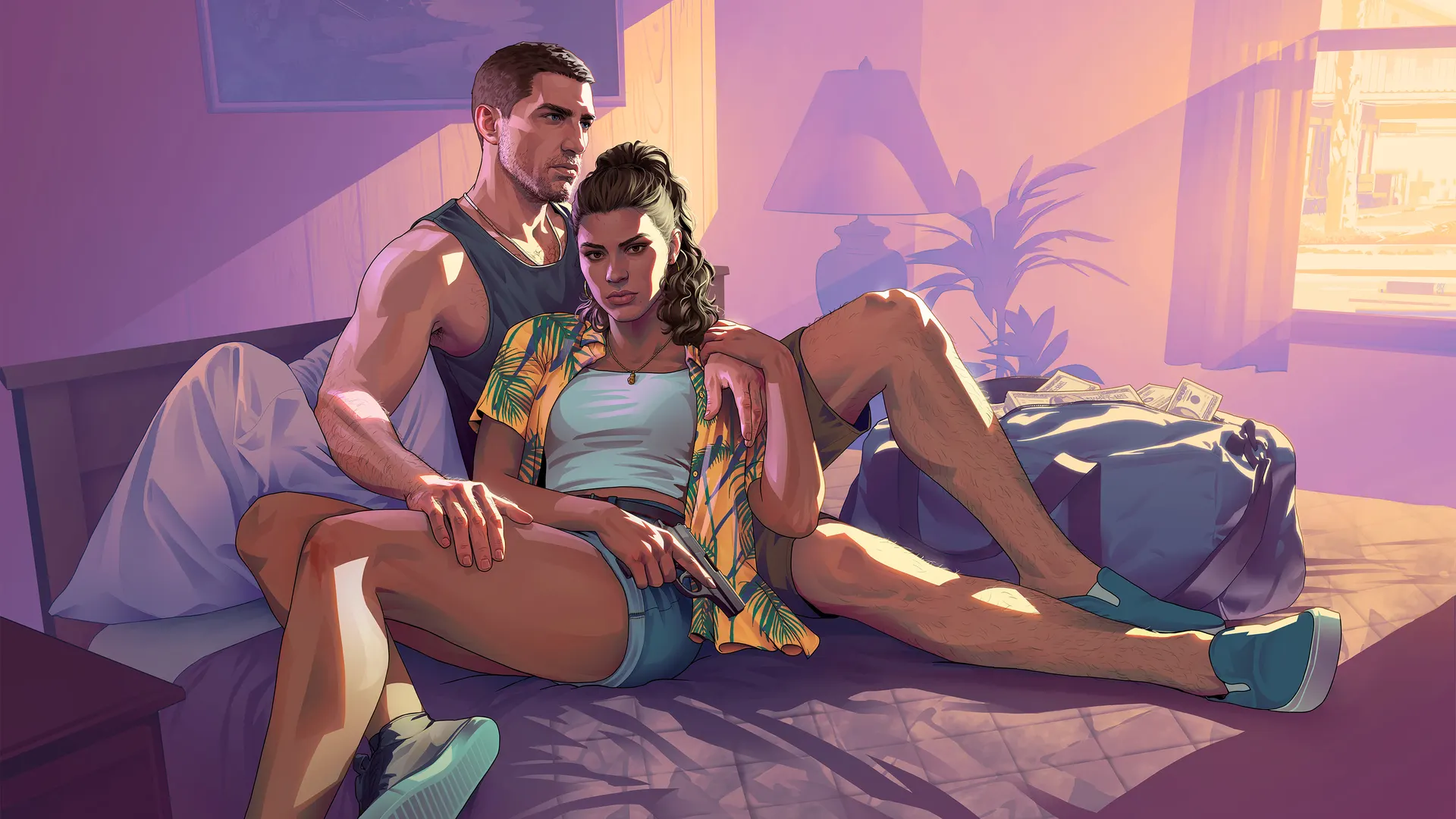
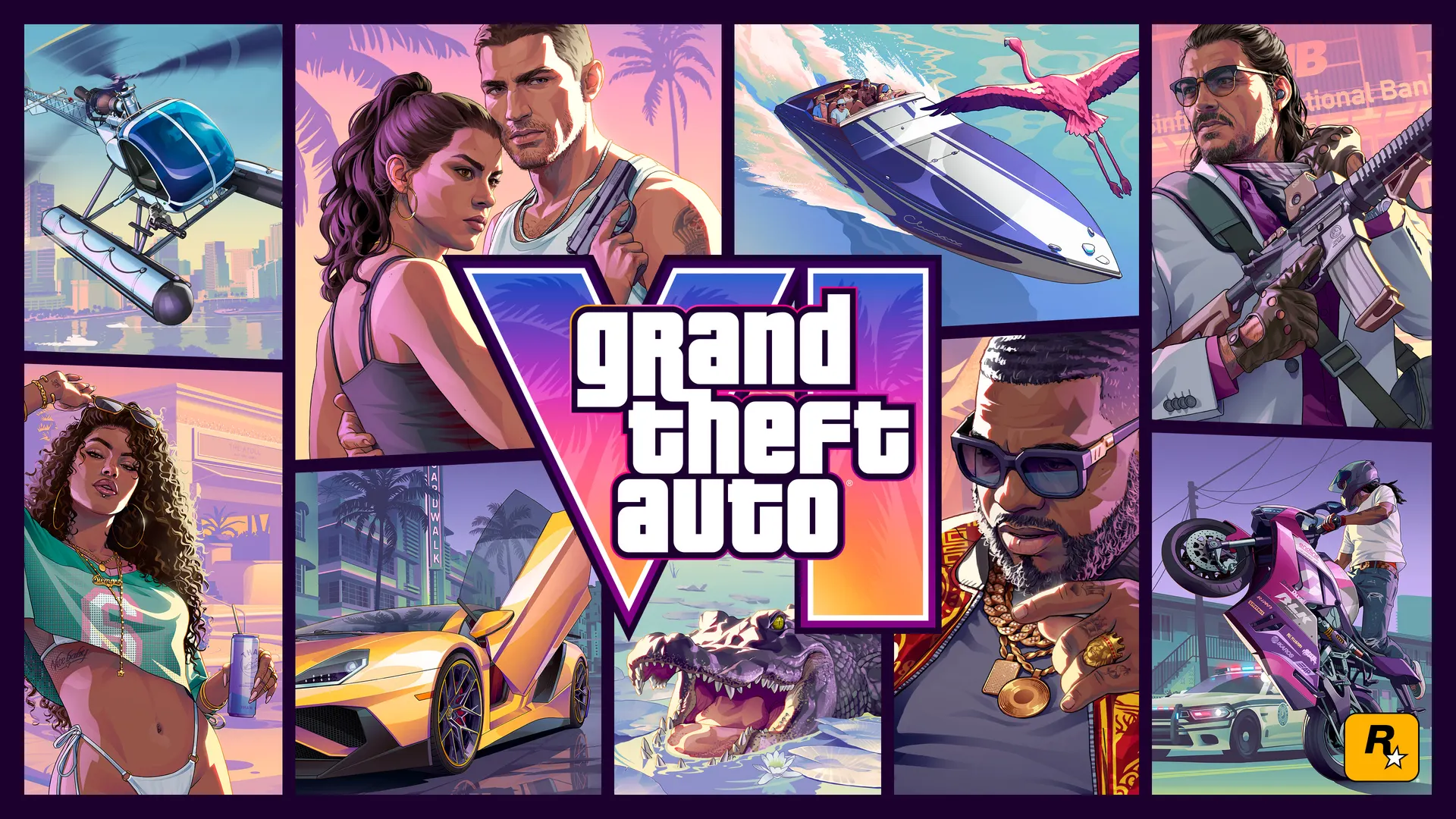
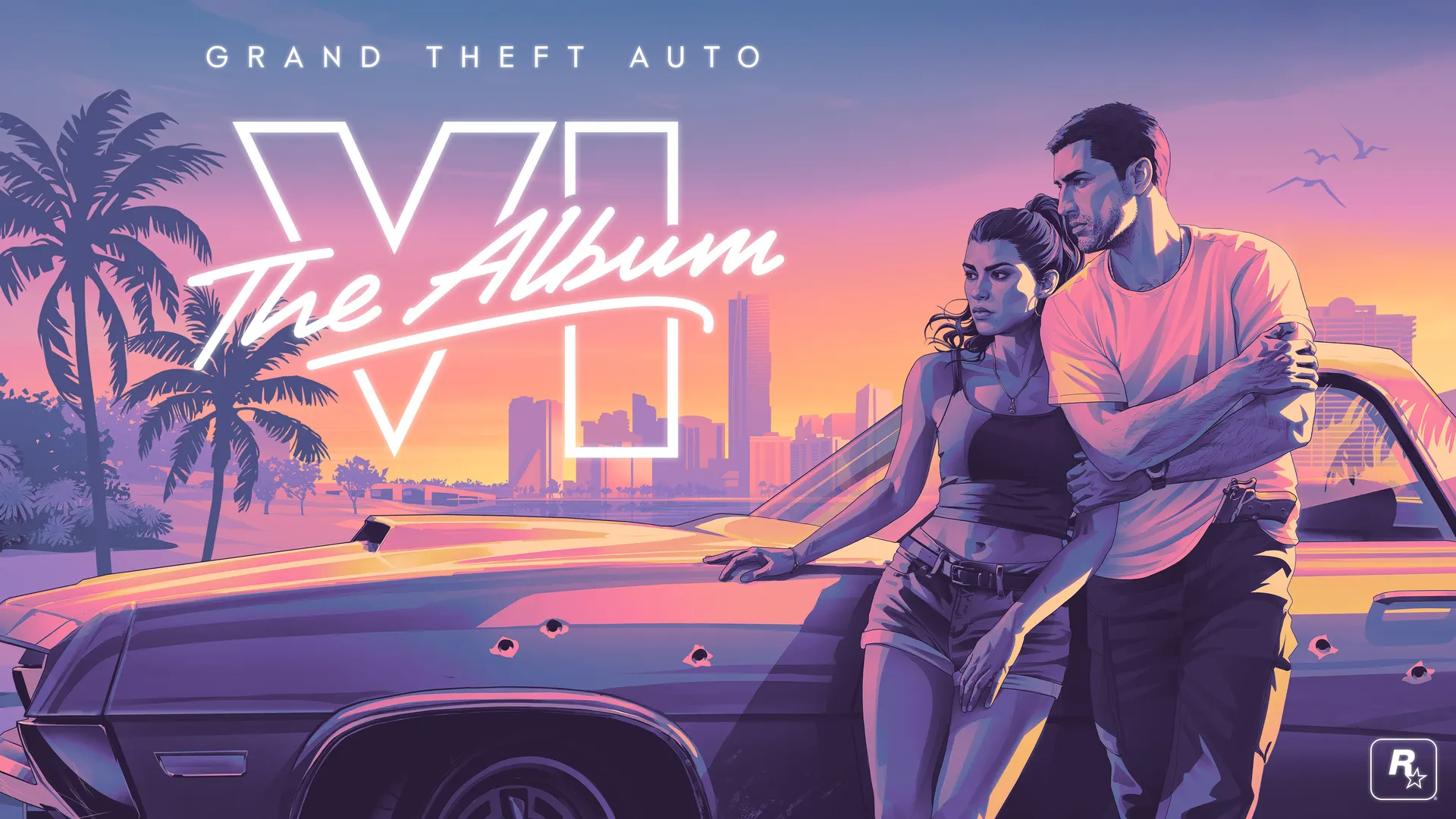
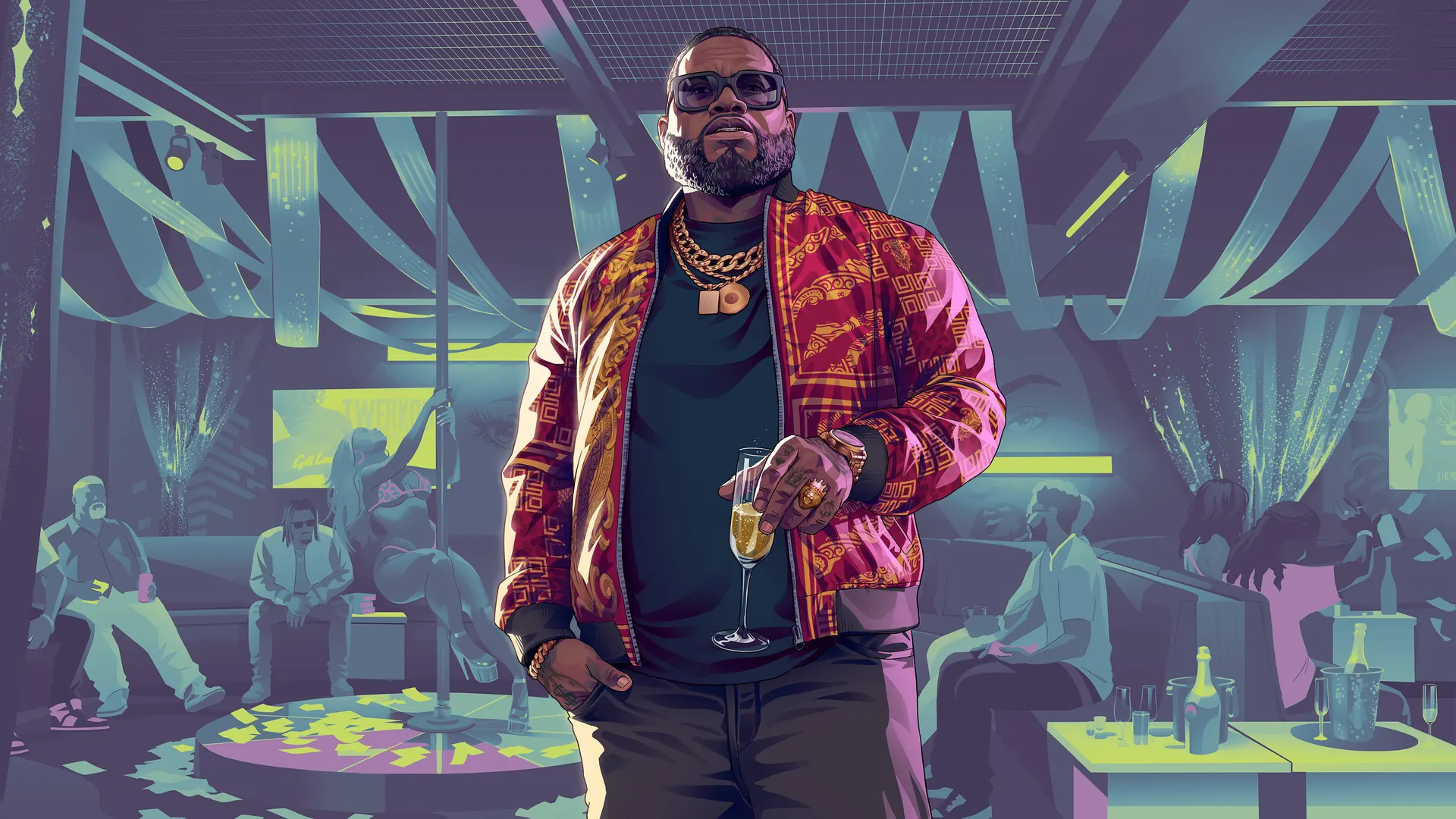
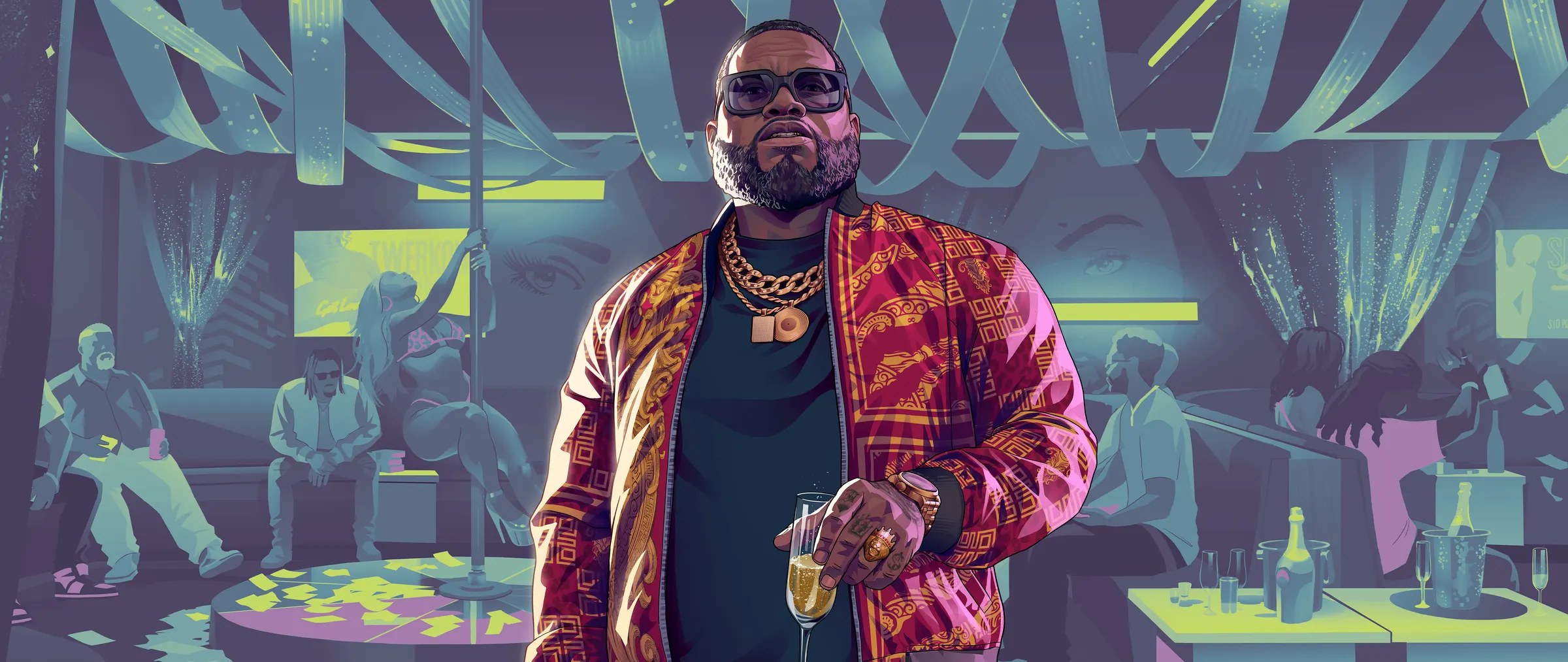
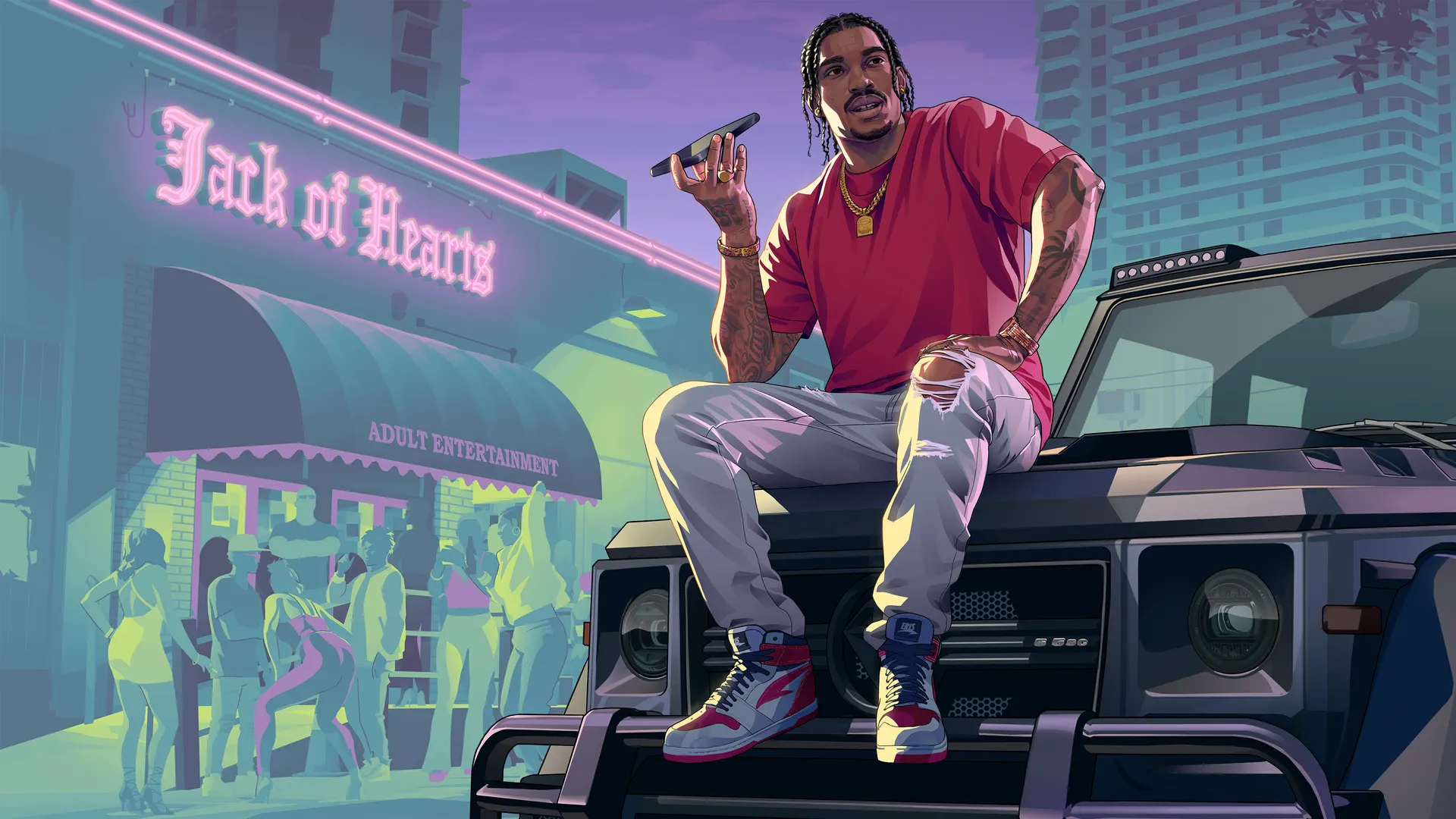
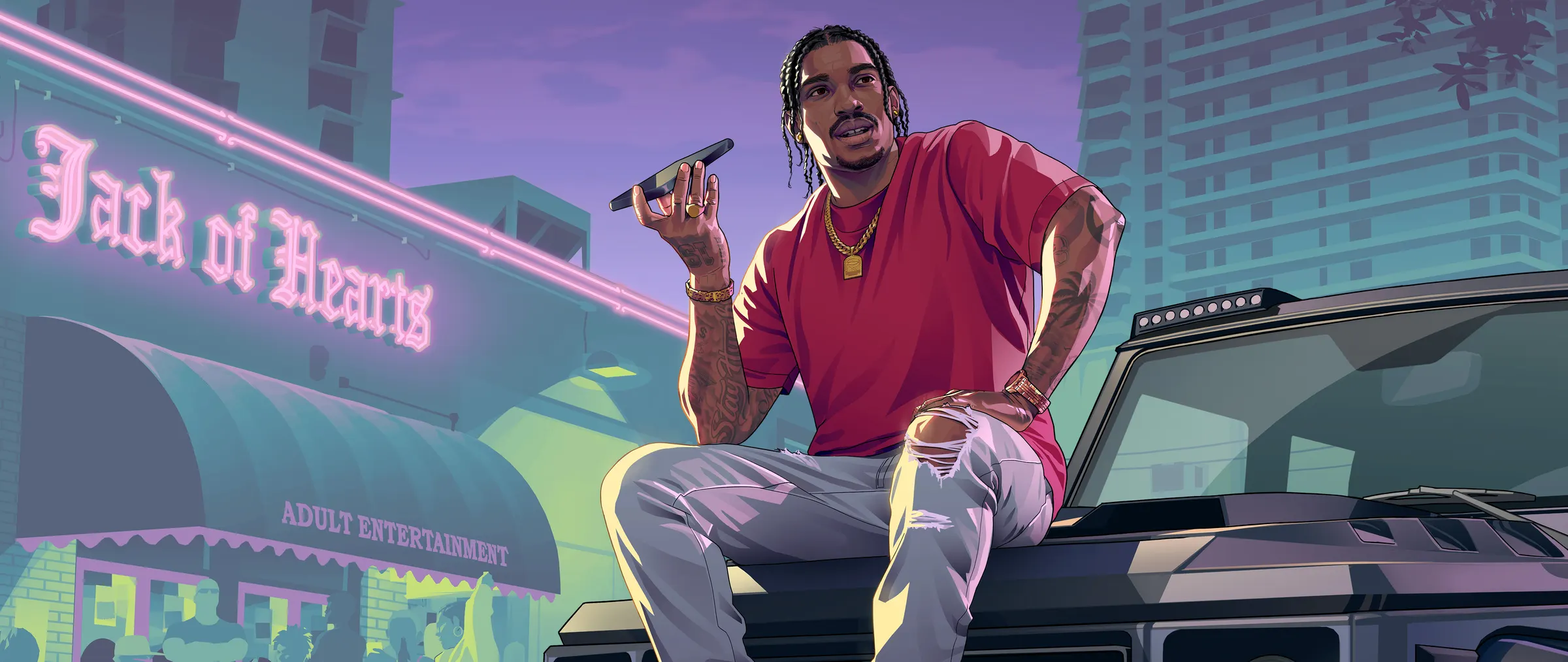
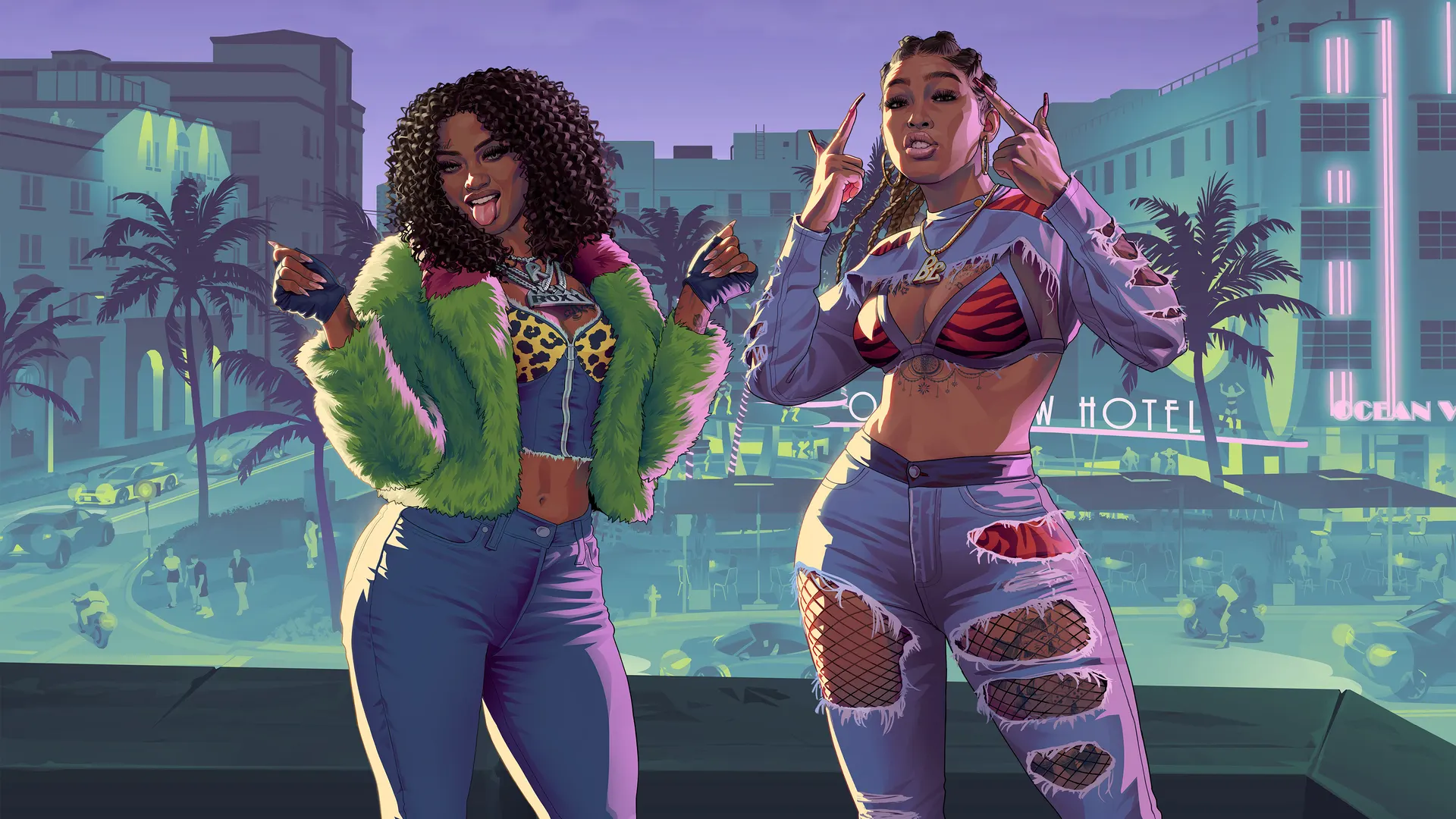
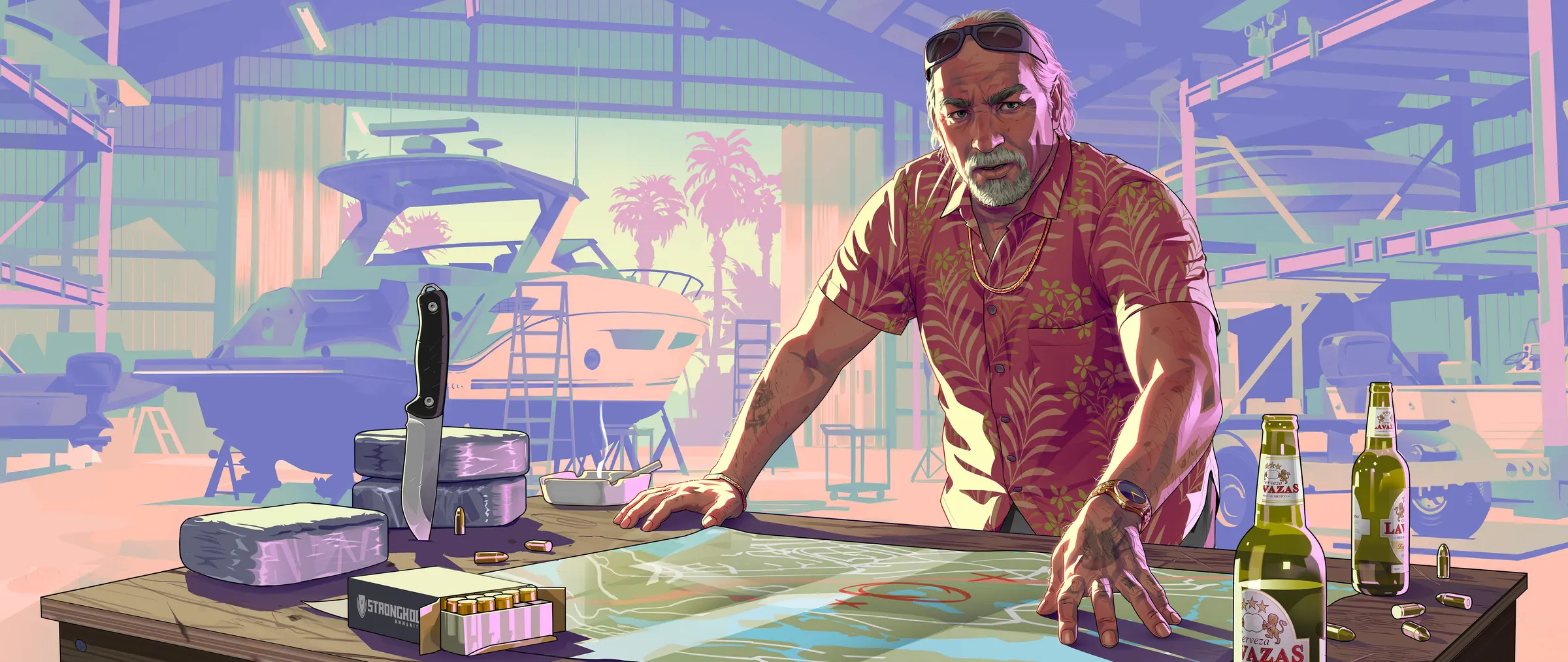
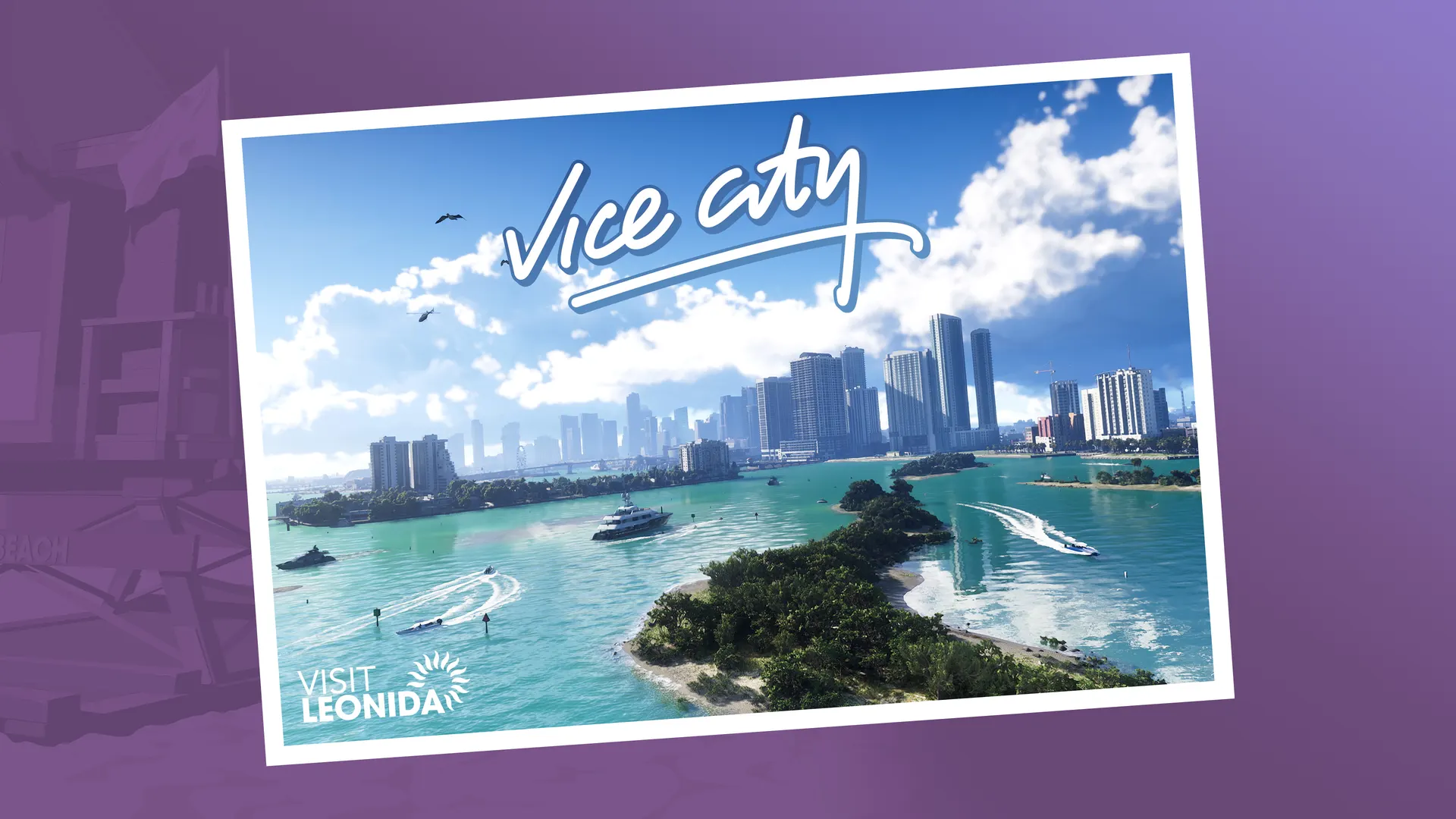
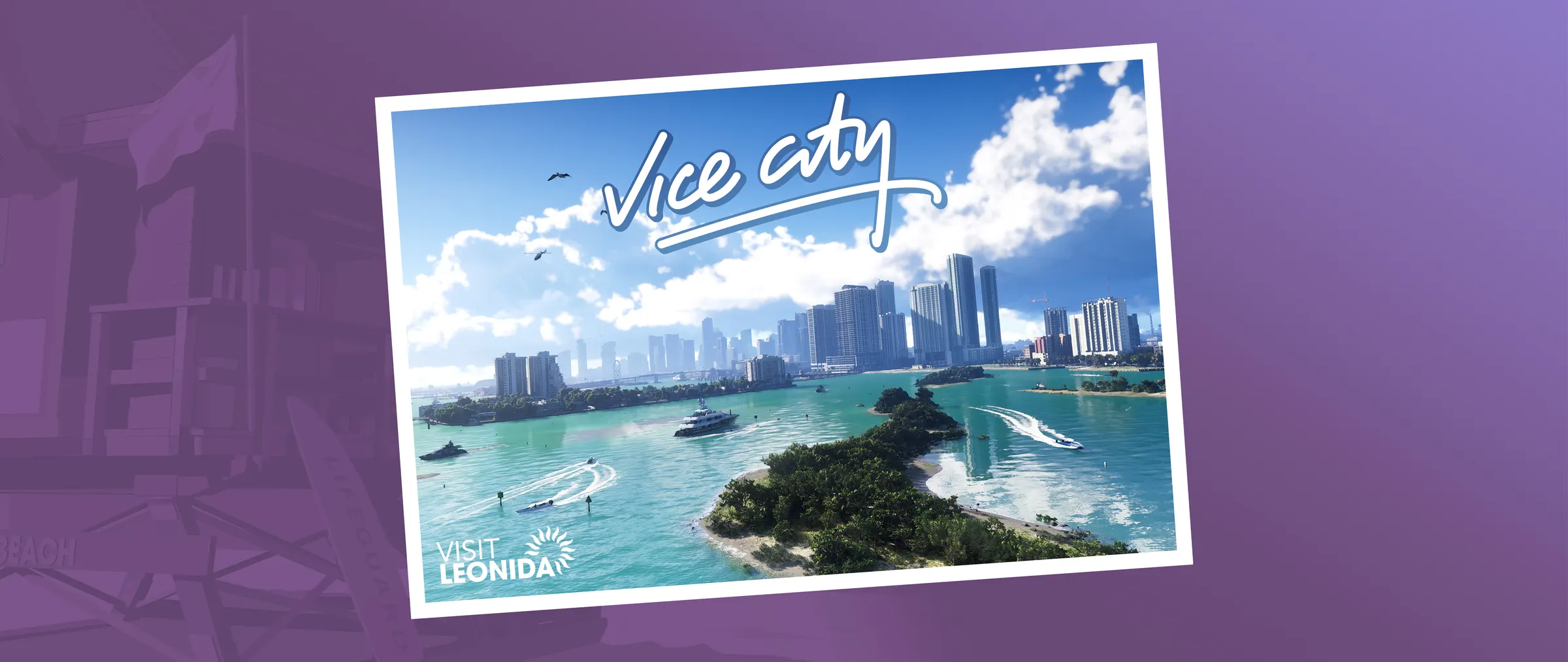
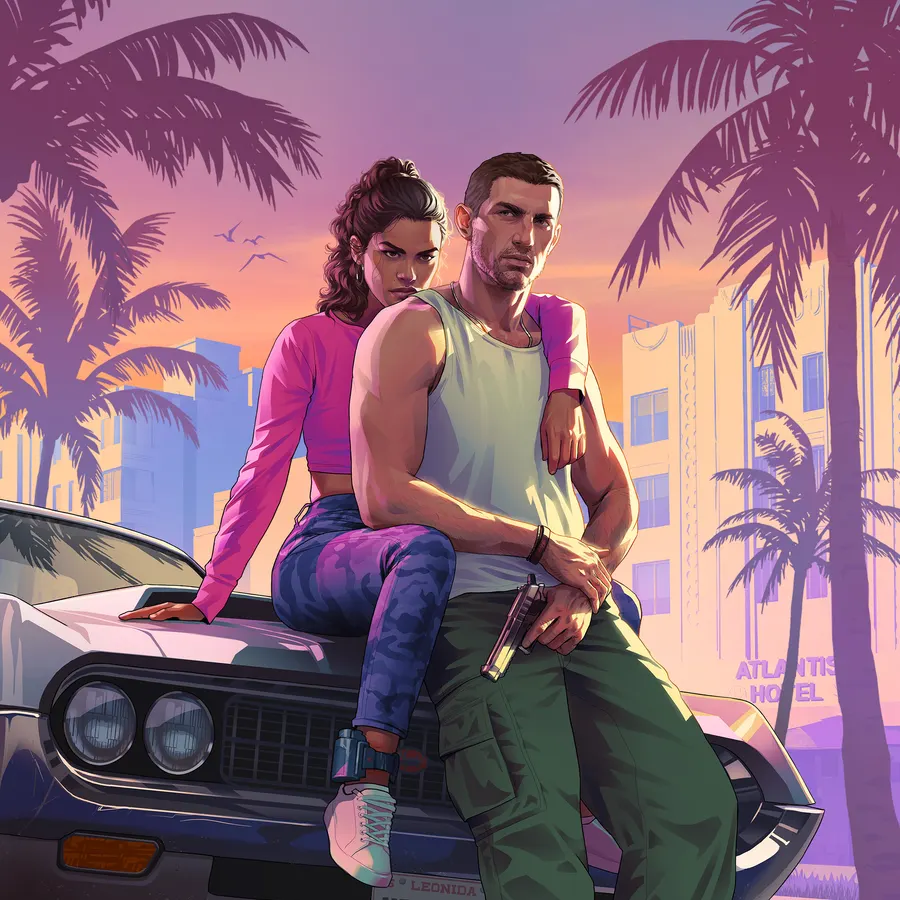
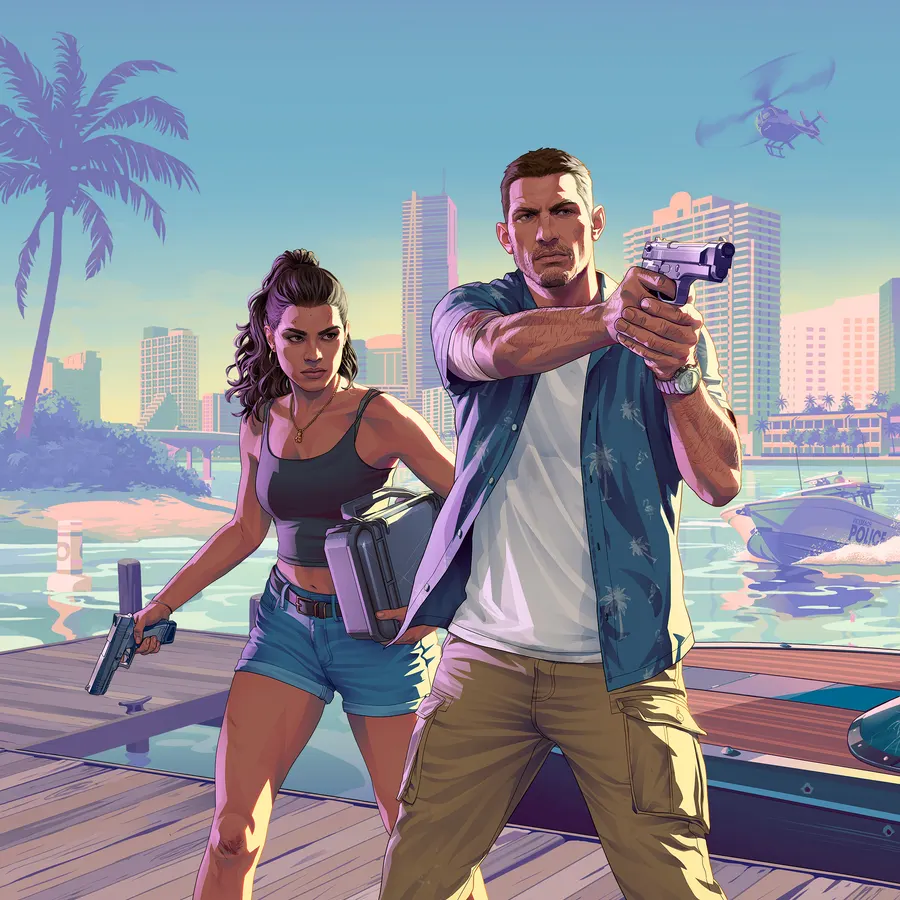
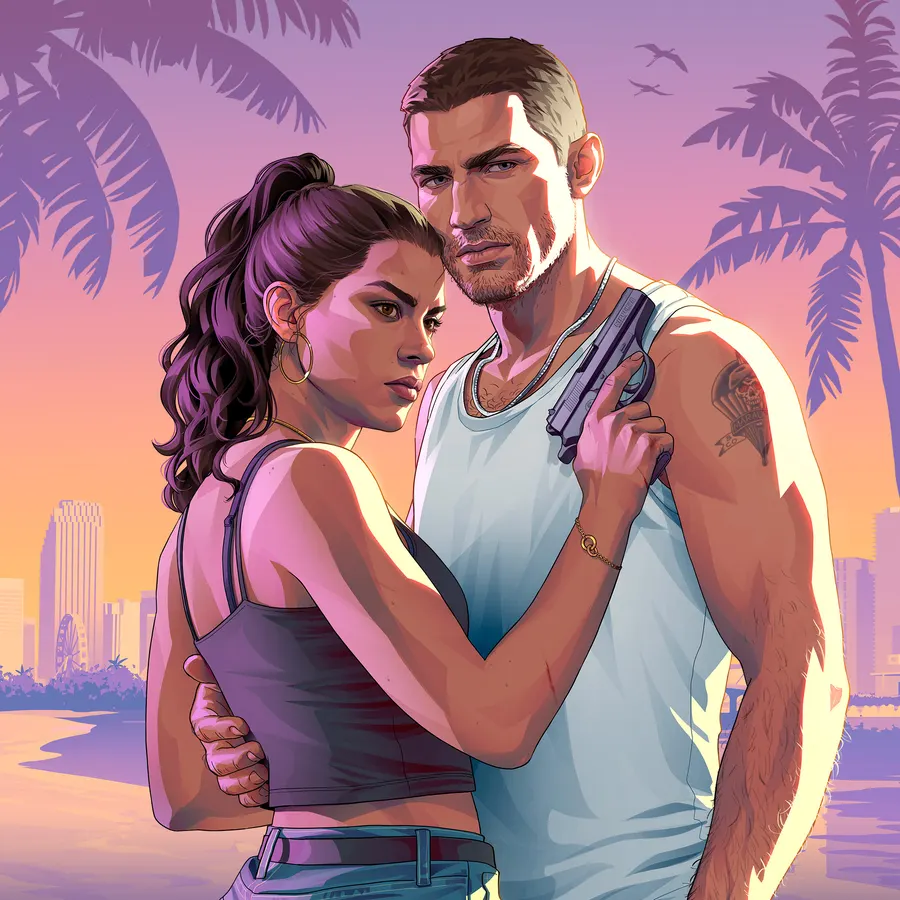
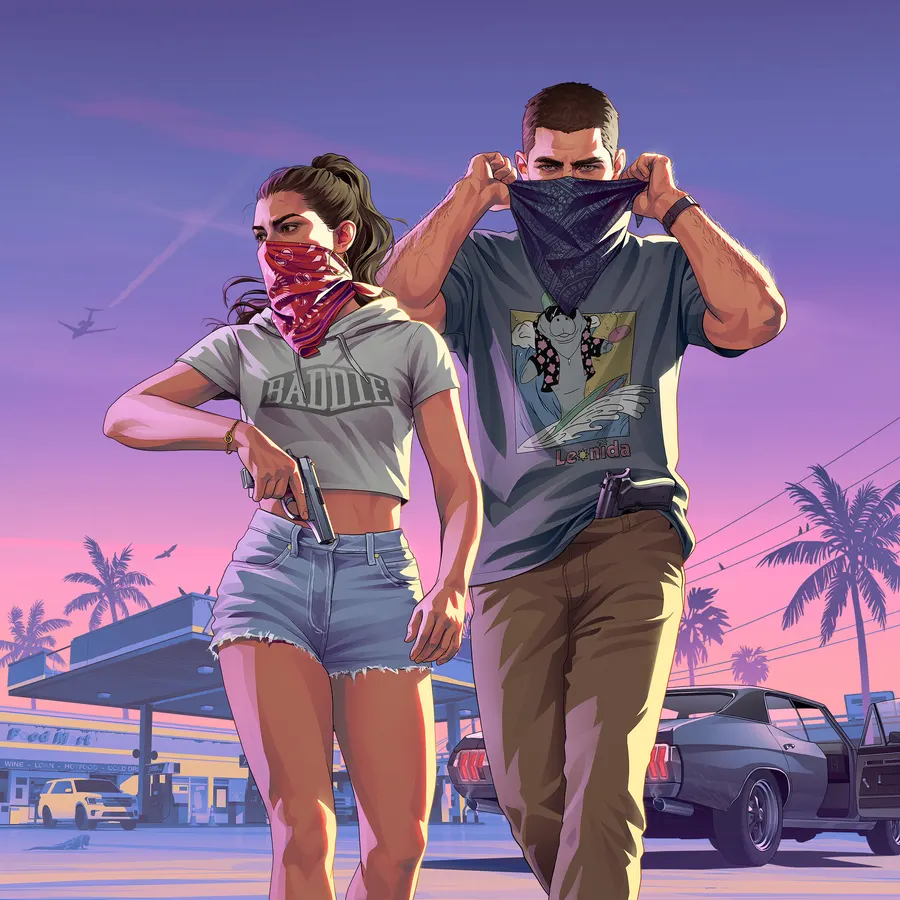
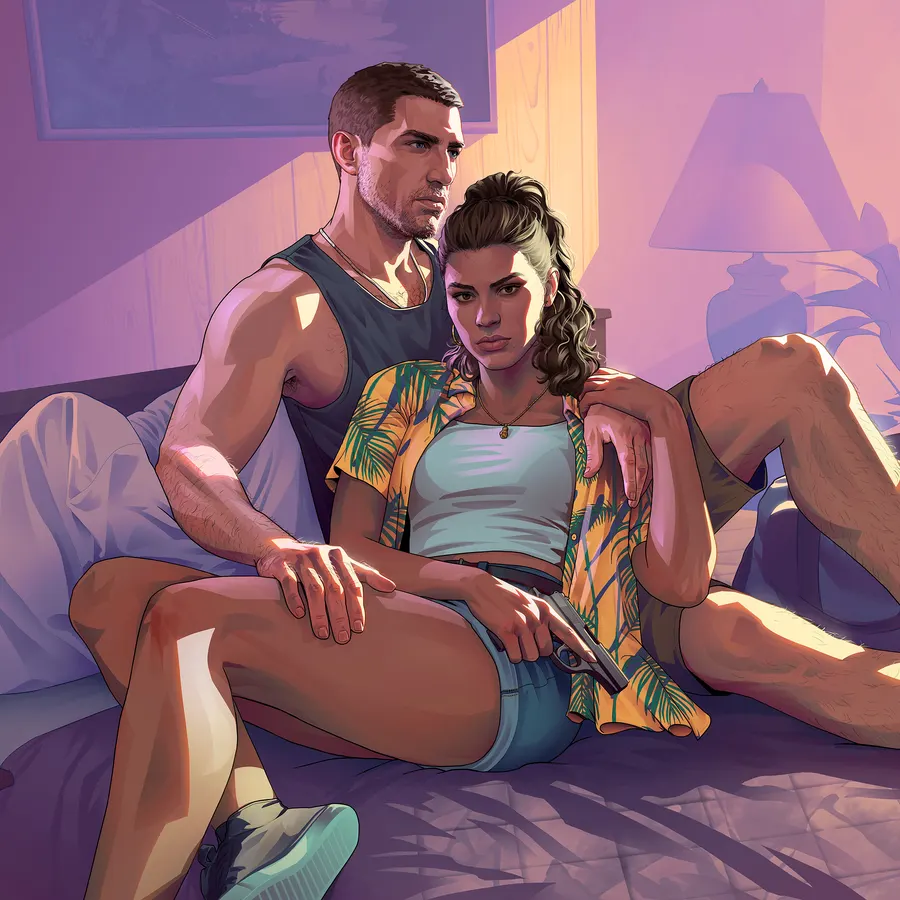
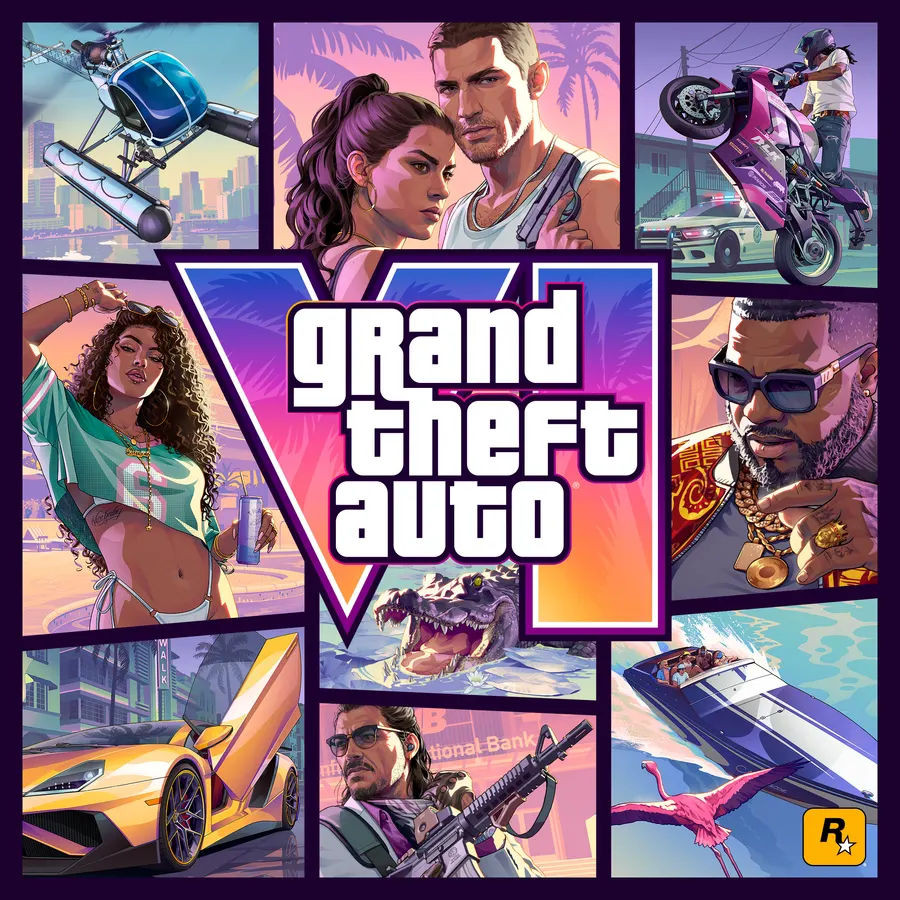
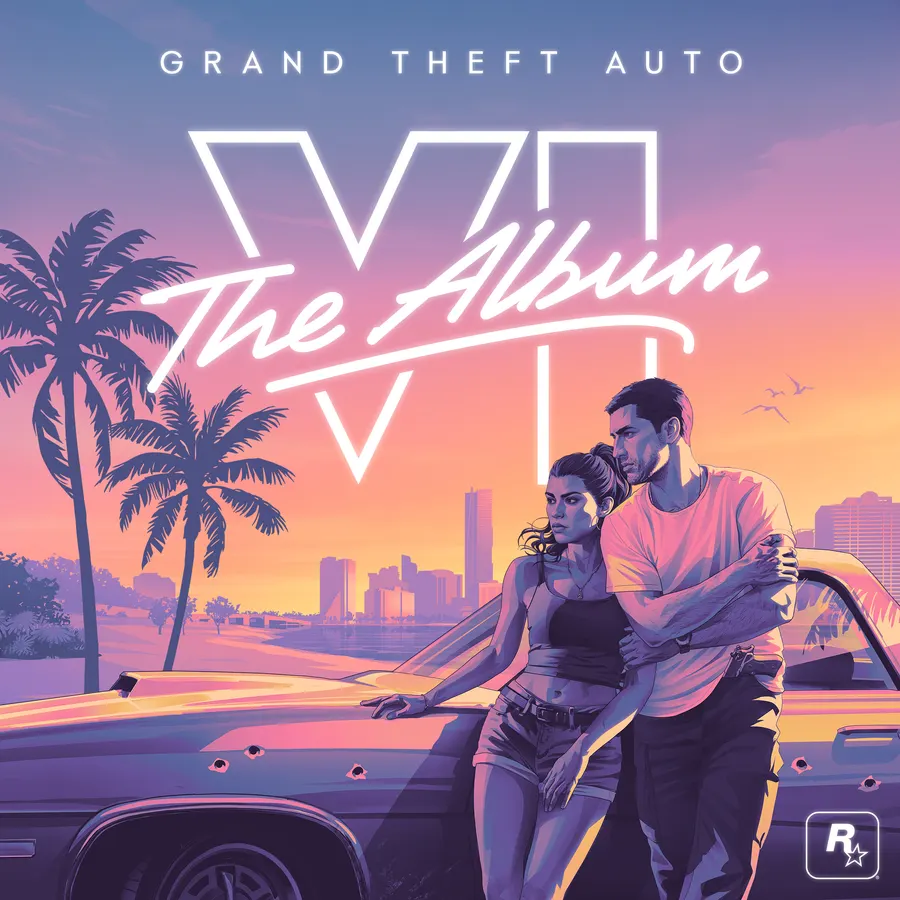
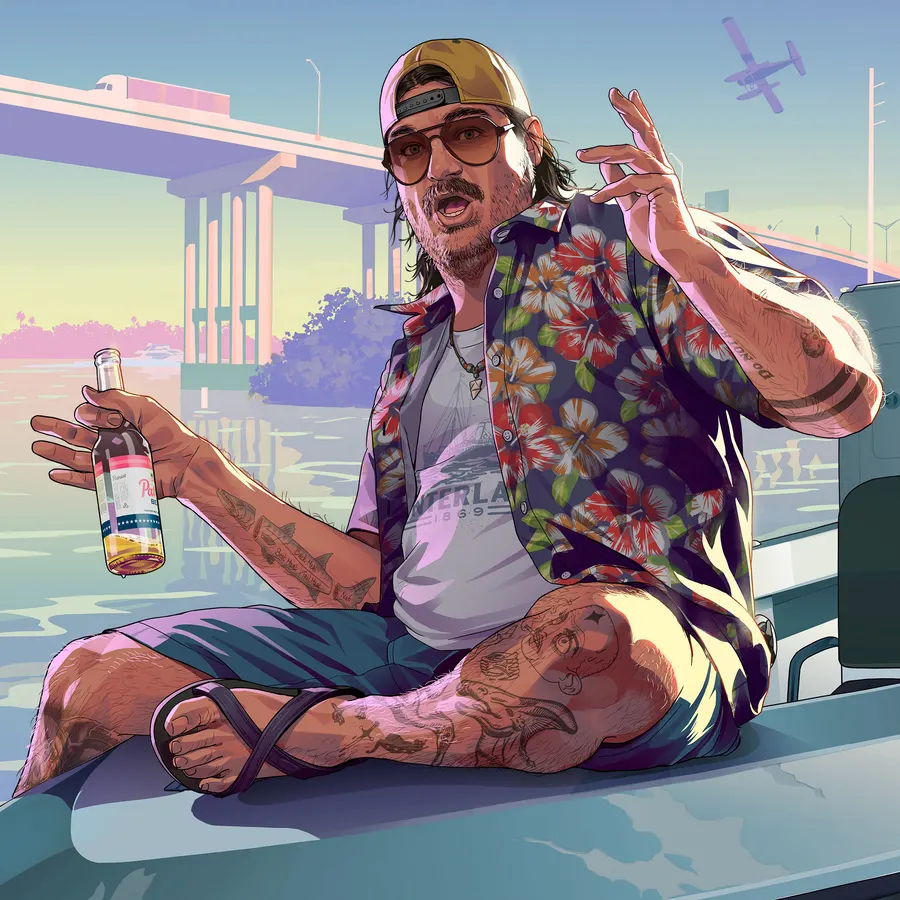
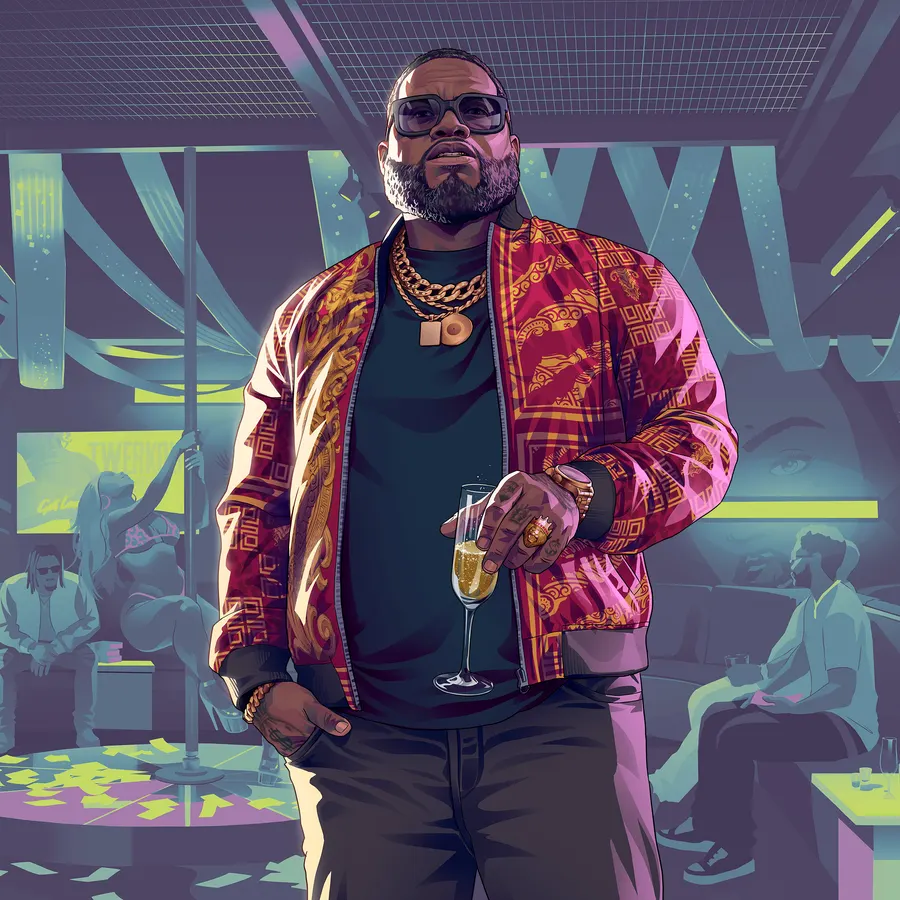
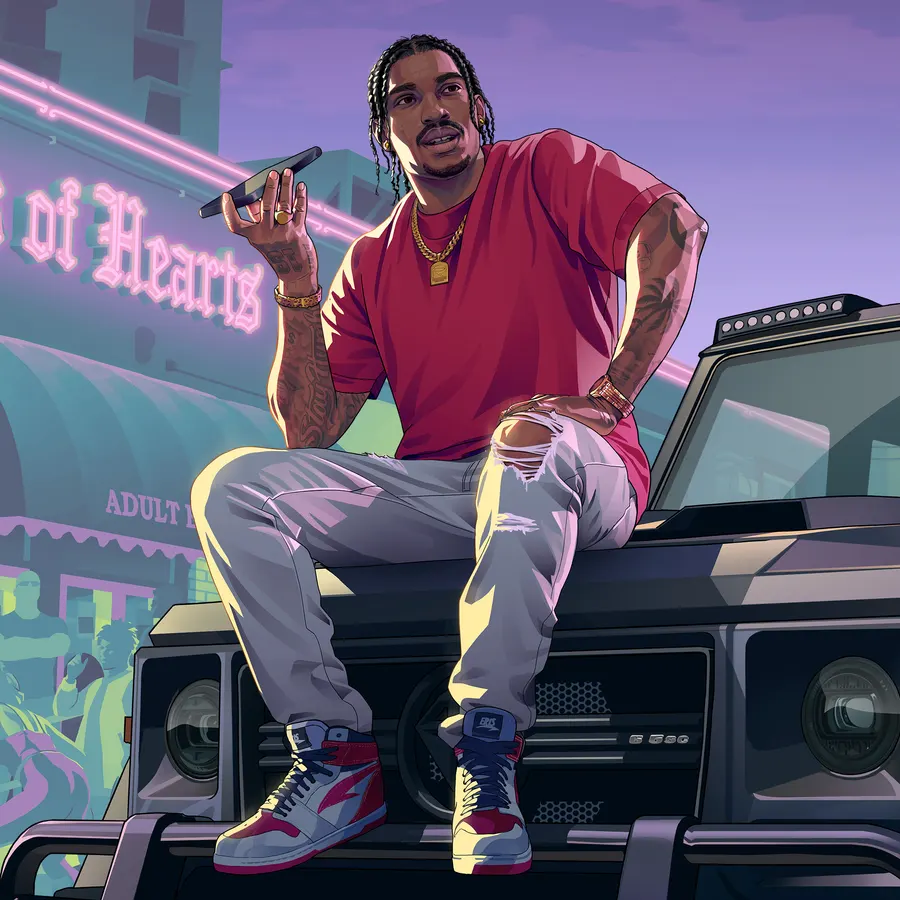
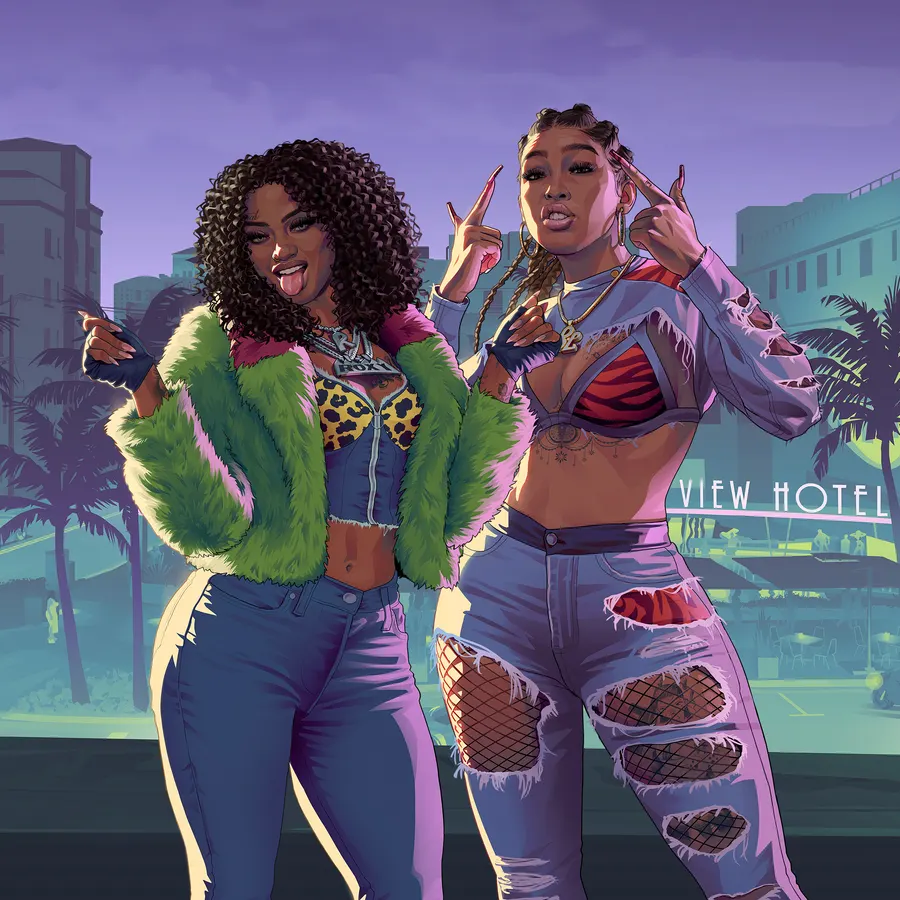
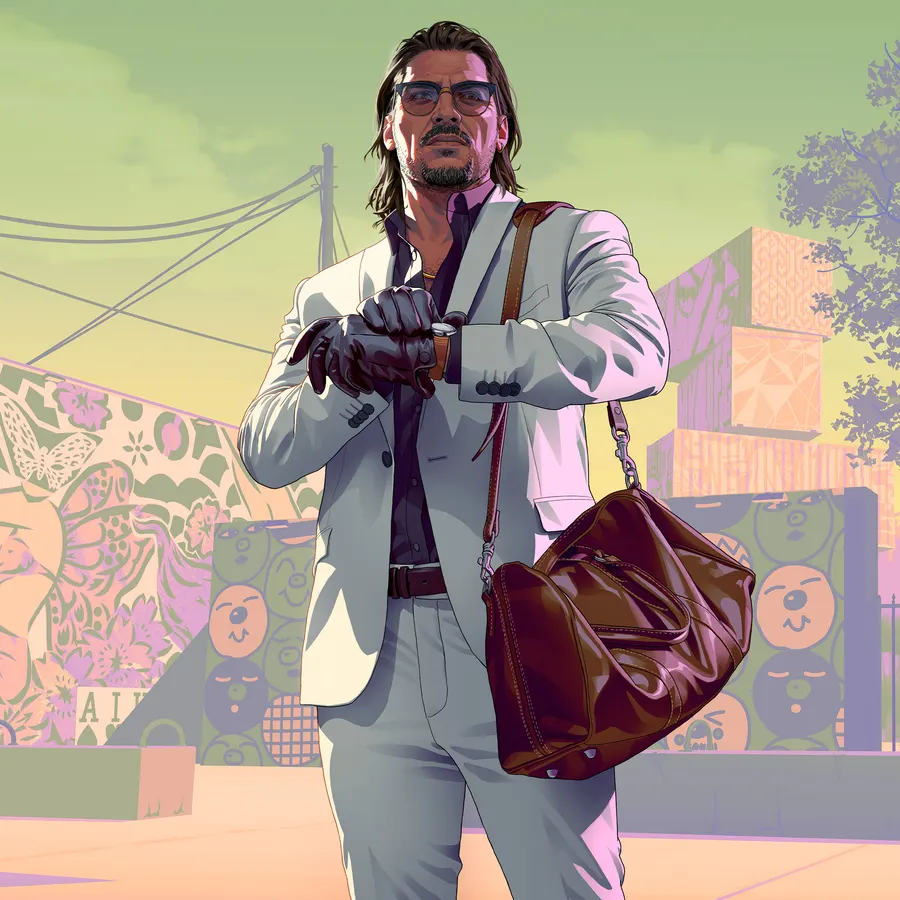
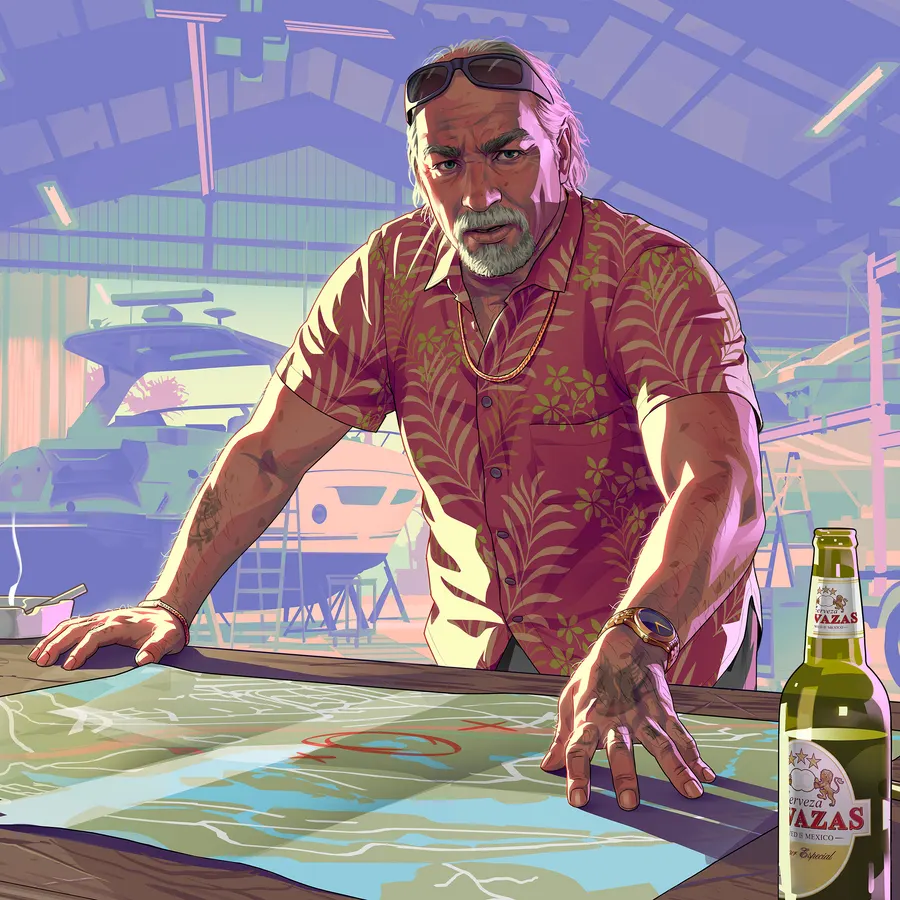
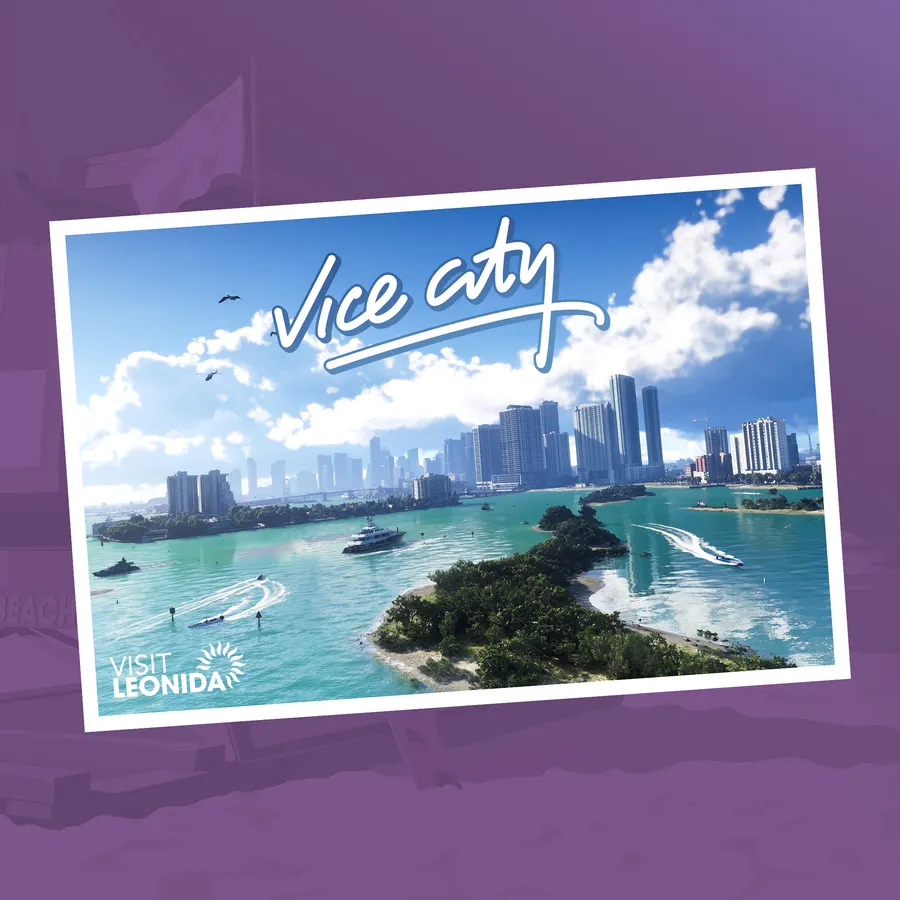
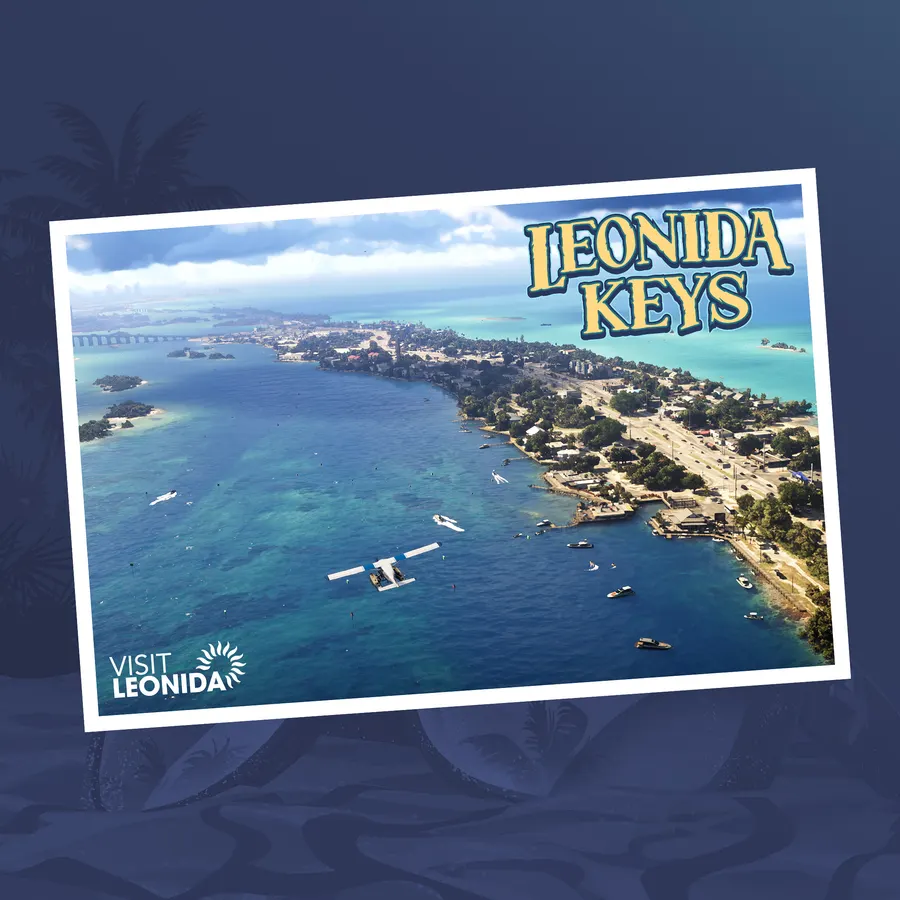
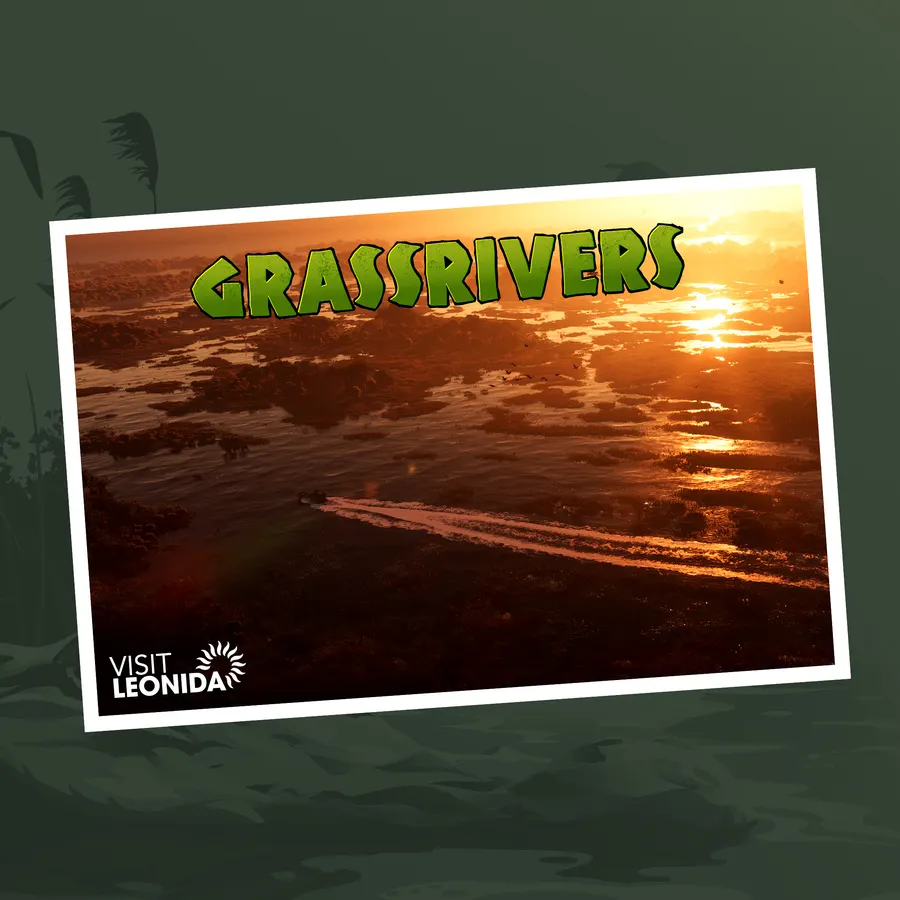
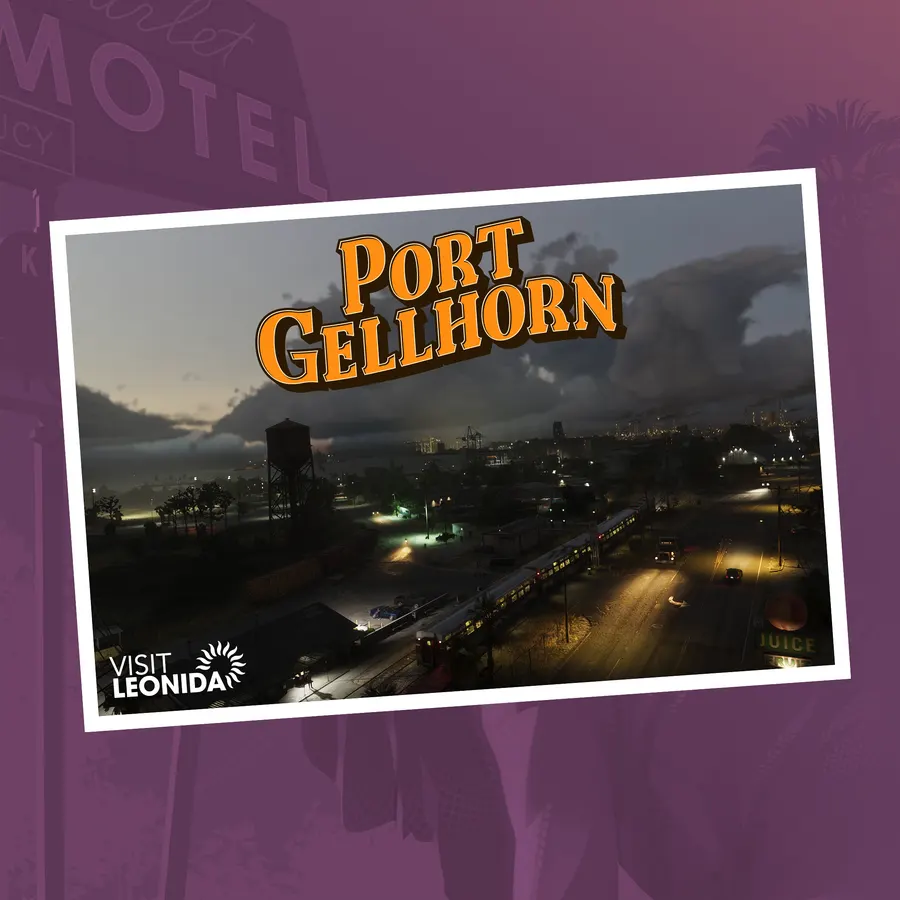
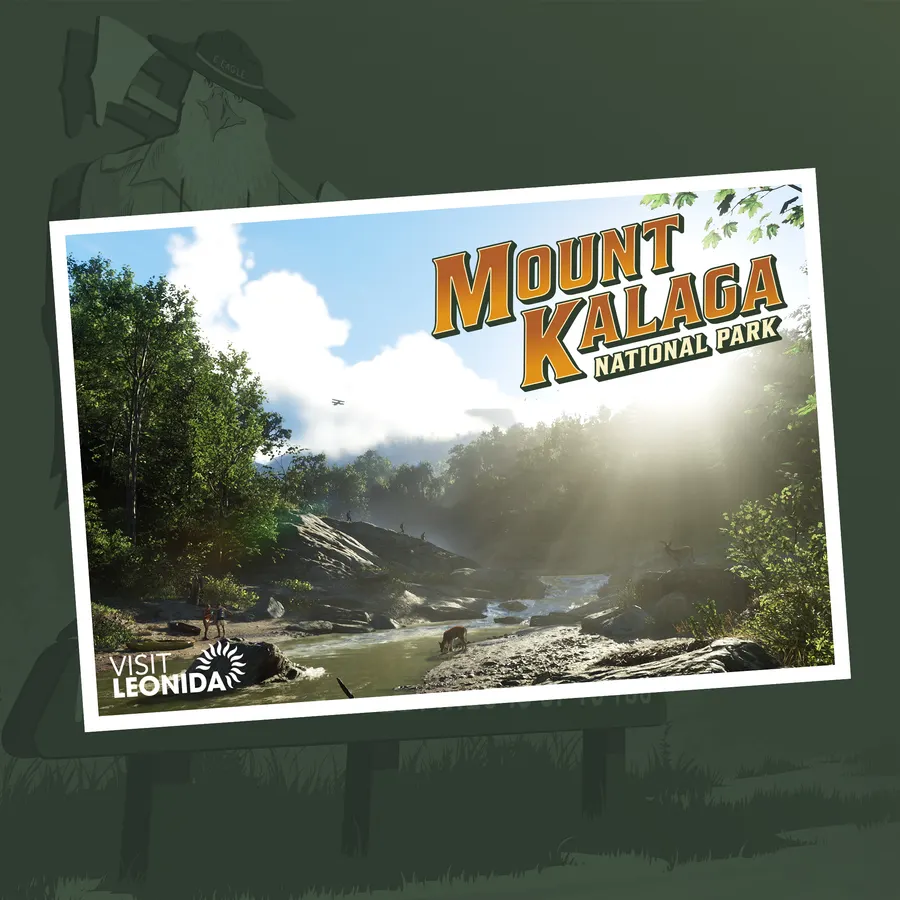
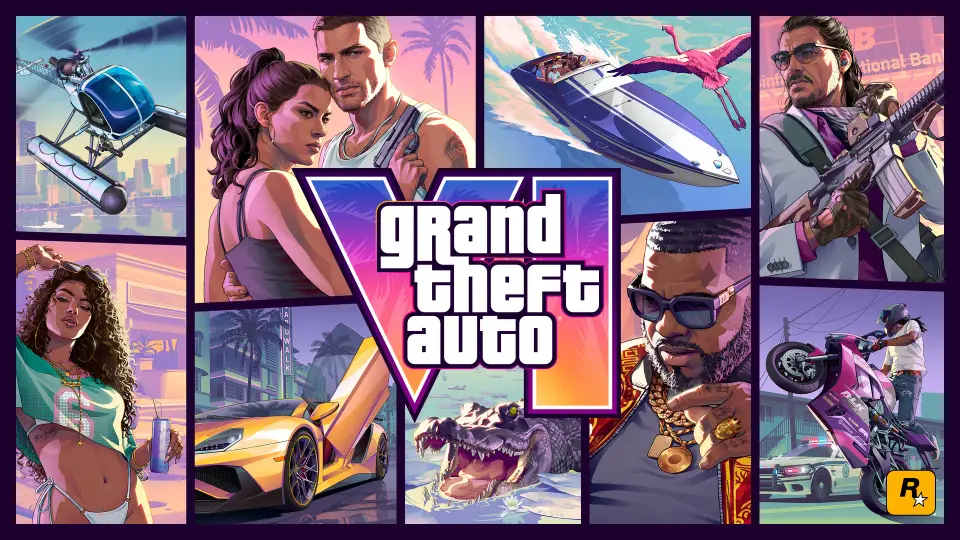
The official GTA 6 wallpapers are the 19 pieces of artwork Rockstar Games has published for Grand Theft Auto VI: five of Jason and Lucia together, the official cover art and the album cover, six of the supporting characters and six "Visit Leonida" postcards of the map regions. Each one is below in the sizes we host: phone (9:16), desktop (16:9), ultrawide (about 21:9) and square, 75 files in all. Tap a preview to see it larger, or use the size link under it to download that file.
This artwork belongs to Rockstar Games. The official high-resolution downloads are on rockstargames.com/VI/downloads, under Artwork and Wallpapers, where one zip holds all 23 pieces (our 19 designs plus four versions with logos). Our copies are WebP files sized for quick downloads. If your device will not accept WebP, or you want a bigger file for a large screen, use Rockstar's originals, which come in three to seven sizes per piece.
At a glance
- Official artwork
- 23 pieces on Rockstar's page: 19 designs, four of them also with logos official
- On this page
- 19 designs, 75 files
- Phone
- 19 portrait wallpapers, 1080 × 1920 or 1100 × 1956
- Desktop
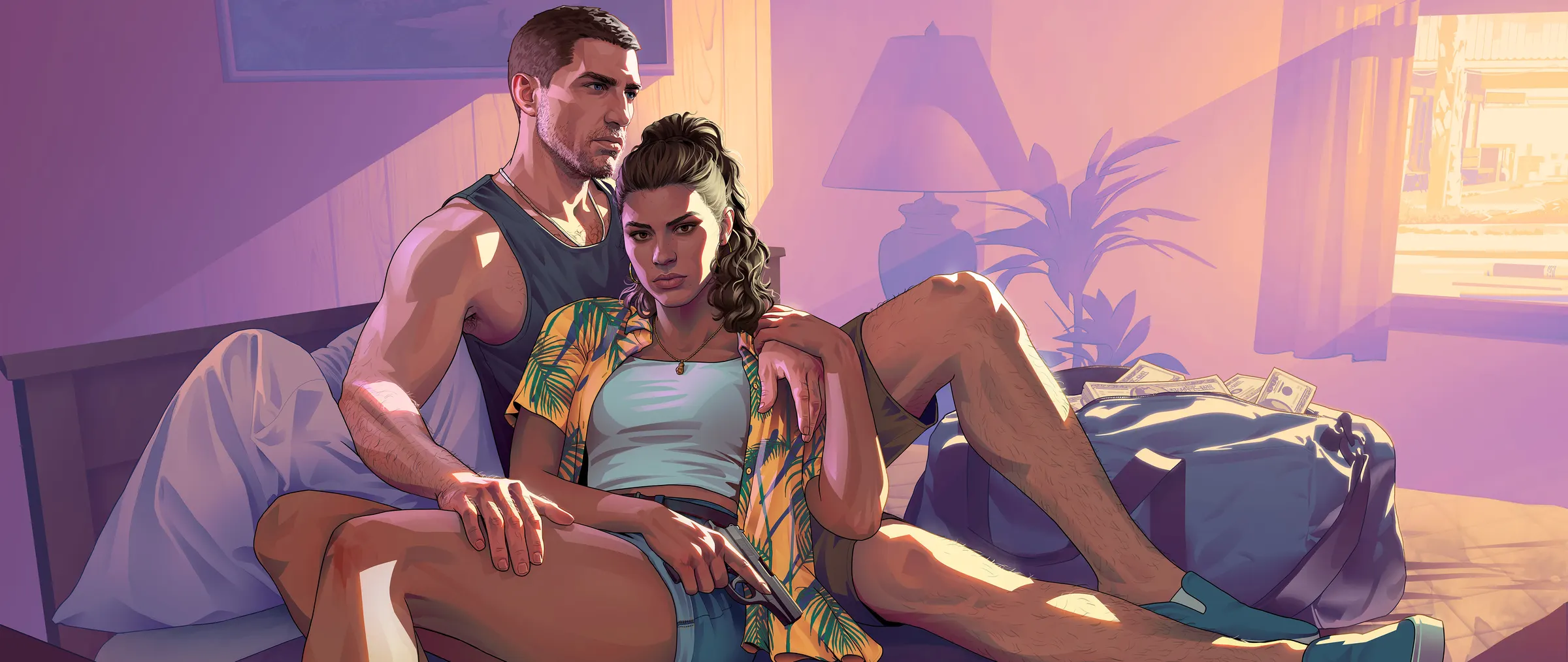
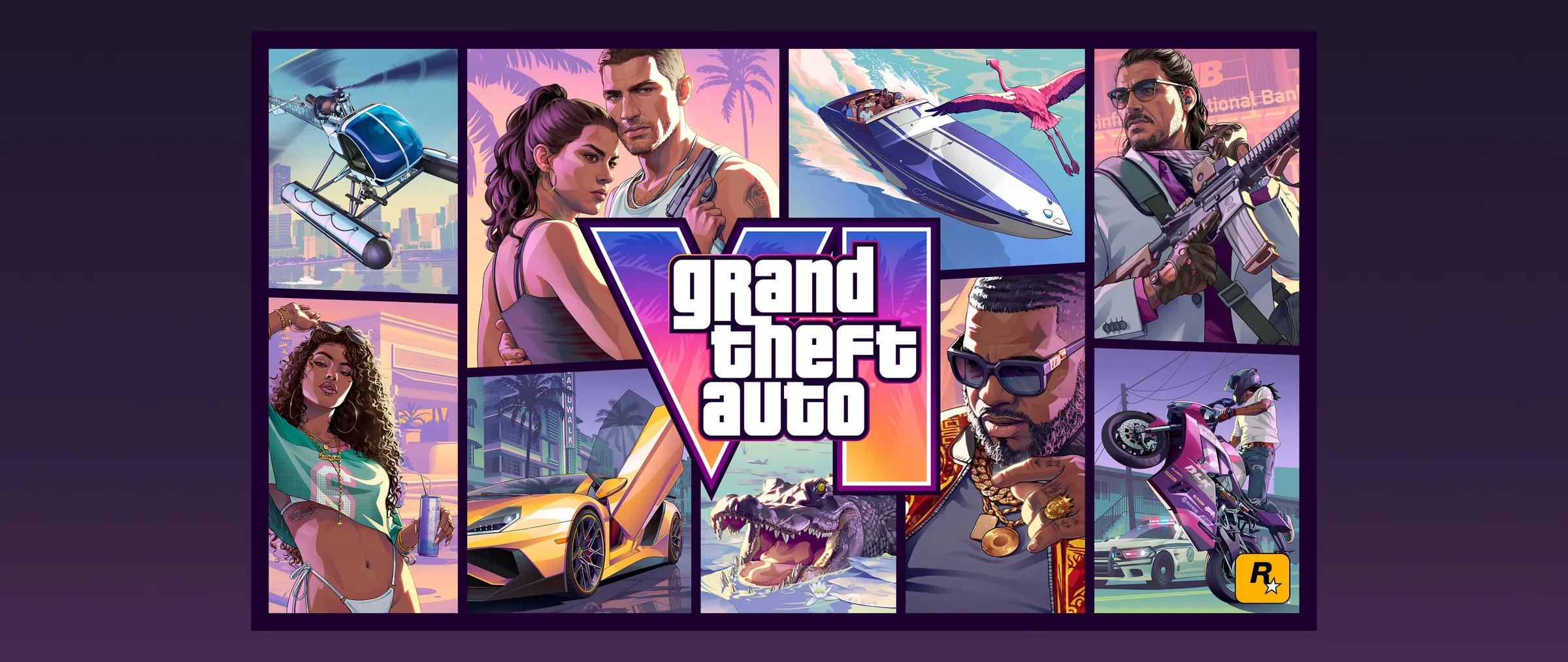
- 19 at 1920 × 1080, plus 18 ultrawide at 2400 × 1013
- Square
- 900 × 900, for profile pictures and tablets
- Owner
- Rockstar Games. GTA6.how is an independent fan site.
Phone wallpapers (portrait)
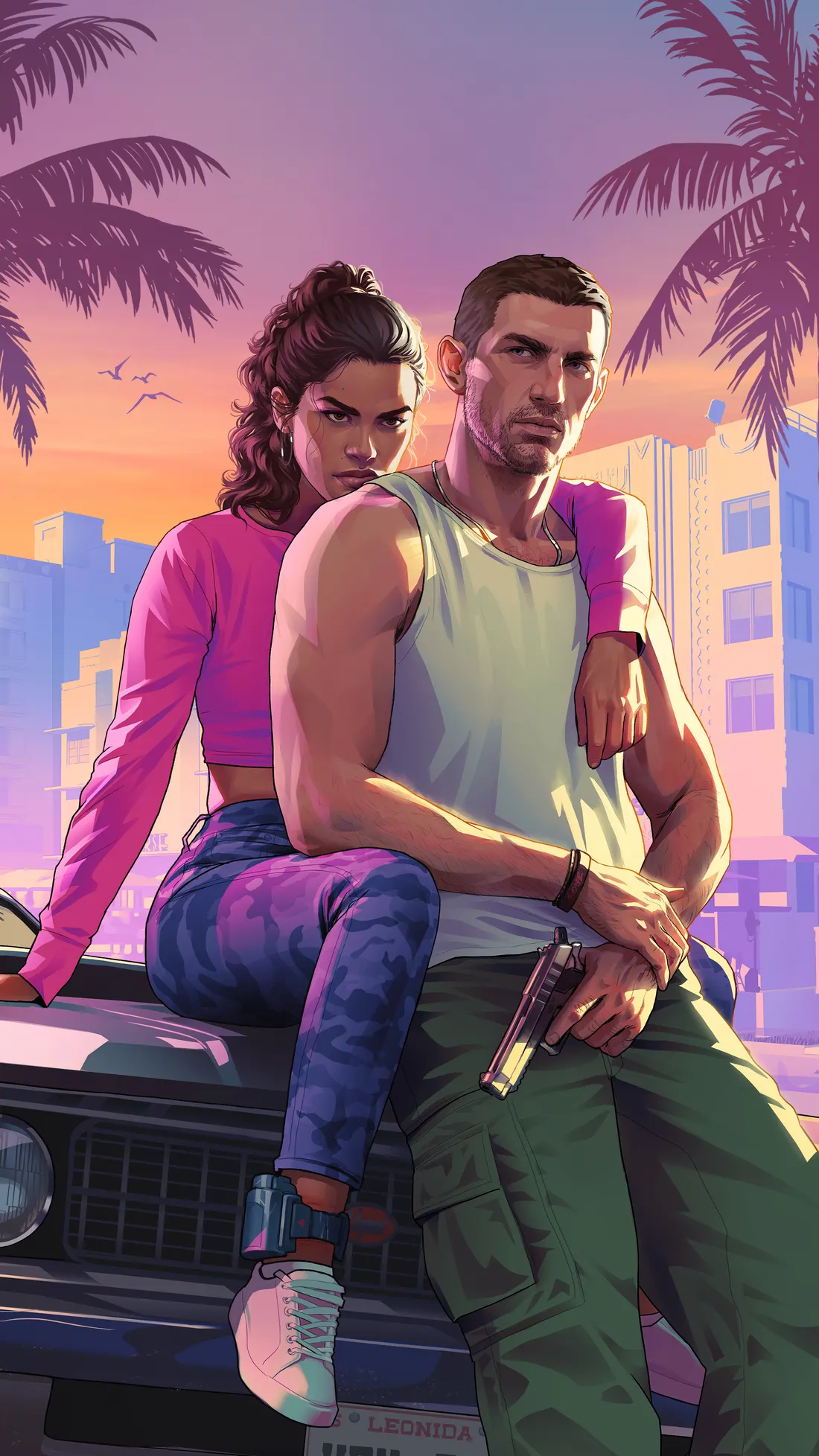
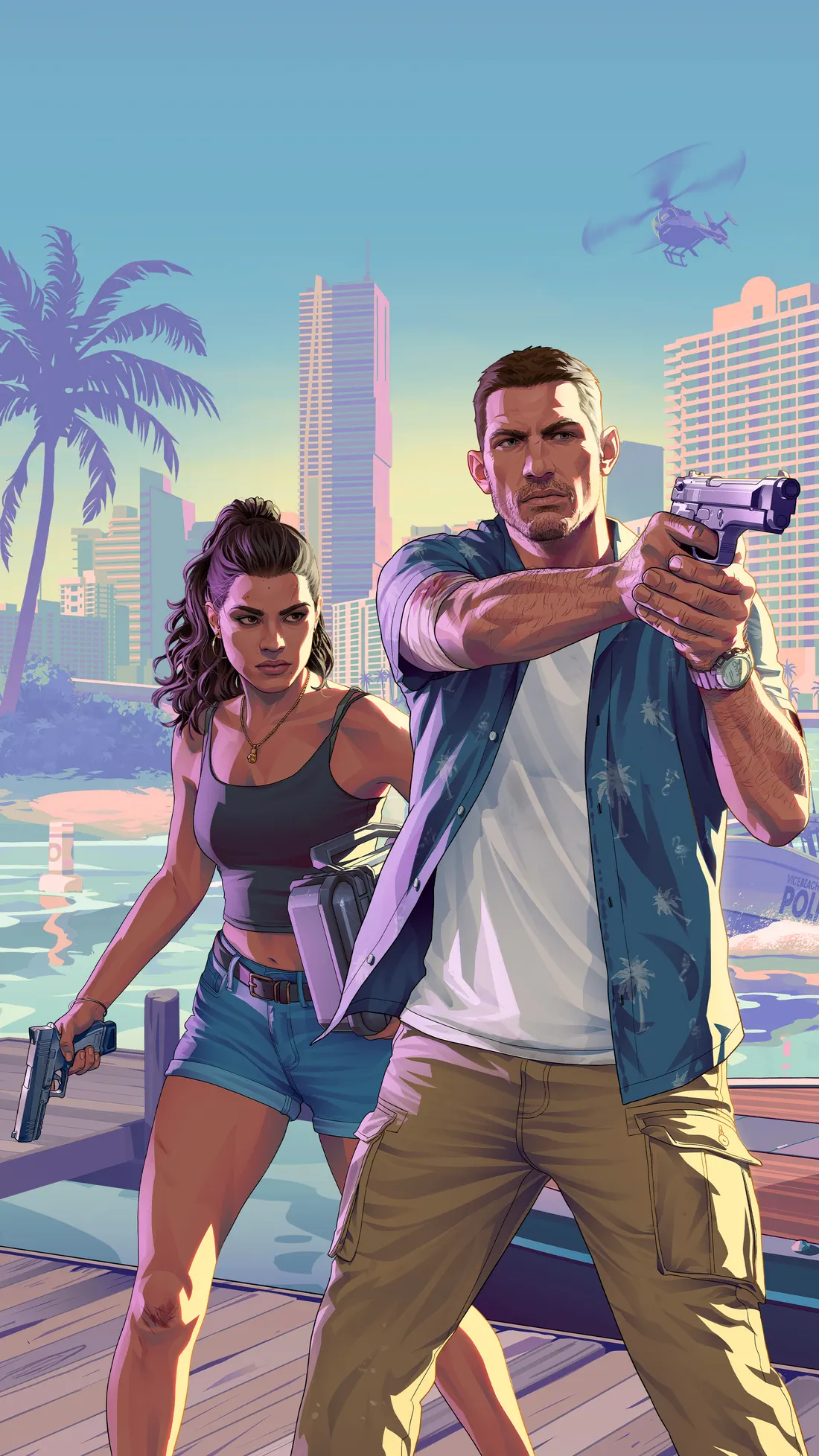
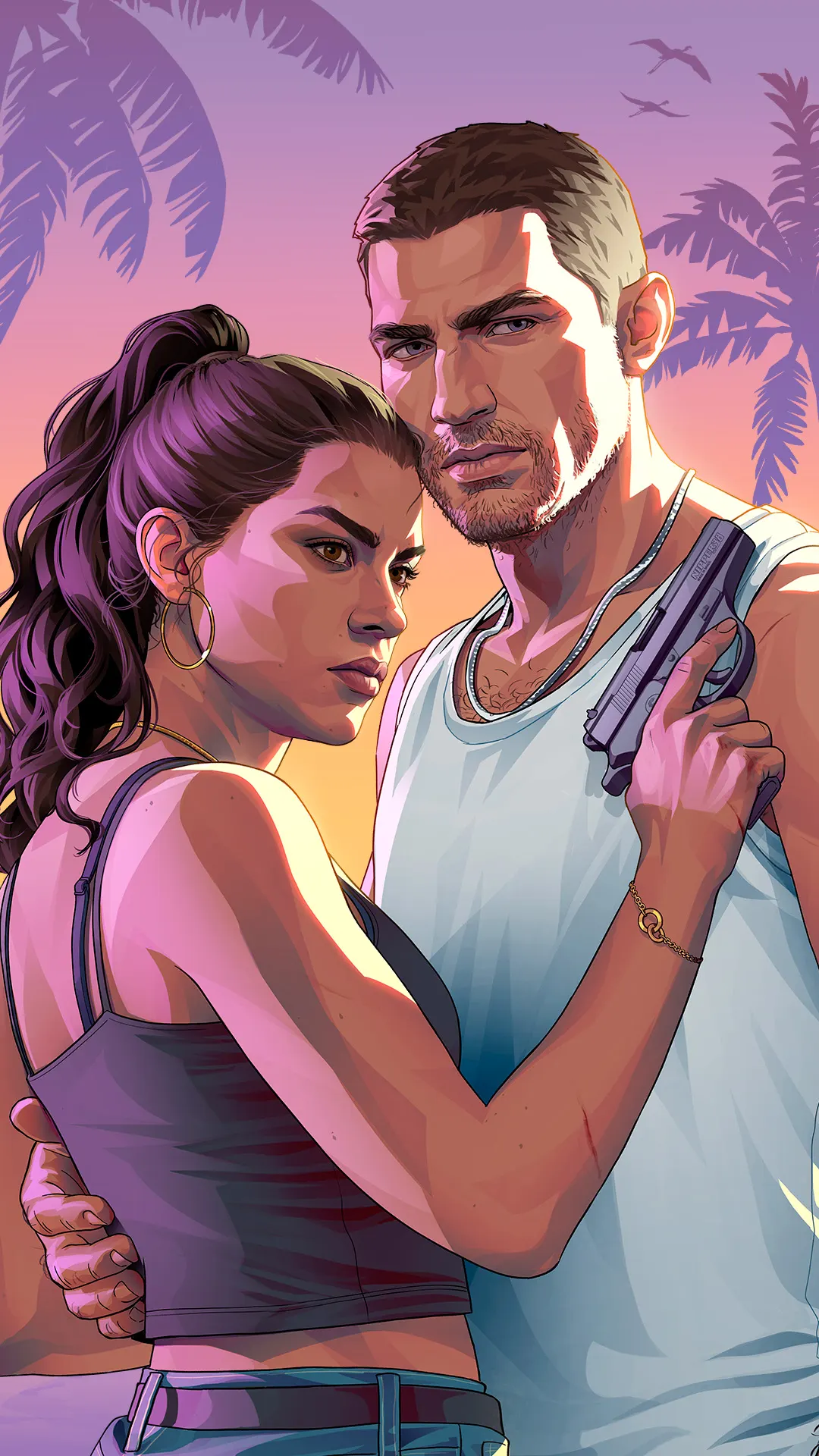
9:16 cuts for iPhone and Android lock and home screens. The size link downloads our full-size file.
Jason and Lucia
Cover art
Characters
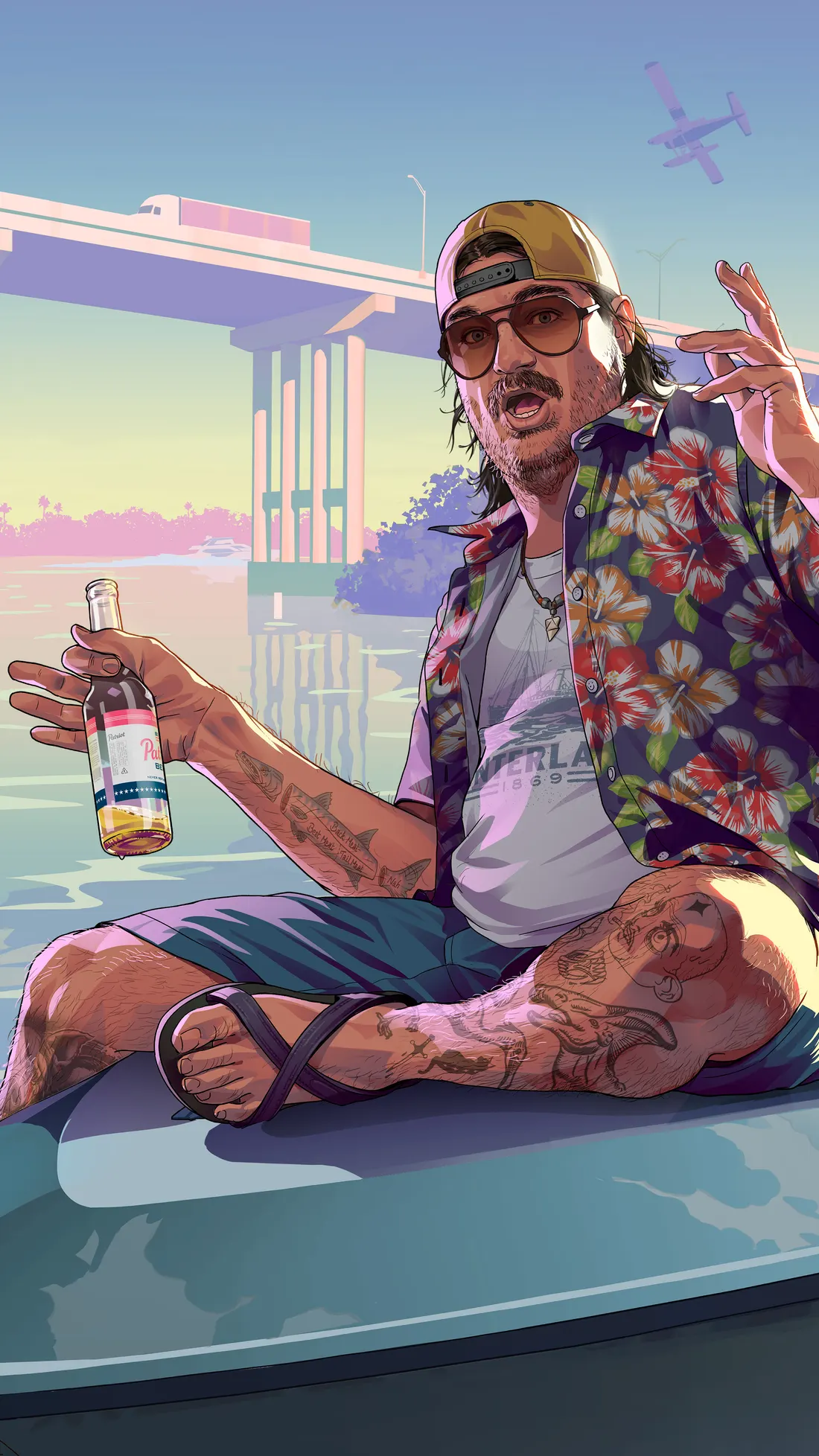
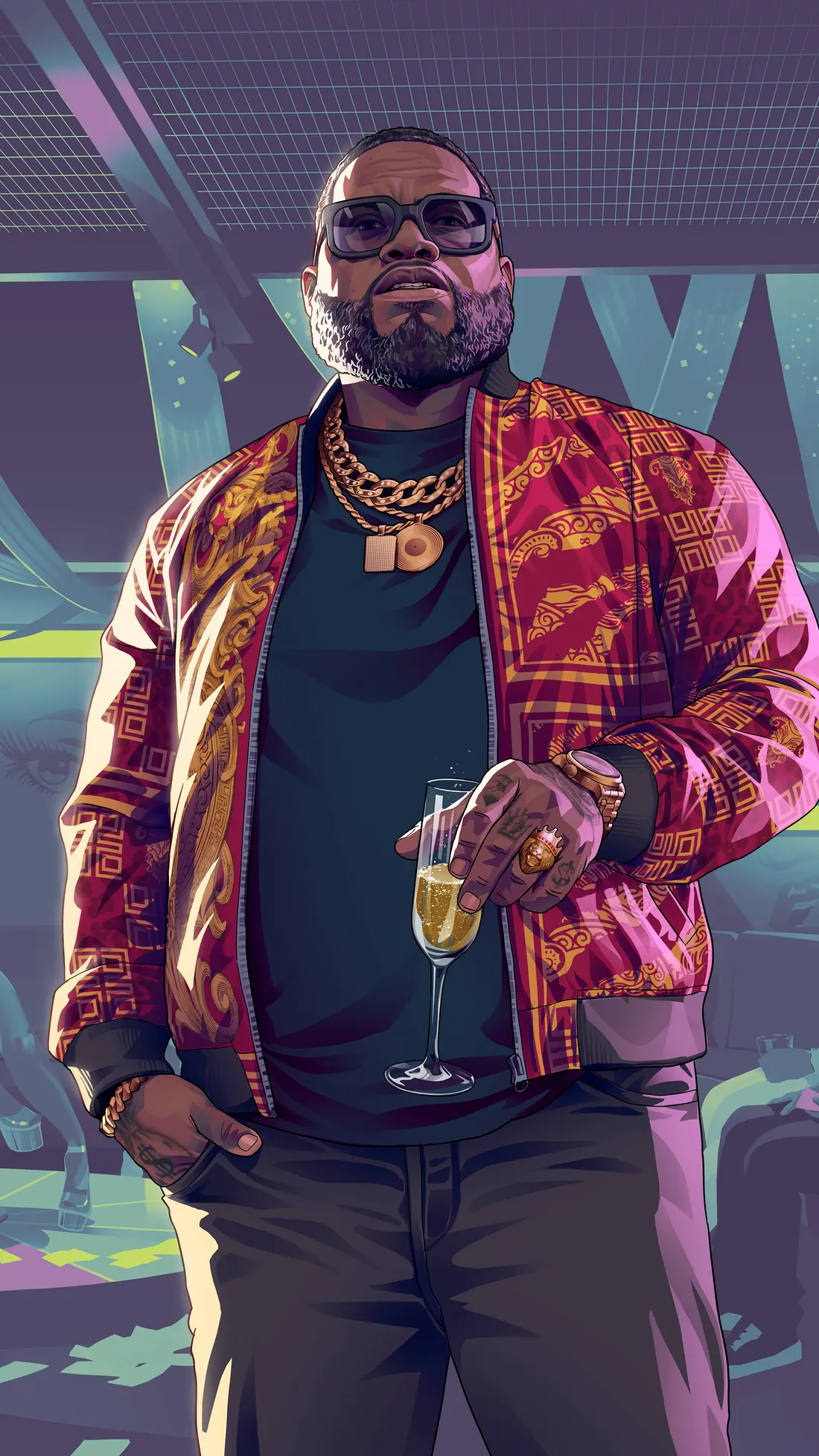
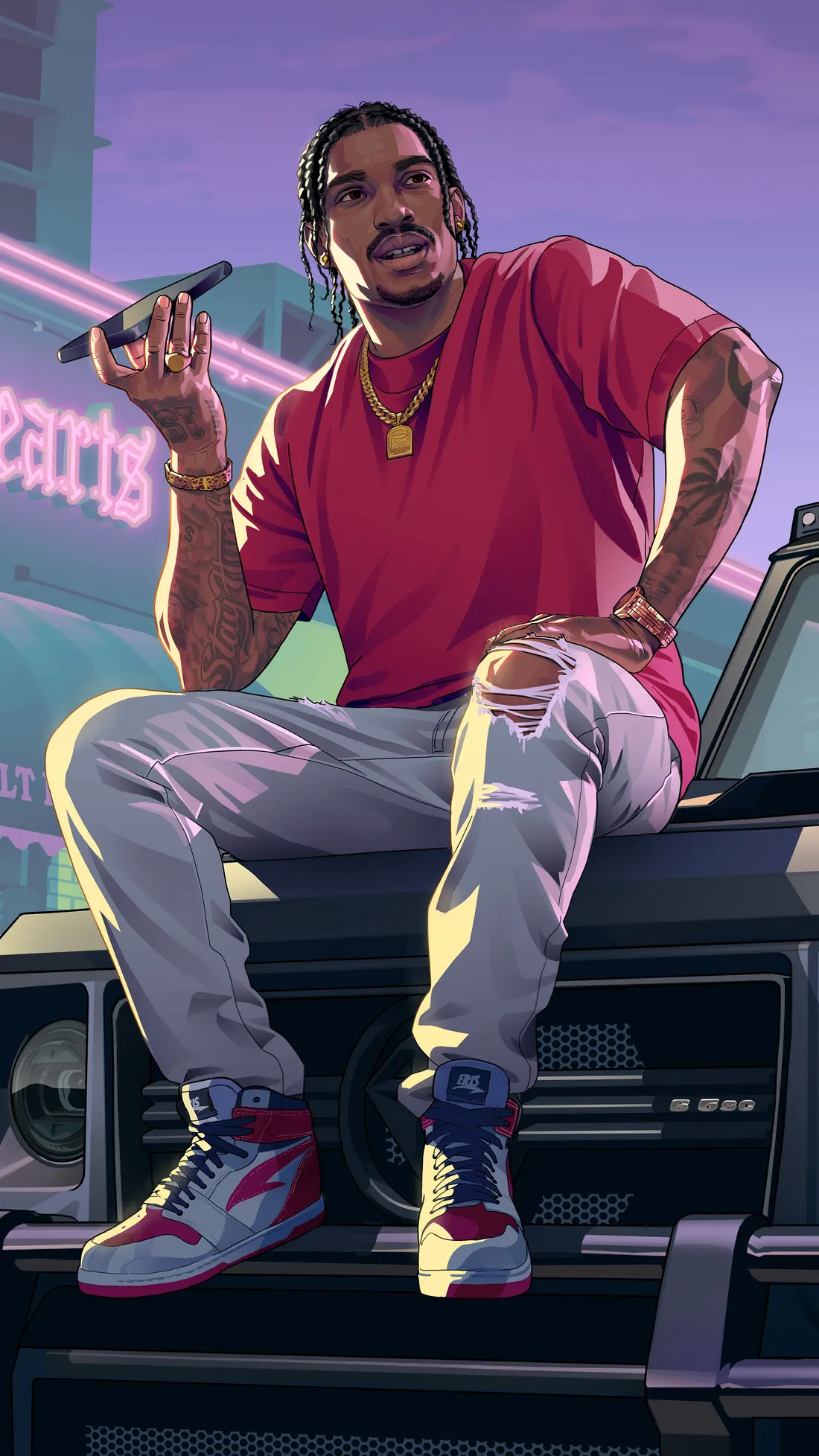
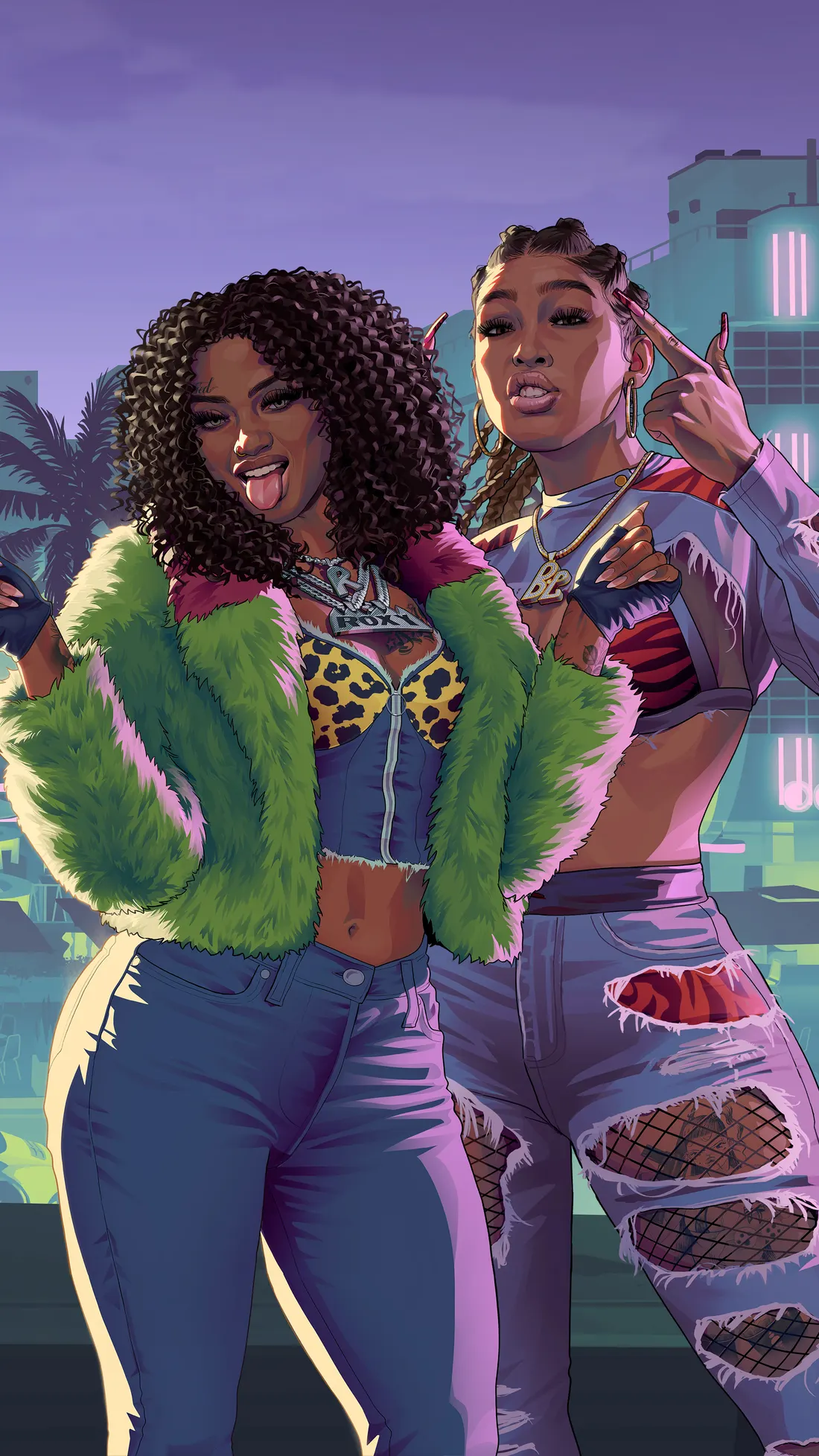
Postcards from Leonida
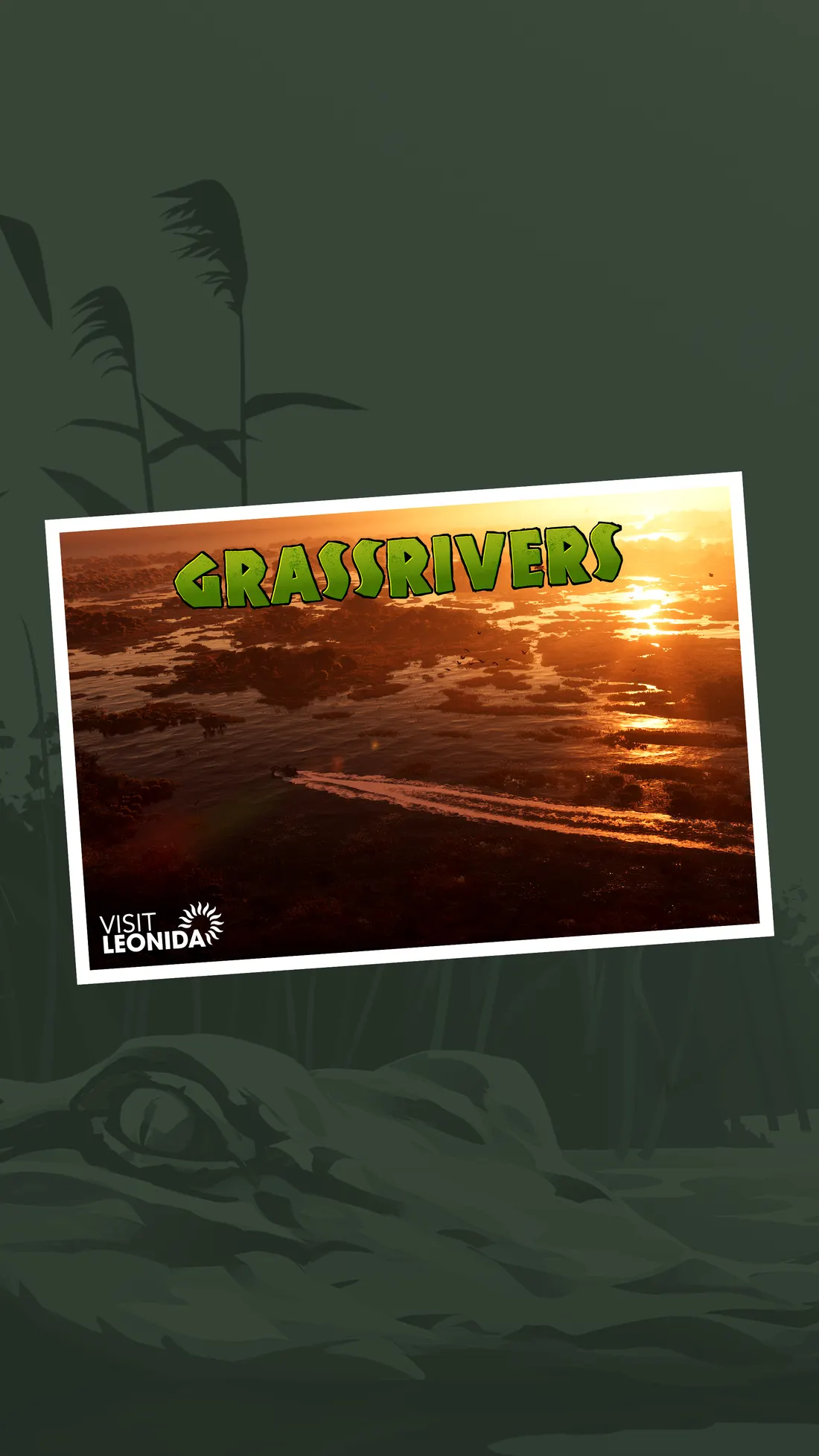
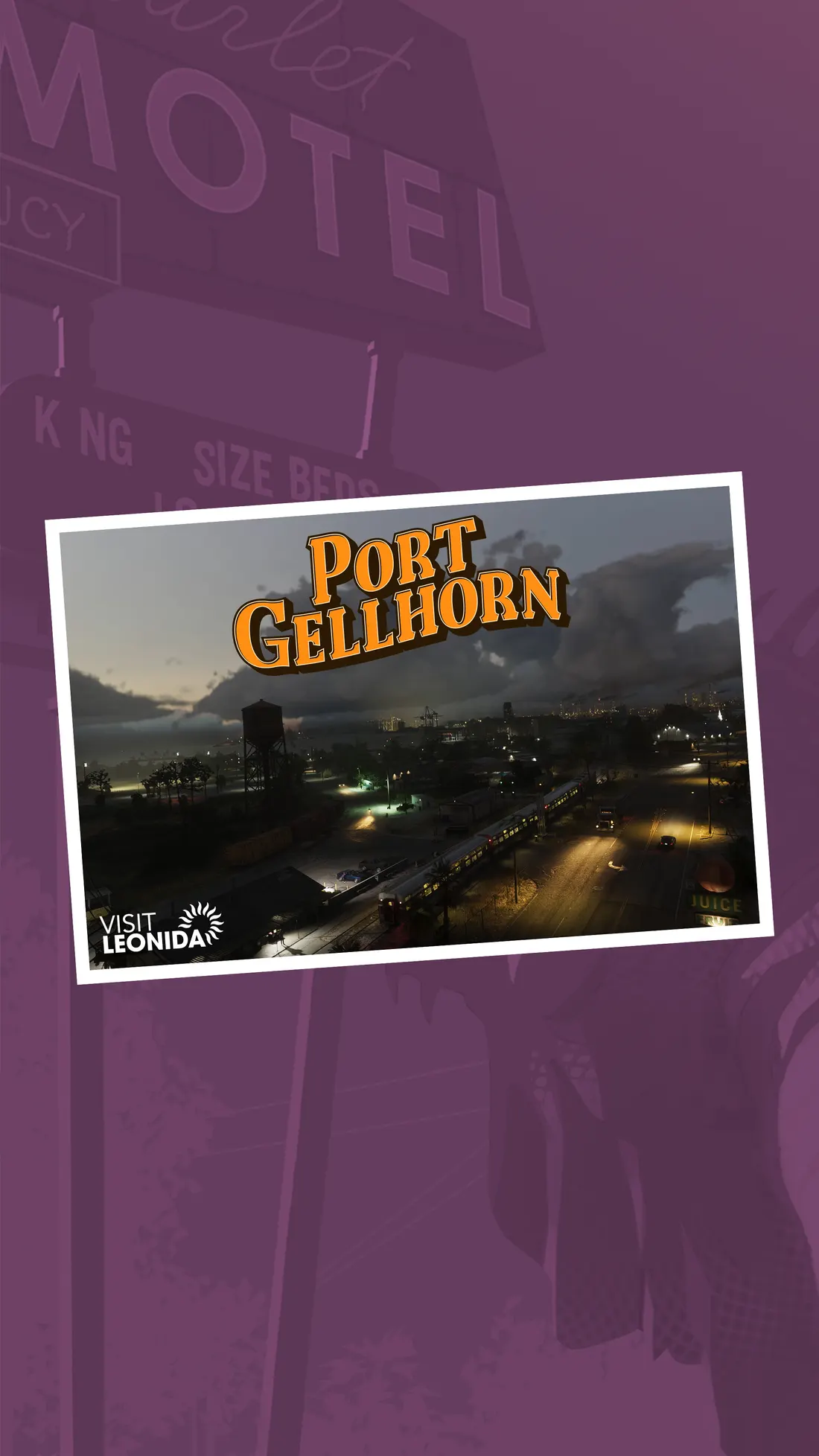
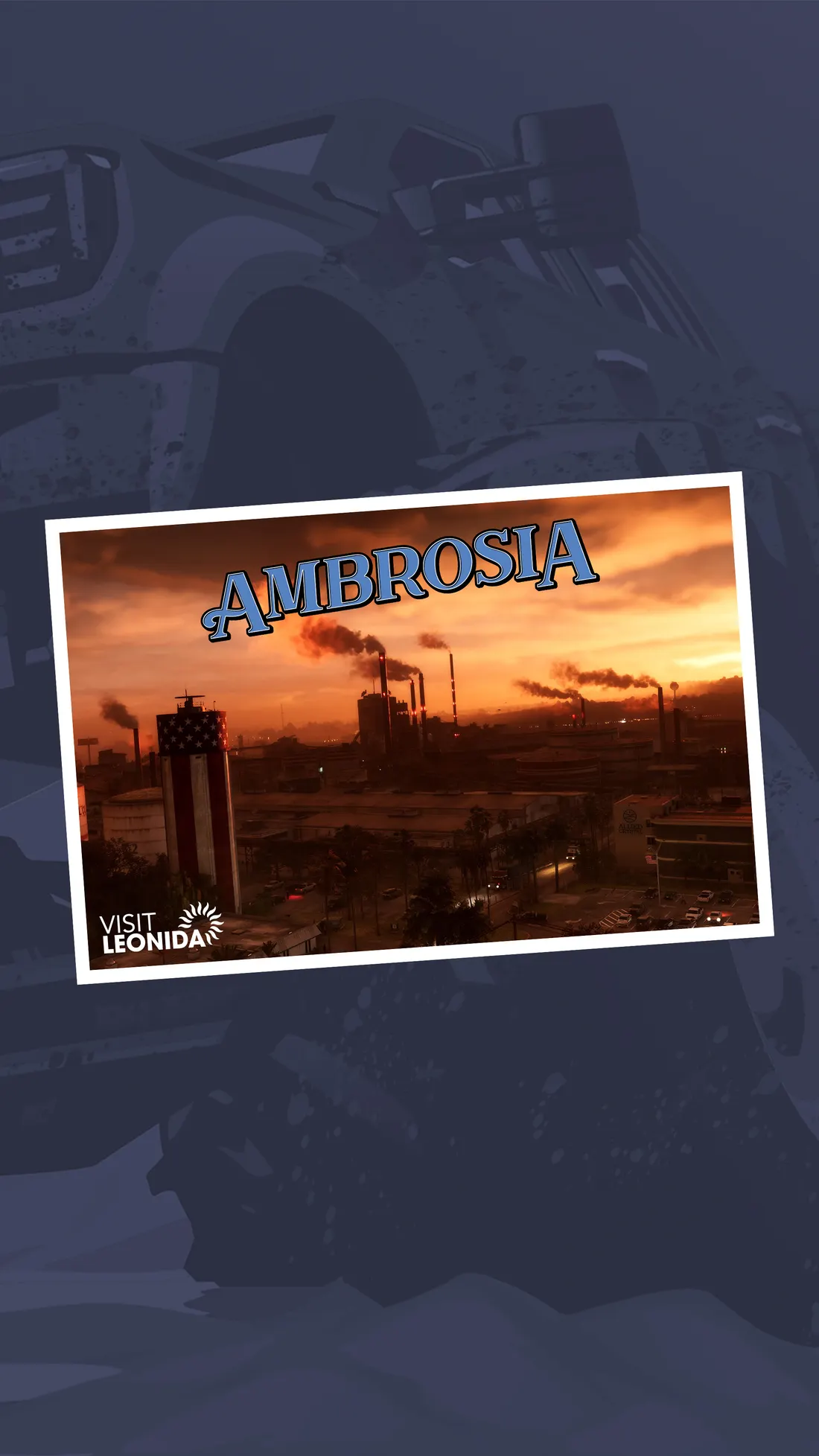
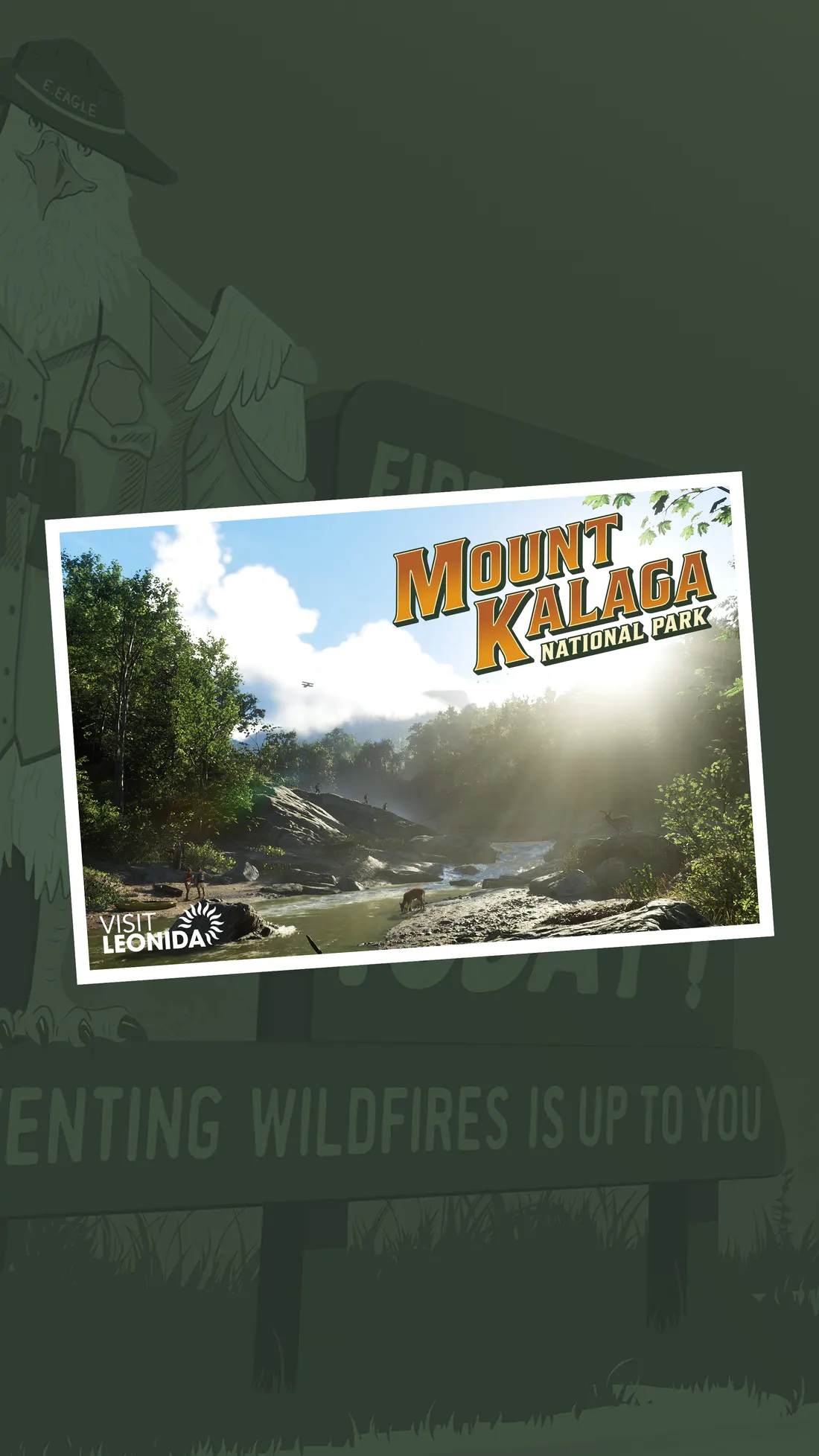
Desktop wallpapers (16:9 and ultrawide)
16:9 for laptops, monitors and TVs, plus an ultrawide cut for 21:9 screens. Each size link downloads that file.
Jason and Lucia
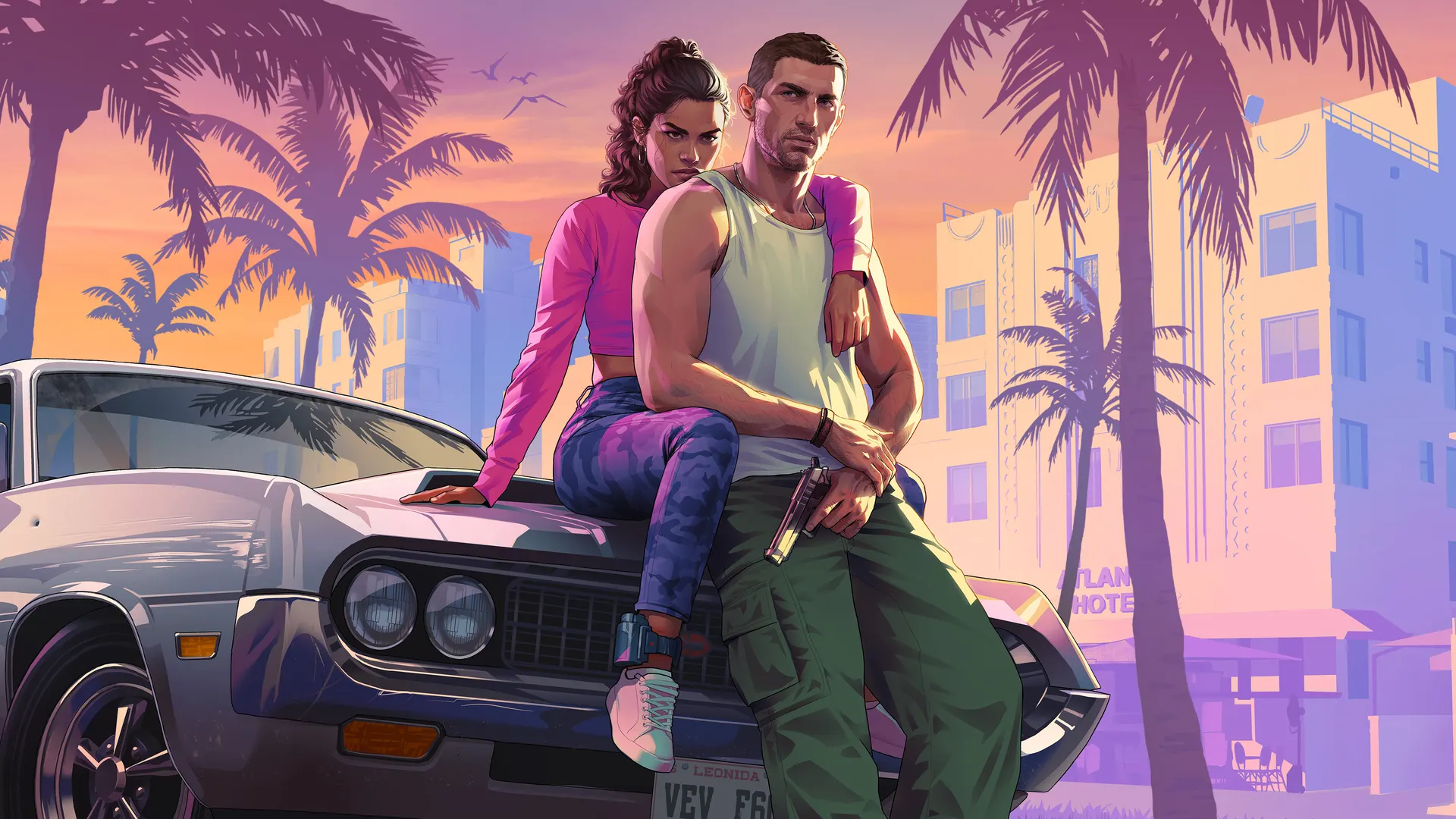
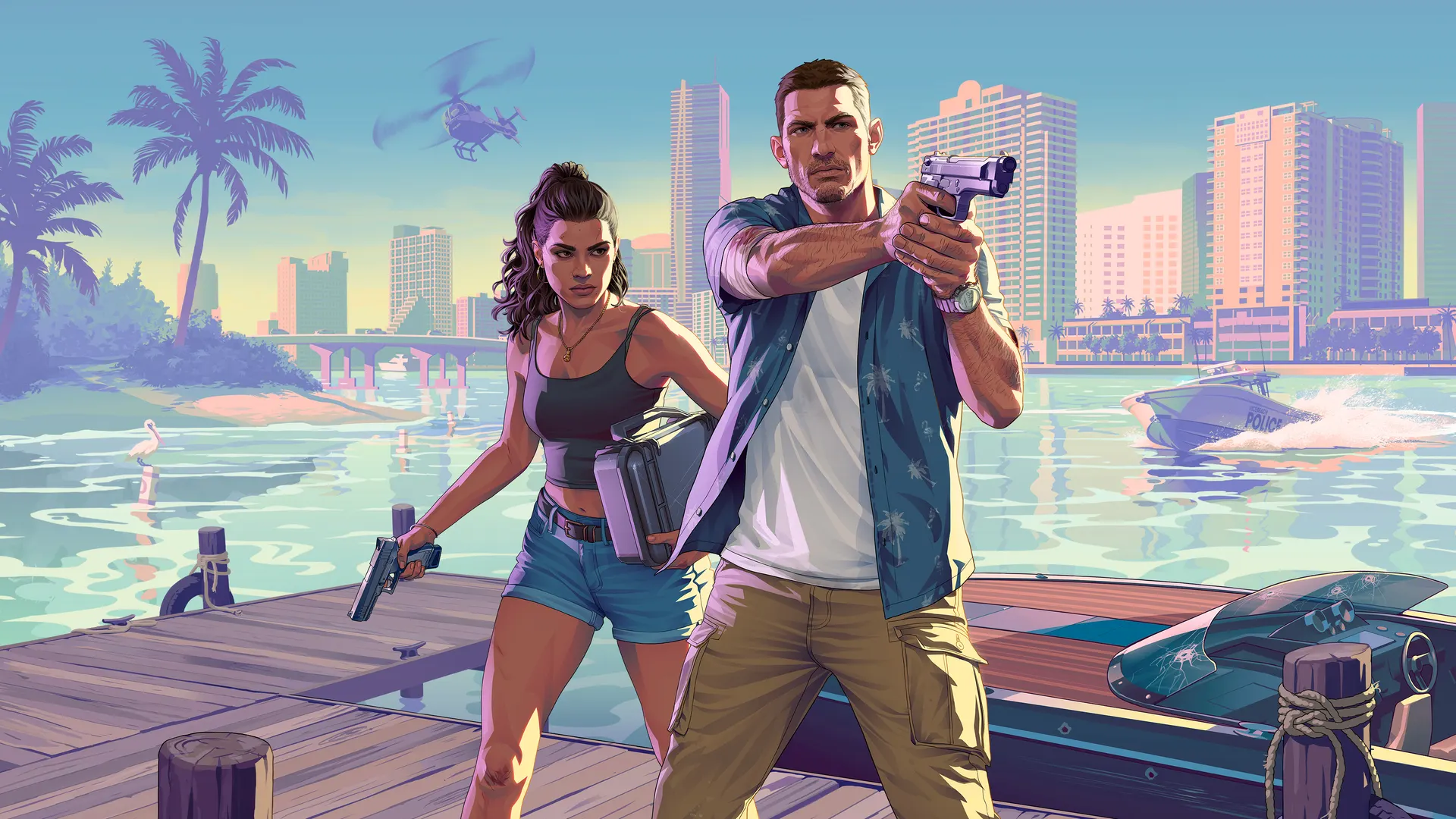
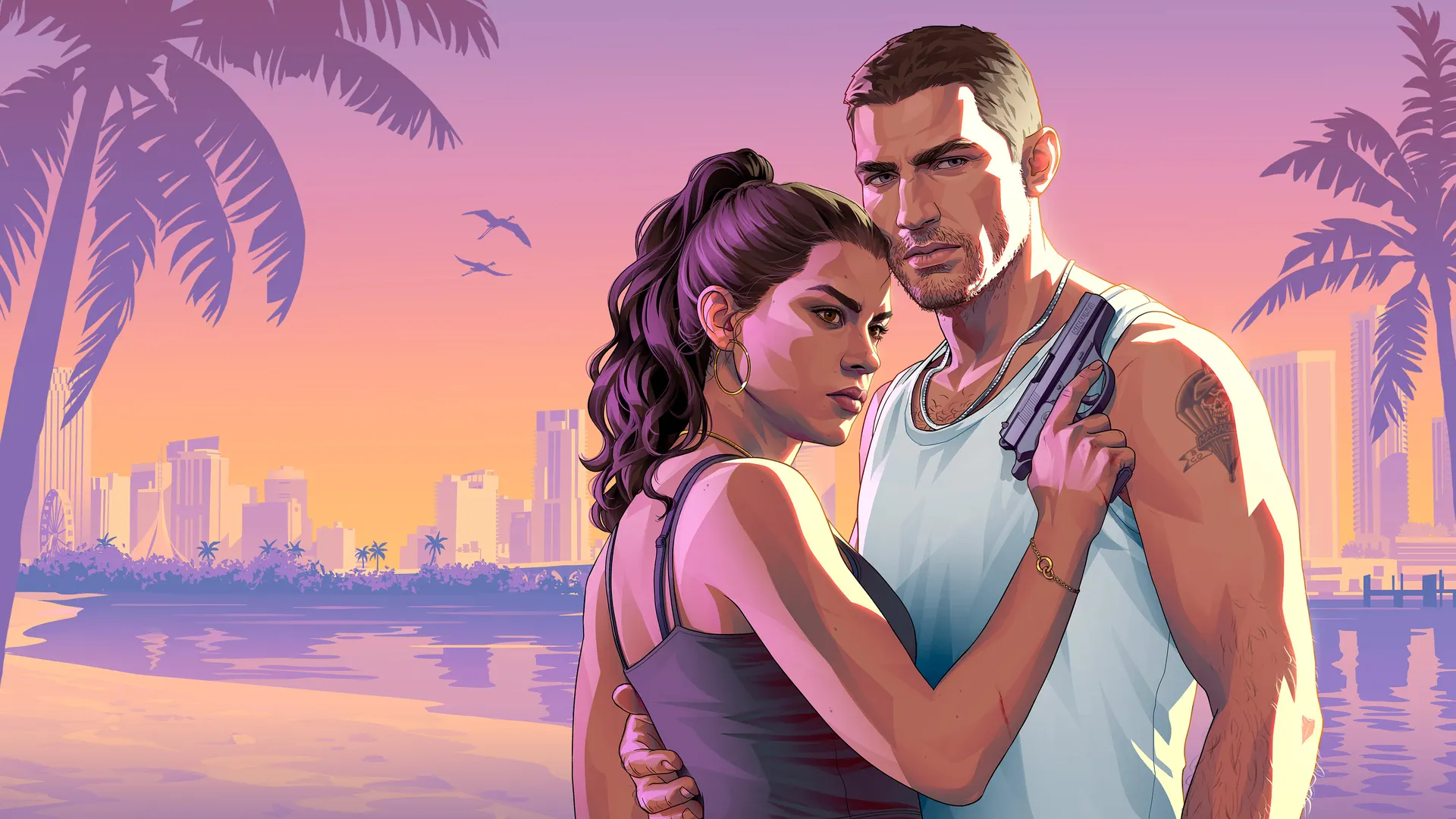
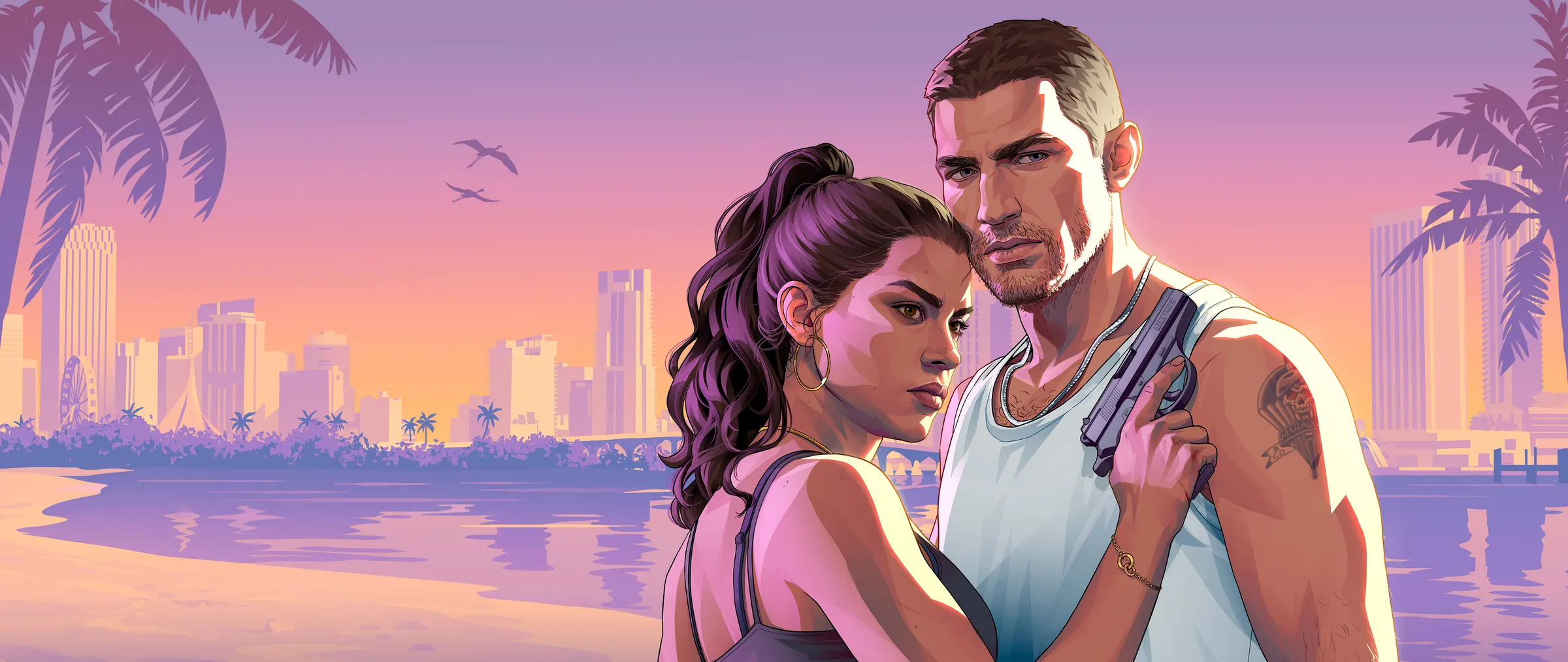
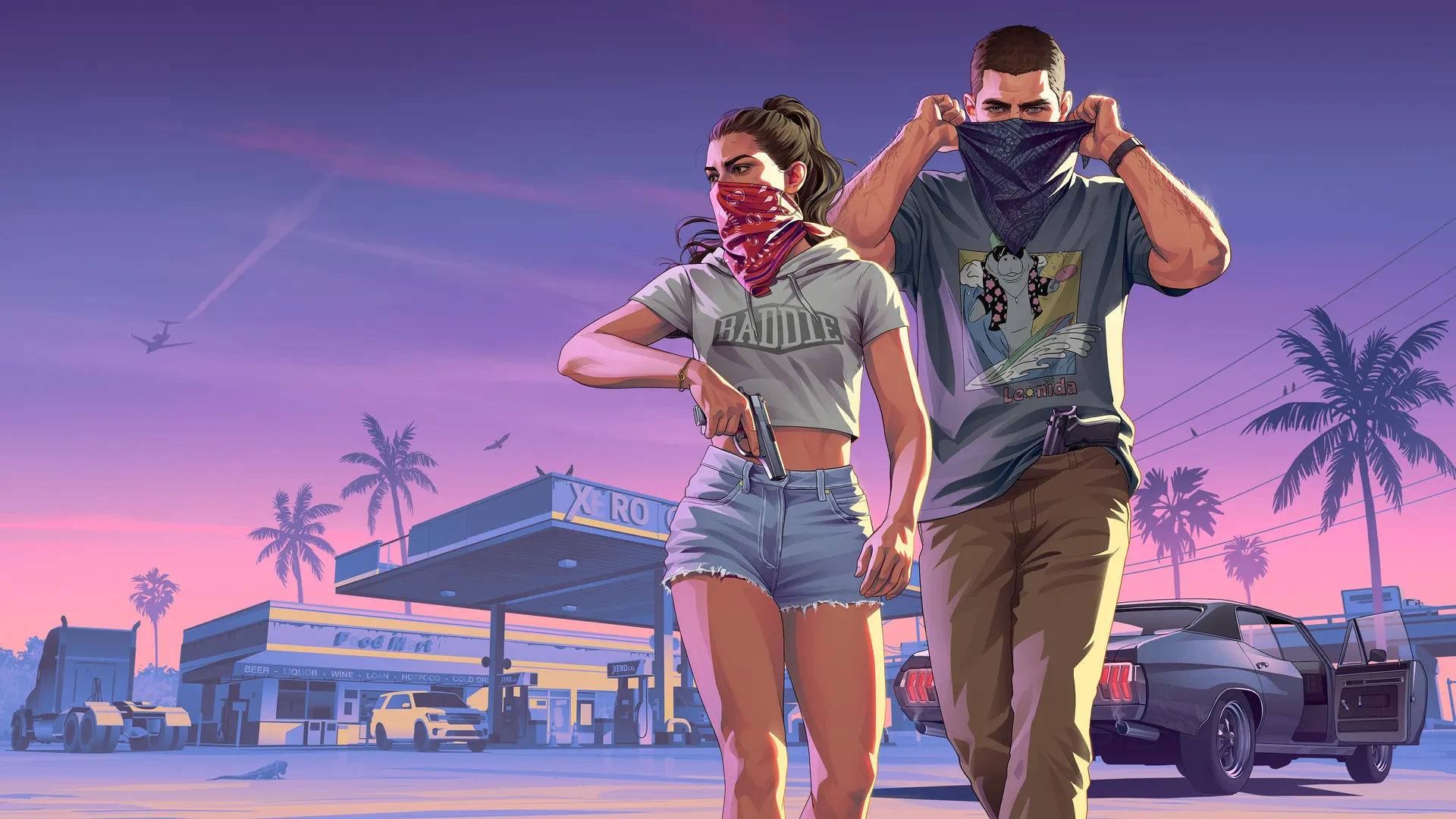
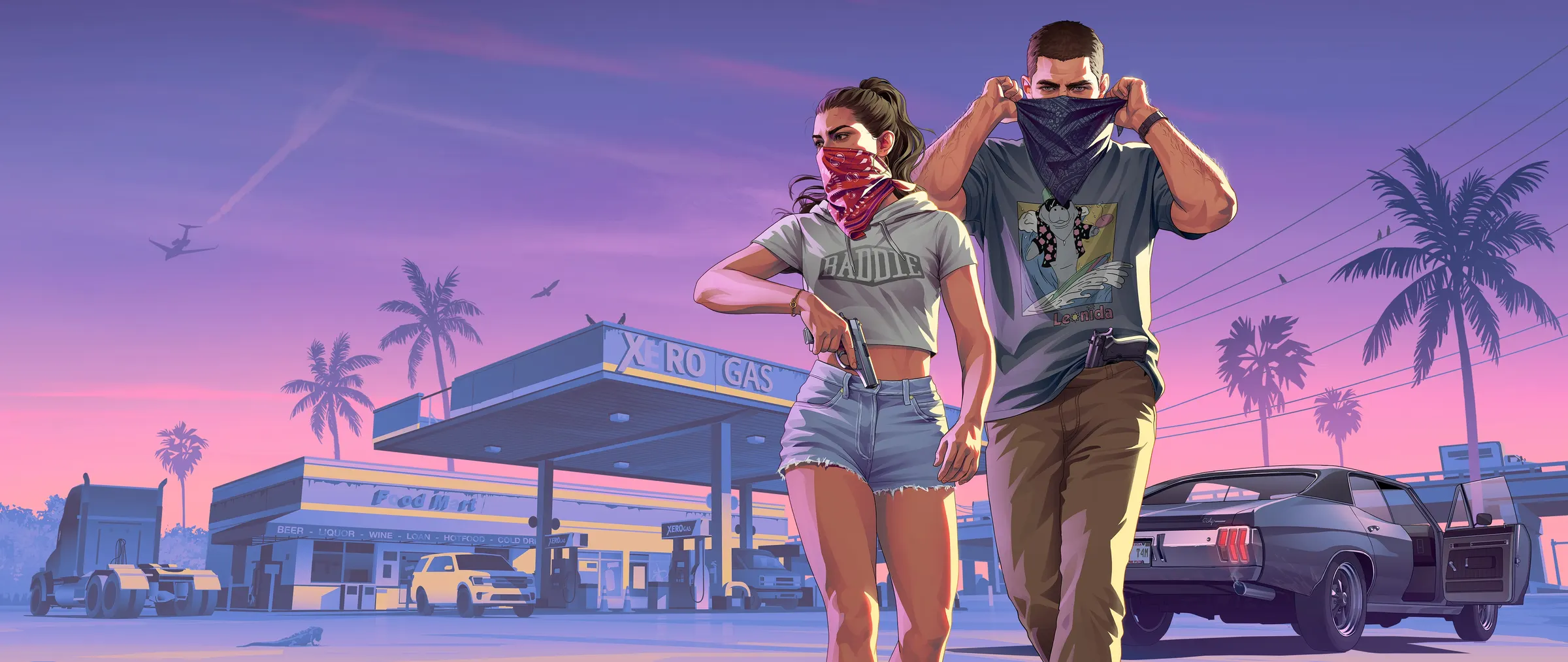
Cover art
Characters
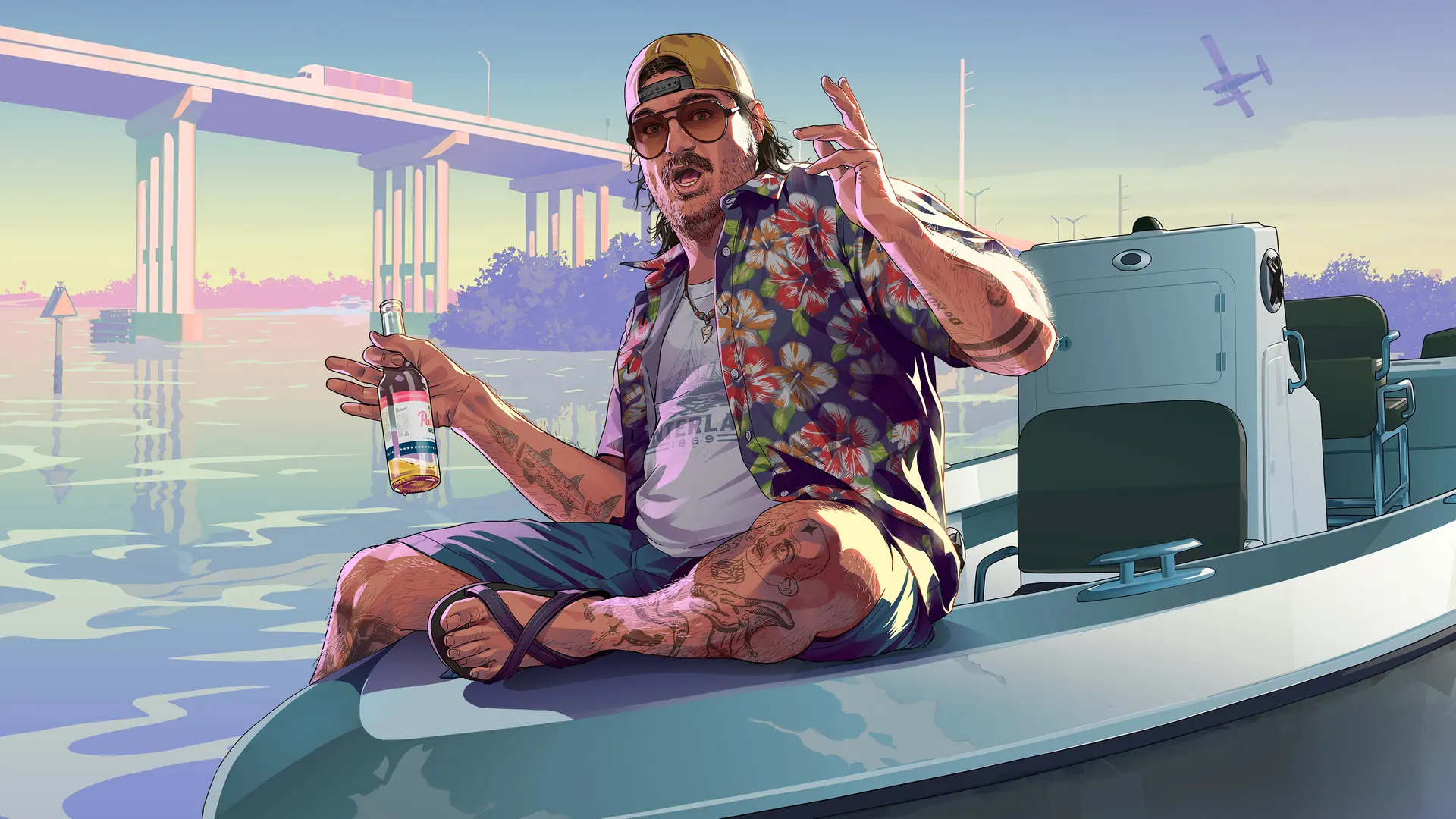
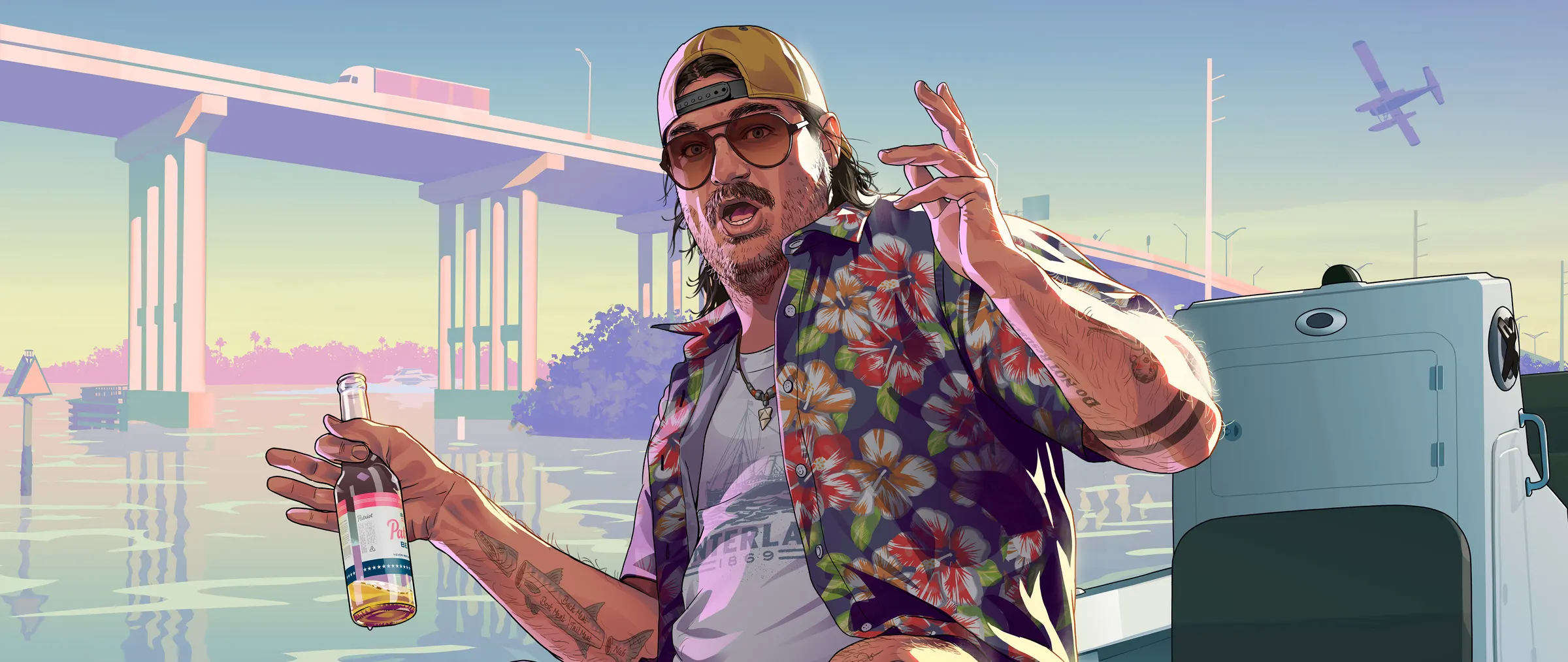
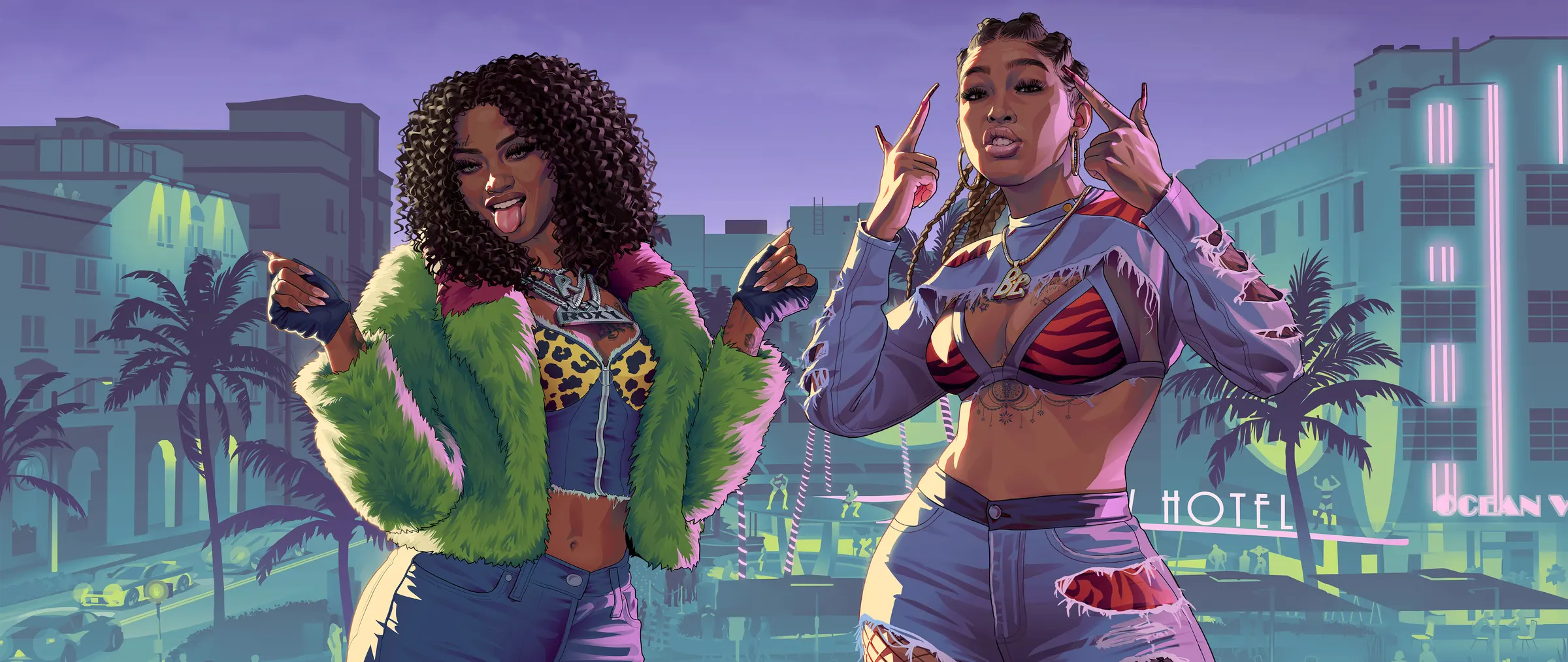
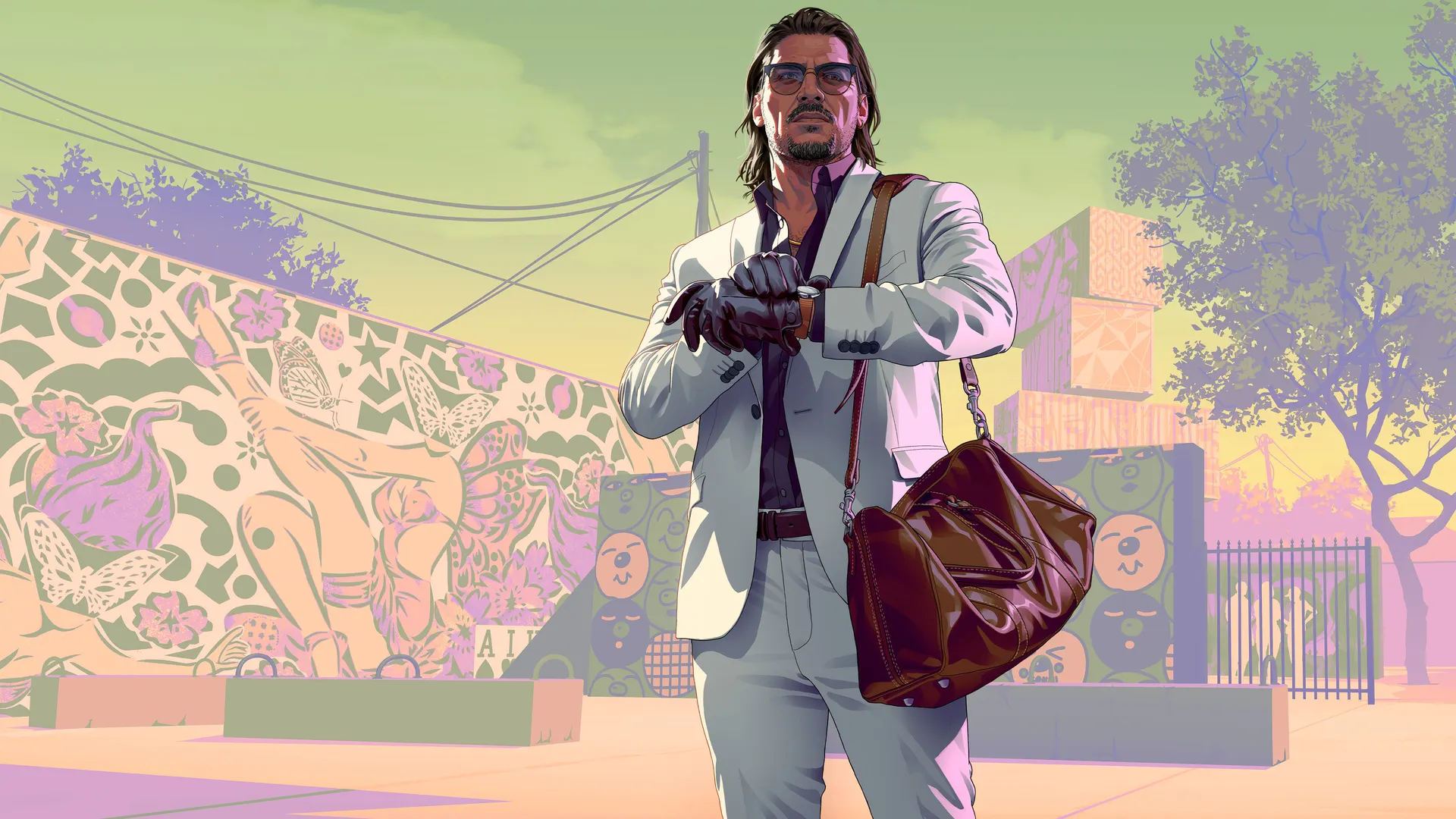
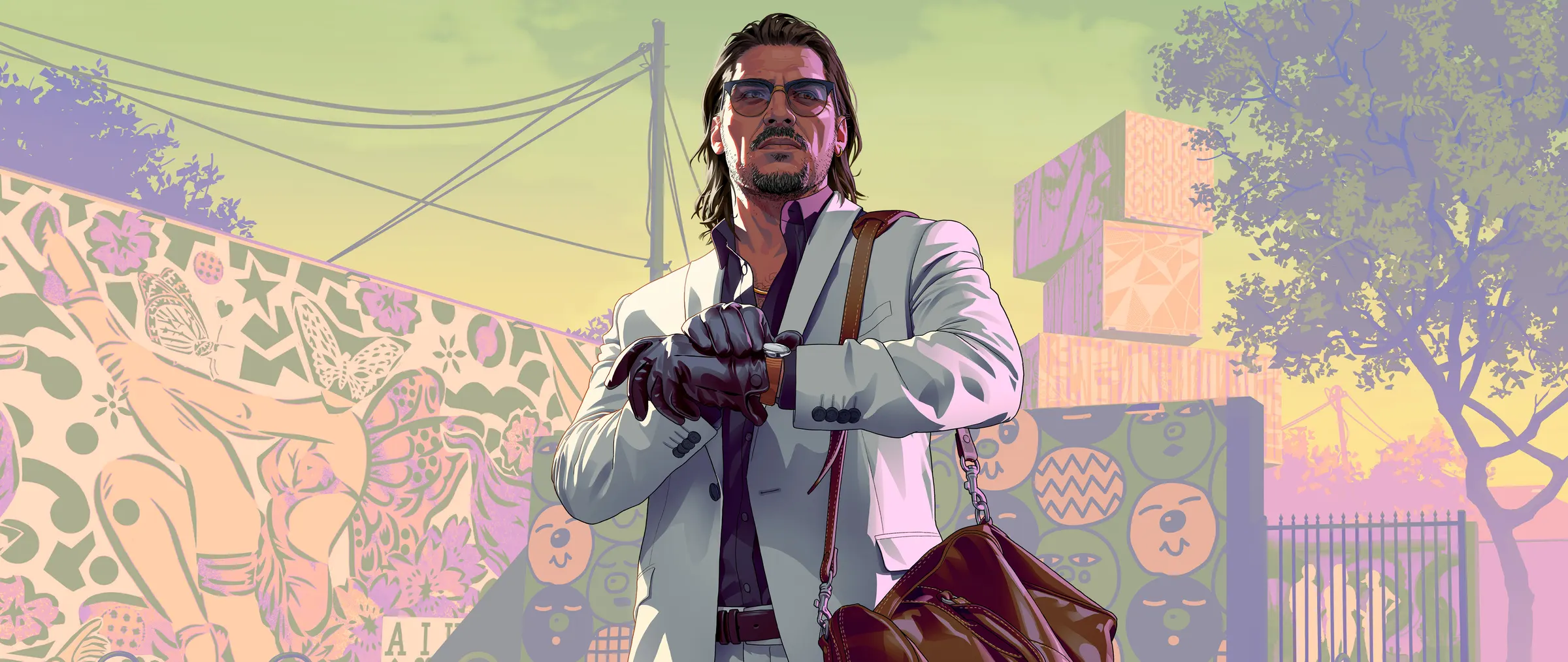
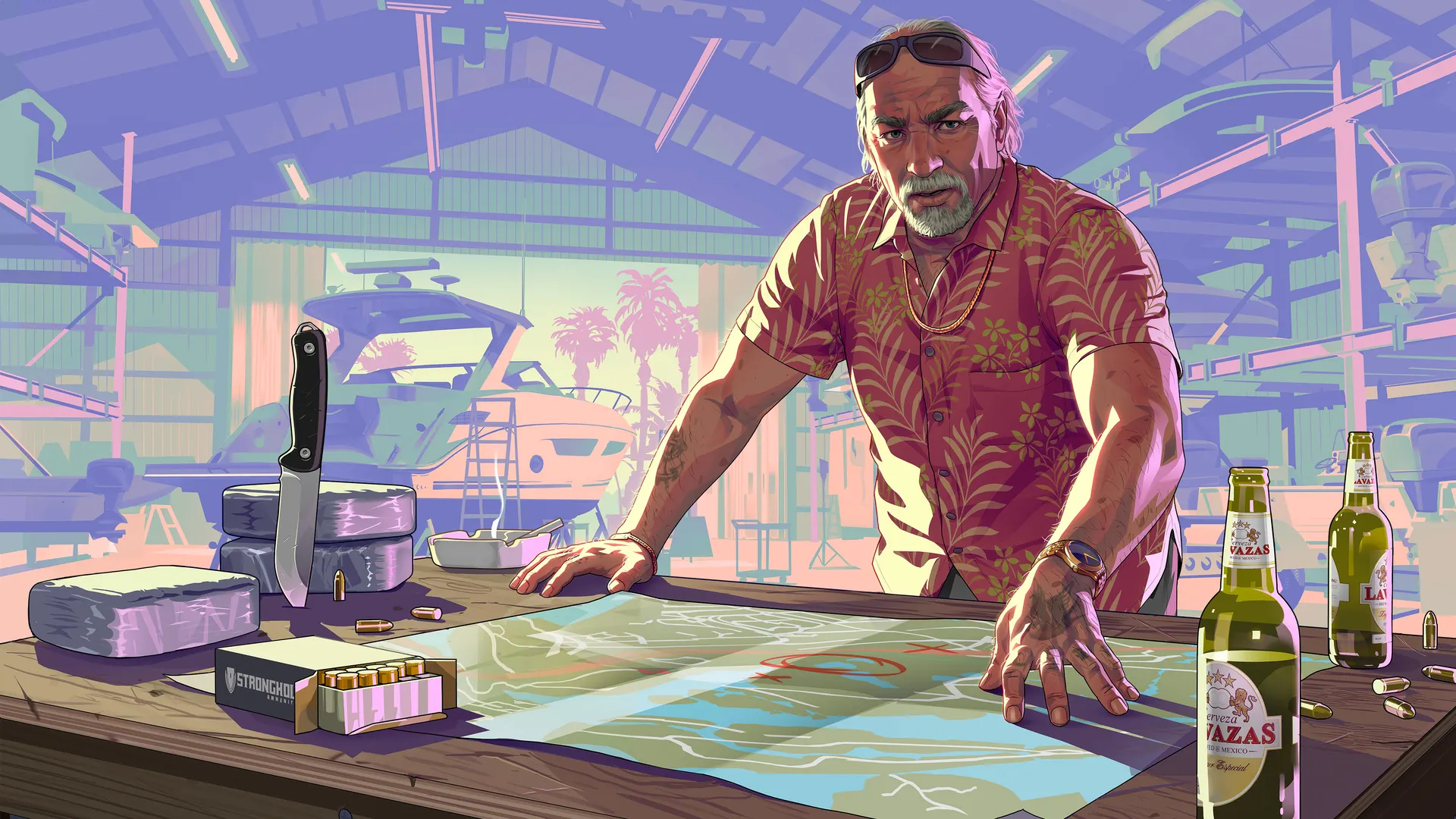
Postcards from Leonida
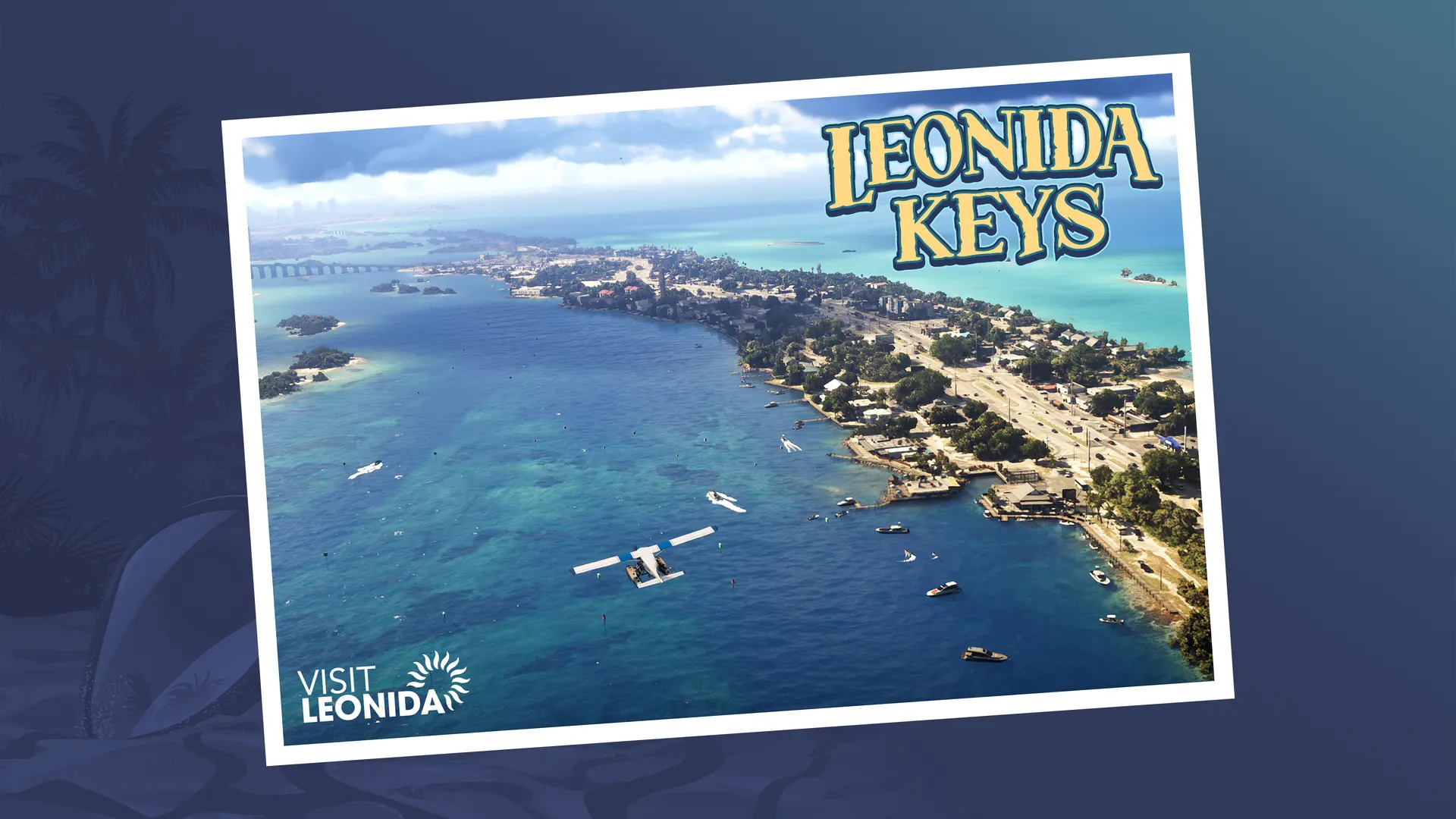
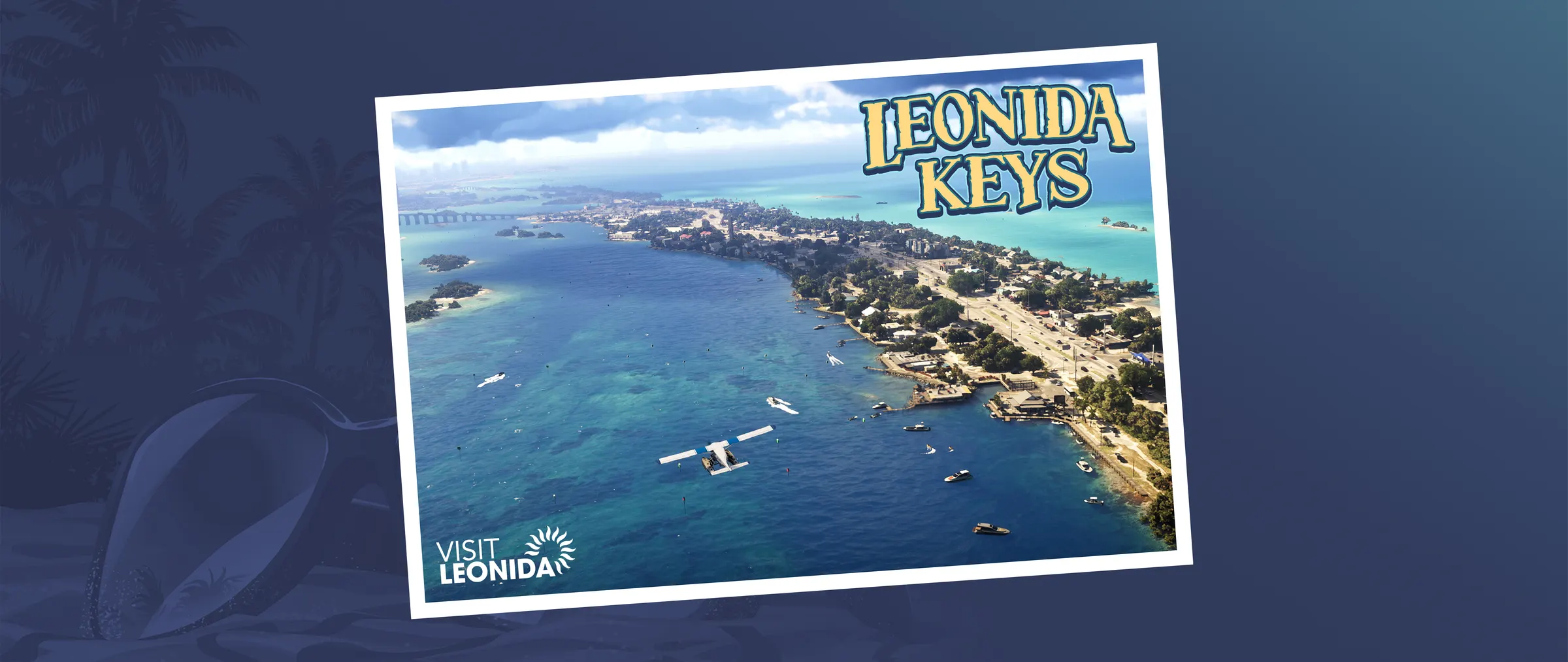
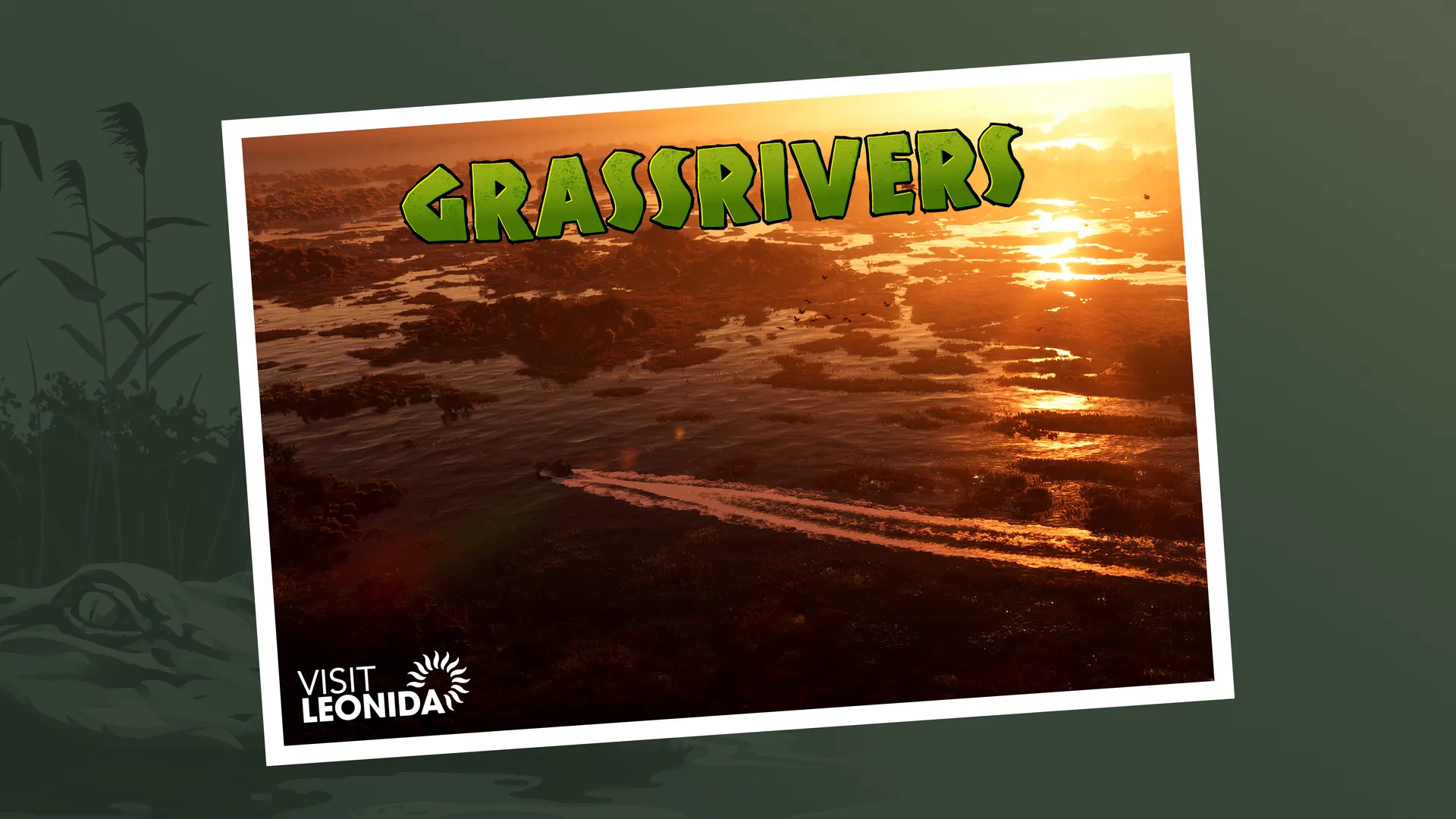
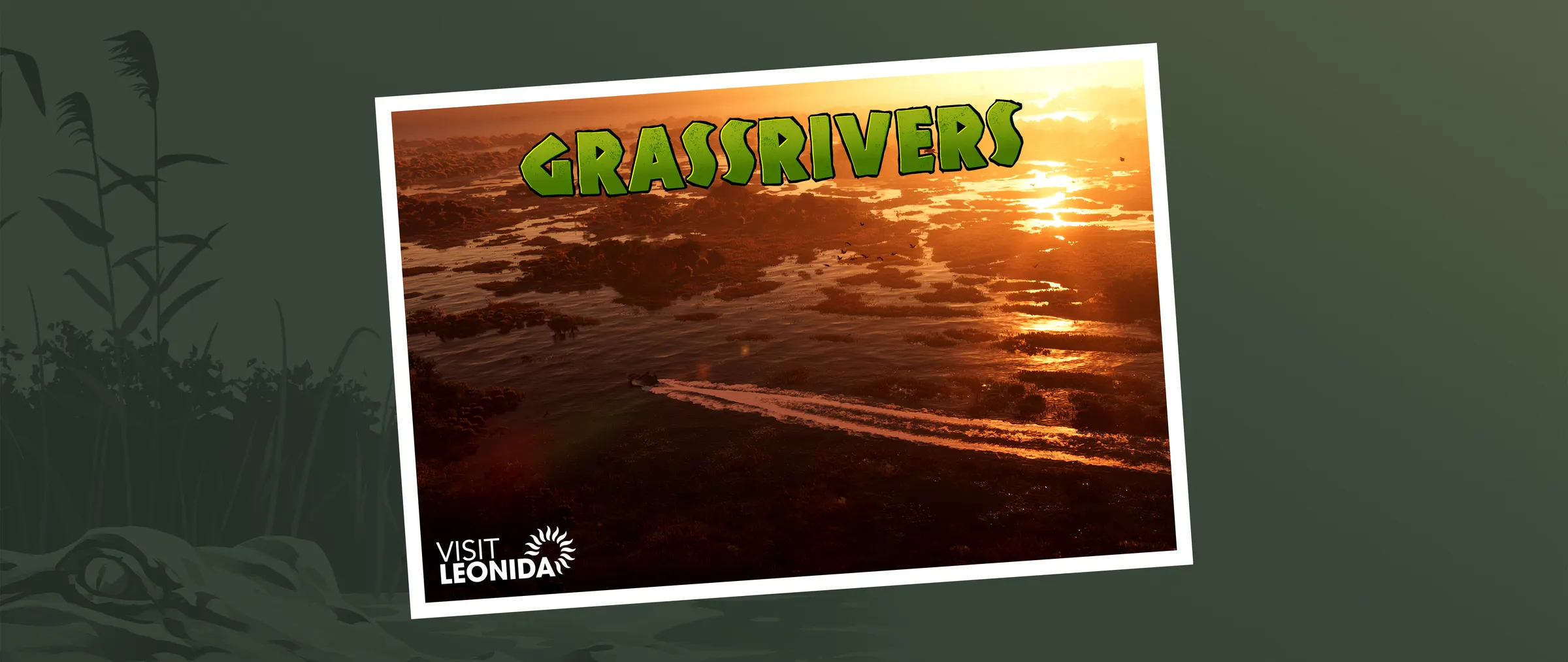
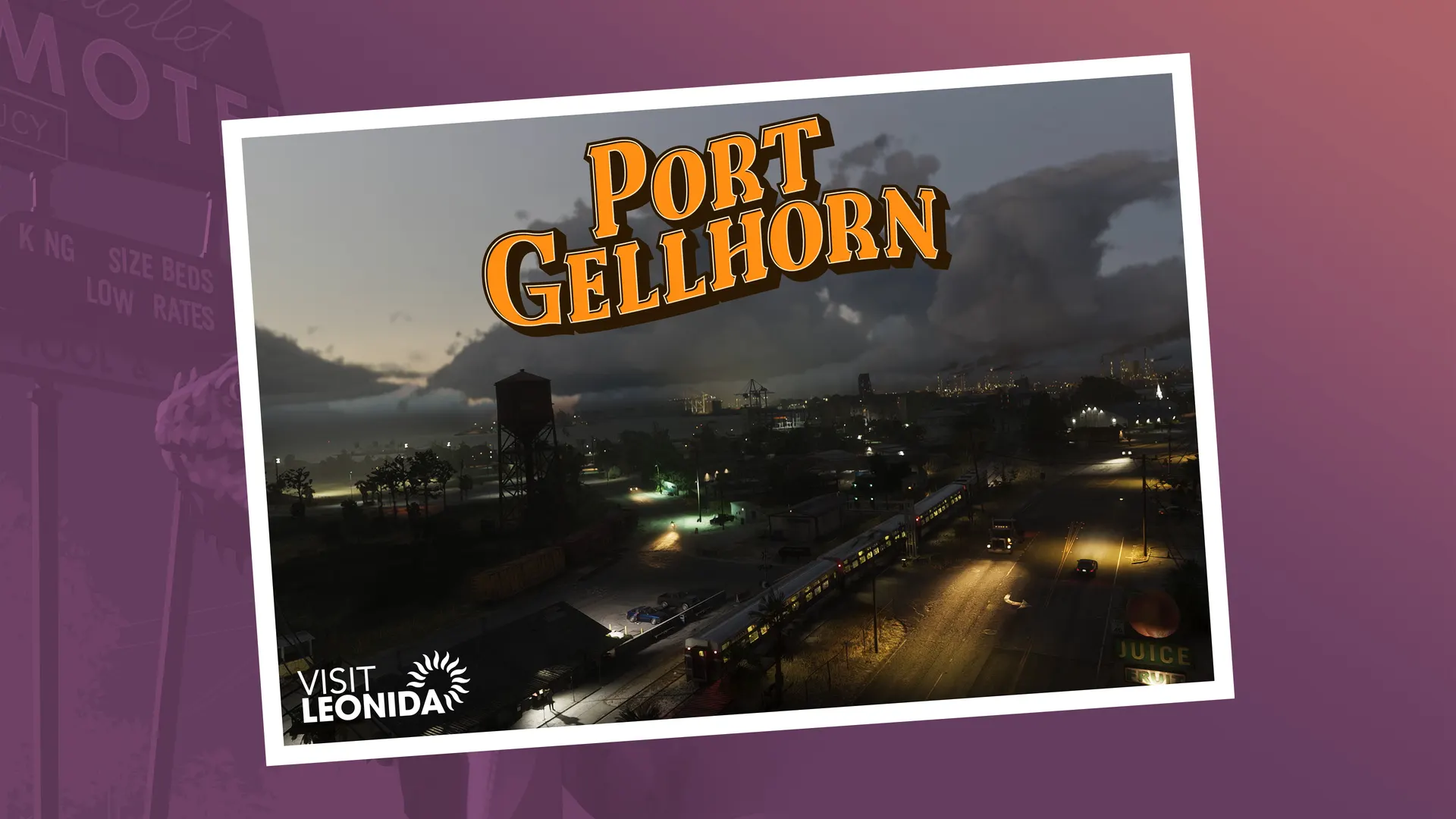
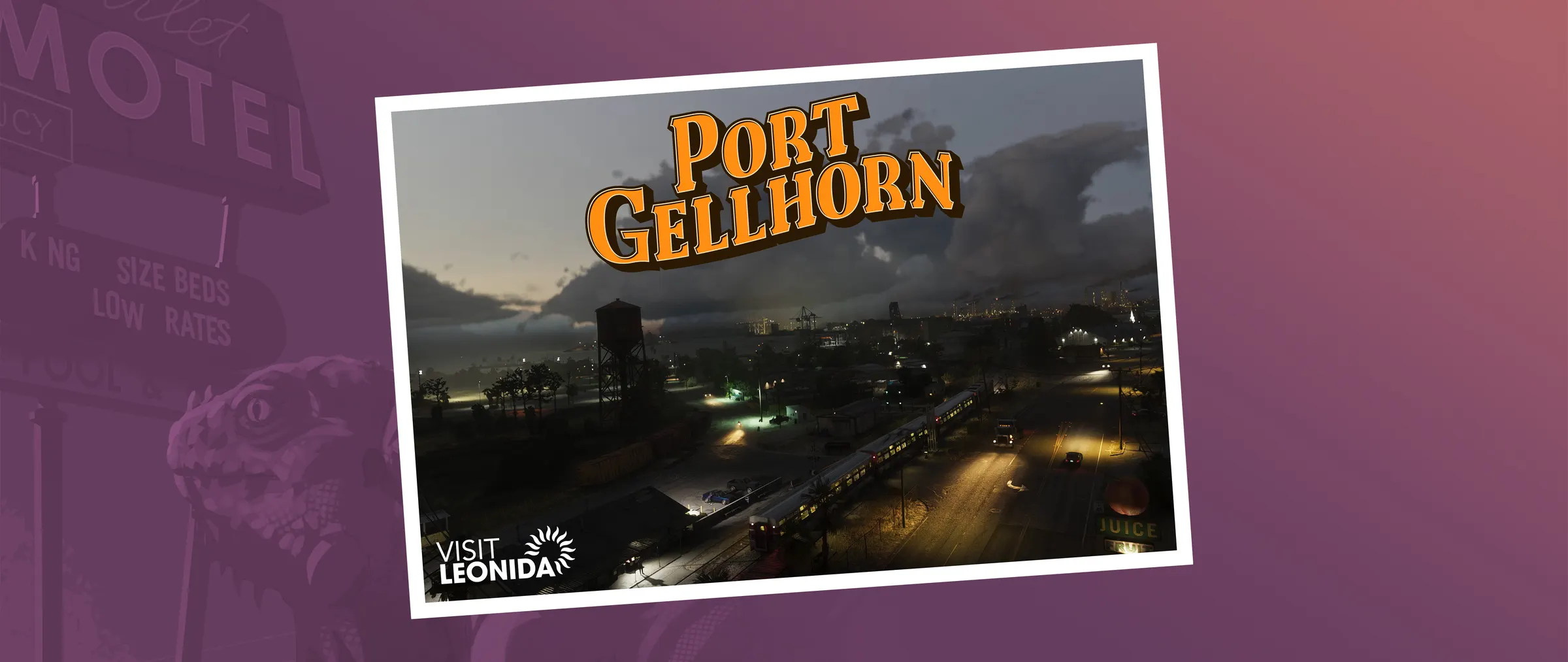

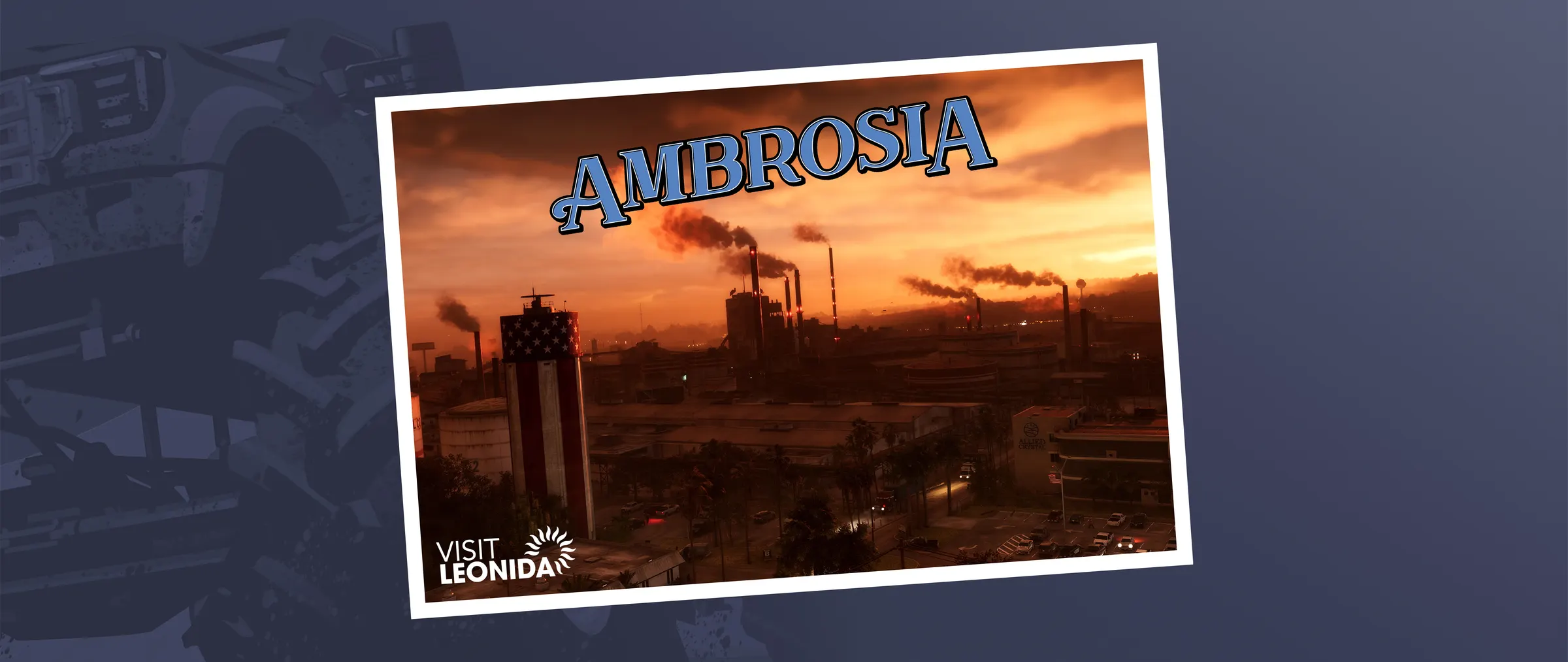
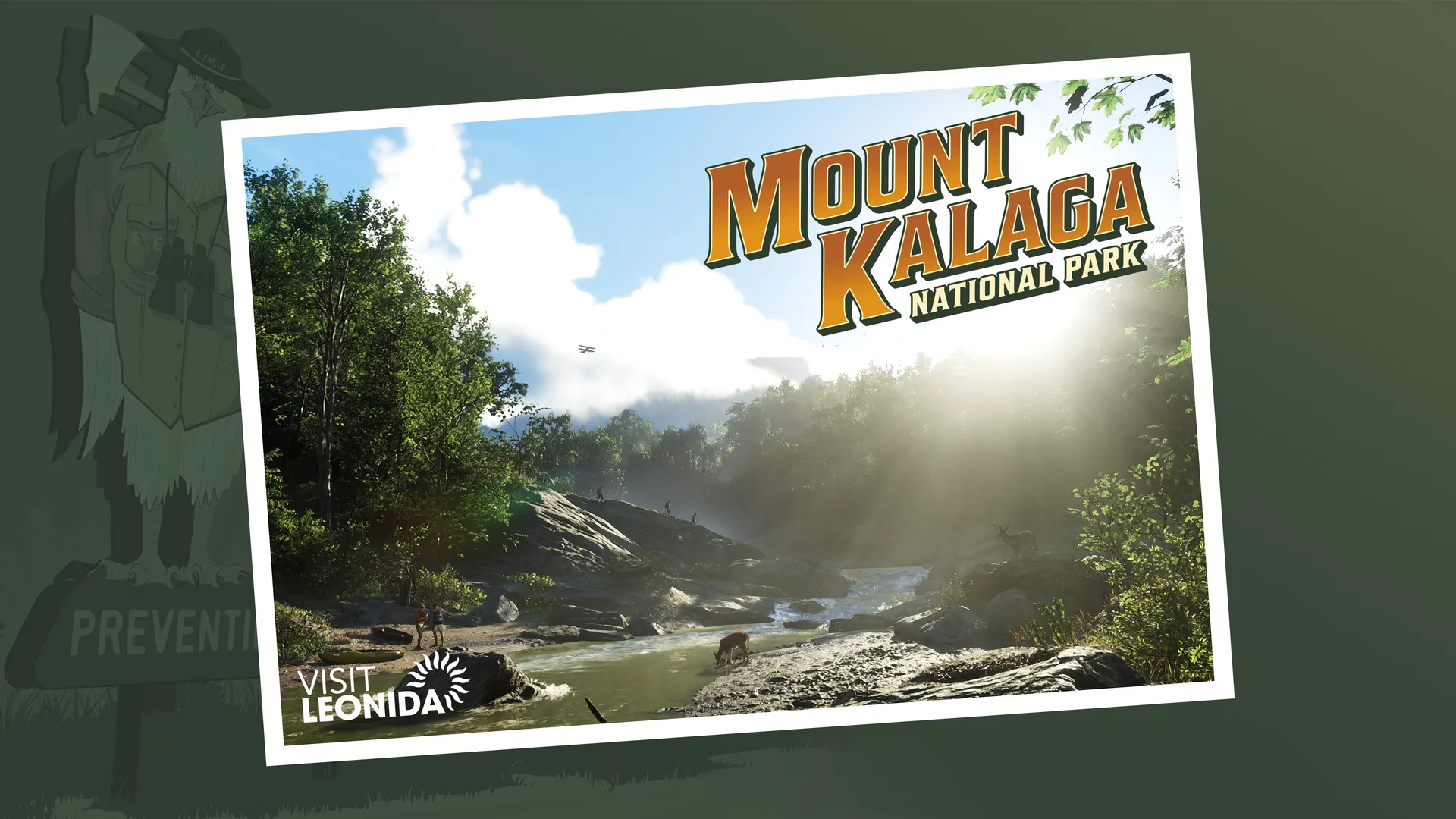
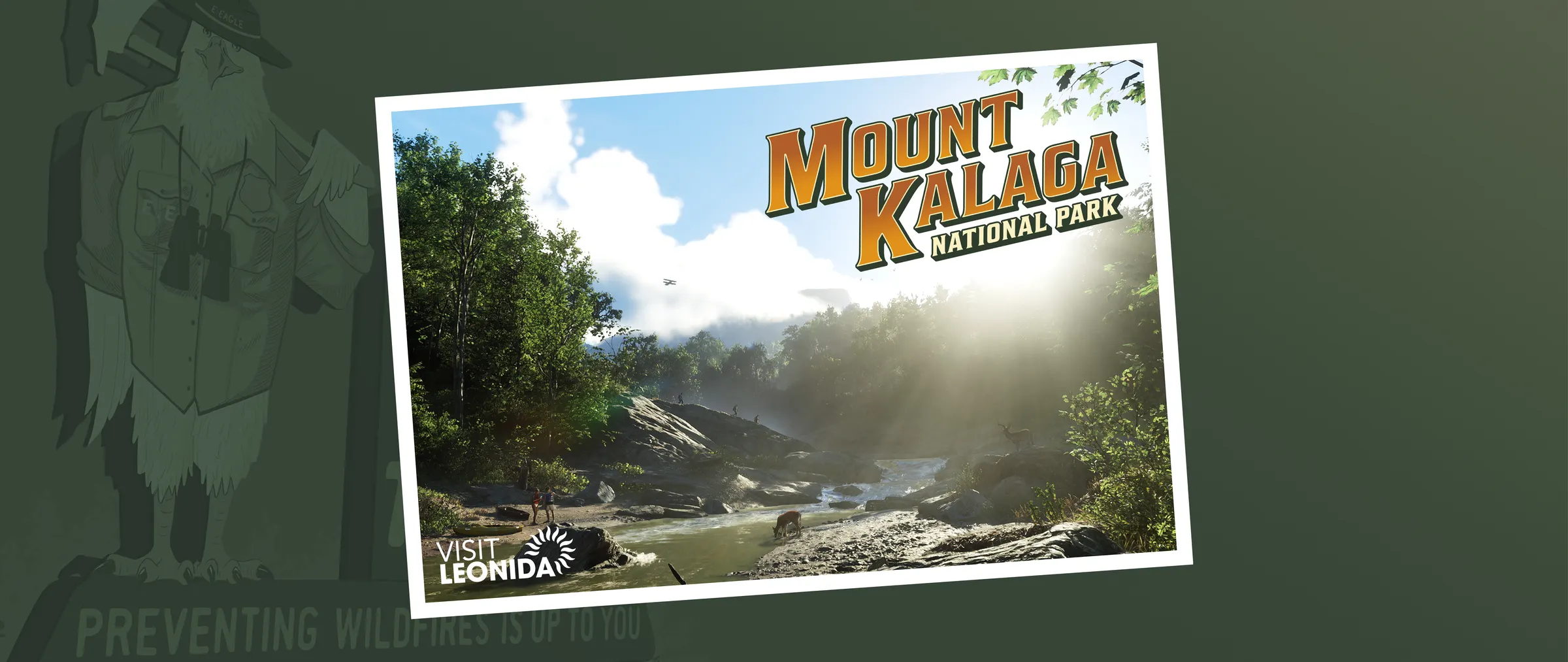
Every size at a glance
All 75 files in one table. Each link opens our full-size copy; right-click or long-press to save it.

How to set one as your wallpaper
- iPhone: open the phone-size link, save the image to Photos, then go to Settings, Wallpaper, Add New Wallpaper, Photos and pick it.
- Android: save the image, then long-press an empty spot on the home screen and choose Wallpaper (the menu name varies by phone maker).
- Windows: save the desktop or ultrawide file, then go to Settings, Personalization, Background and choose Browse photos.
- Mac: save the file, then go to System Settings, Wallpaper and add it as a photo.
Want in-game images instead of artwork? The official screenshots are 3840 × 2160 originals on Rockstar's site and look good on a 4K desktop. For everything else in the game world, start at the GTA 6 wiki.
Pre-order the boxed GTA VI
Amazon sells the boxed Standard Edition: a download code in the box, no disc. Amazon delivers from November 12, the day pre-load opens, and standard delivery can arrive later, so check the date at checkout. The game unlocks November 19.
 PS5GTA VI · PS5Standard Edition: a download code in the box, no disc, for US and Canadian PlayStation accounts. Amazon delivers from November 12, with release-day delivery for Prime members; it unlocks November 19.Pre-order on AmazonXbox Series X|SGTA VI · XboxStandard Edition: a download code in the box, no disc. Amazon delivers from November 12, with release-day delivery for Prime members; it unlocks November 19.Pre-order on AmazonPS5GTA VI DualSenseSony's official Grand Theft Auto VI Limited Edition controller in white, out November 19.Pre-order on Amazon
Amazon's Pre-order Price Guarantee: "the price we charge when we ship it to you will be the lowest price offered by Amazon.com between the time you placed your order and the end of the day of the release date." Amazon's help page adds that it "does not apply to lower prices offered through any program that requires a customer to join the program to receive the lower price." Amazon's release date for the GTA VI boxes is November 12.
Amazon's listing offers Prime members release-day delivery on November 12. New members can start a 30-day free trial (Amazon, checked September 28); a trial started before mid-October runs out before November 12, so start it later or keep the membership. Try Prime on AmazonPaid link: Amazon pays GTA6.how a fee if you sign up. As an Amazon Associate, GTA6.how earns from qualifying purchases.
Paid links. As an Amazon Associate, GTA6.how earns from qualifying purchases. Prices, delivery dates and availability are set by Amazon and can change. How we choose products.
Frequently asked questions
Where can I download official GTA 6 wallpapers?
From Rockstar. The GTA VI download page at rockstargames.com/VI/downloads has an Artwork and Wallpapers section with 23 pieces and a single zip of all of them. This page has the 19 designs in every size we host, so you can save one straight to your phone.
What size GTA 6 wallpaper fits an iPhone or Android phone?
Use a portrait version: 1080 × 1920 or 1100 × 1956, which is 9:16. Most current phones are taller than 9:16, so the lock screen trims a little from the sides. Every portrait cut keeps the subject near the middle, so the trim rarely matters.
Is there a 4K GTA 6 wallpaper?
Our desktop files are 1920 × 1080, sharp on a 1080p screen and fine at 1440p. For a 4K monitor, check Rockstar's own files on the download page, which come in up to seven sizes per piece, or use one of the 99 official screenshots, which are 3840 × 2160.
Are there ultrawide GTA 6 wallpapers?
Yes. 18 of the 19 designs come in a 2400 × 1013 cut, about 21:9, for ultrawide monitors. The Album Cover Art is the exception; Rockstar offers it in three sizes only.
Can I use GTA 6 artwork for my own projects?
The art belongs to Rockstar Games. Rockstar's media page tells fans to download and share its imagery, but nothing there grants commercial use. Selling prints, merch or anything else built on the art needs permission from Rockstar or Take-Two.