
Change the menu language
- Pause with Options on PS5 or the Menu button on Xbox. Choose Settings.
- Switch to the UI tab. Use L1/R1 on PS5 or LB/RB on Xbox to move between tabs.
- Under Scaling & Readability, highlight Language. Press left or right to choose your text language.
If you picked a language you cannot read, the US PS5 recording gives you a way back. Settings is the last item in the pause menu, UI is the fifth tab from the left, and Language is its first row.
Turn on subtitles and speaker names
Stay on the UI tab and scroll down to Subtitles & Captions. Open Subtitles to choose when dialogue appears. If you see text during a mission but lose it during a conversation outside the mission, check for Mission Only. Move through the choices to enable dialogue subtitles more broadly.
Speaker Names identifies the character talking. Background puts a backing behind the words, and Size changes the subtitle lettering. The sample line in the menu lets you see the result before resuming. Closed Captions has its own control in the same section. For other on-screen text, adjust UI Text Size under Scaling & Readability. The controls guide covers the other settings tabs.
Which languages does my copy support?
The two US platform listings identify English as the sole voice track. Both list text in English, French, German, Italian, Korean, Polish, Brazilian Portuguese, Russian, Simplified Chinese, Traditional Chinese and two Spanish varieties, Mexico and Spain.
| Game listing | Text options | Spoken audio |
|---|---|---|
| US PlayStation | The 12 languages above | English |
| US Xbox | All 12 above, plus Japanese for interface and subtitles | English |
| Japan PlayStation, Standard Edition | Japanese and English | English |
For Japanese text on PS5, check the Screen Languages field on your region’s PlayStation Store product page. On the Xbox Series X or S, open Supported languages on the store listing to see the separate checks for interface, subtitles and audio.
Gear up your PS5 for GTA VI
The boxed game is a download code for US and Canadian PlayStation accounts, so the Digital Edition plays it. An M.2 SSD with a heatsink adds storage.
 PS5GTA VI · PS5Standard Edition: a download code in the box, no disc, for US and Canadian PlayStation accounts.Buy on AmazonPS5GTA VI DualSenseSony's official Grand Theft Auto VI Limited Edition controller in white.Buy on AmazonPS5SanDisk 850P · 2 TBOfficially licensed PS5 M.2 SSD with a heatsink, per the listing.Buy on AmazonPS5PS5 Digital EditionThe PS5 without a disc drive. The boxed GTA VI is a download code, so it plays it.Buy on Amazon
Paid links. As an Amazon Associate, GTA6.how earns from qualifying purchases. Prices, delivery dates and availability are set by Amazon and can change. How we choose products.
Background: GTA 6 gameplay · GTA 6 on PS5 · GTA 6 on Xbox Series X|S
More GTA 6 news
GTA 6 Cheats Unlock After the Story
See when GTA 6 cheat codes work on PS5 and Xbox, which challenges count before the credits and how to return to a save that earns trophies.
GTA 6 Has 55 Trophies and 1,000 Xbox Gamerscore
GTA 6 has 55 single-player awards on PS5 and Xbox. See what counts toward the 100% trophy and how vehicle discoveries count before the credits.

GTA 6 at Tokyo Game Show: Sony's 300-Inch Theater
Sony showed GTA 6's Extended Look on a 300-inch screen with floor haptics at Tokyo Game Show 2026. No new footage; the free T-shirts resold for $219.99.
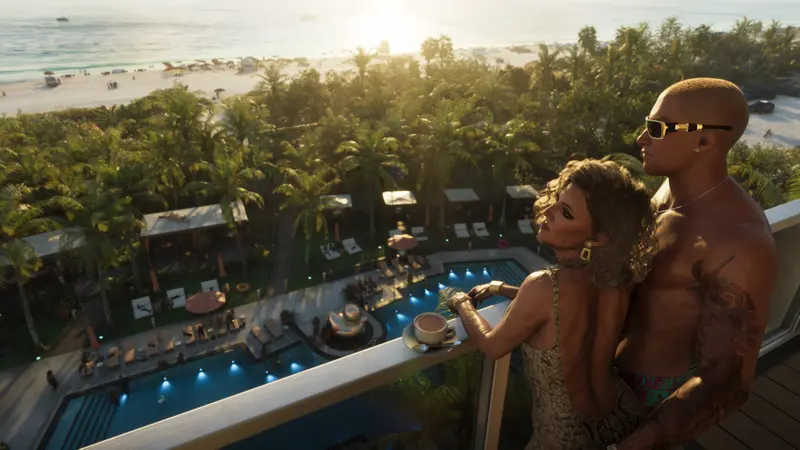
GTA 6 Is Now Available Worldwide
Rockstar's own announcement says GTA 6 is now available worldwide on PS5 and Xbox Series X|S, through the PlayStation Store and Microsoft Store.